In this guide 6 sections
This is called an insecure direct object reference. The page trusts the id in the address and never asks whether the signed-in person may see that record. Fix it on the server: check ownership on every request, not by hiding links. Then test each endpoint with two different accounts.
What is actually going wrong
Your portal shows invoice 10482 at an address ending in /invoices/10482. A customer changes the number to 10483, presses enter, and the next page opens with a stranger’s name, address and balance on it.
The server checked that the visitor was signed in. It never checked that the invoice was theirs. Login proves who someone is. Permission decides what they may open. The two checks are separate, and this flaw lives in the gap between them, where most test scripts never look.
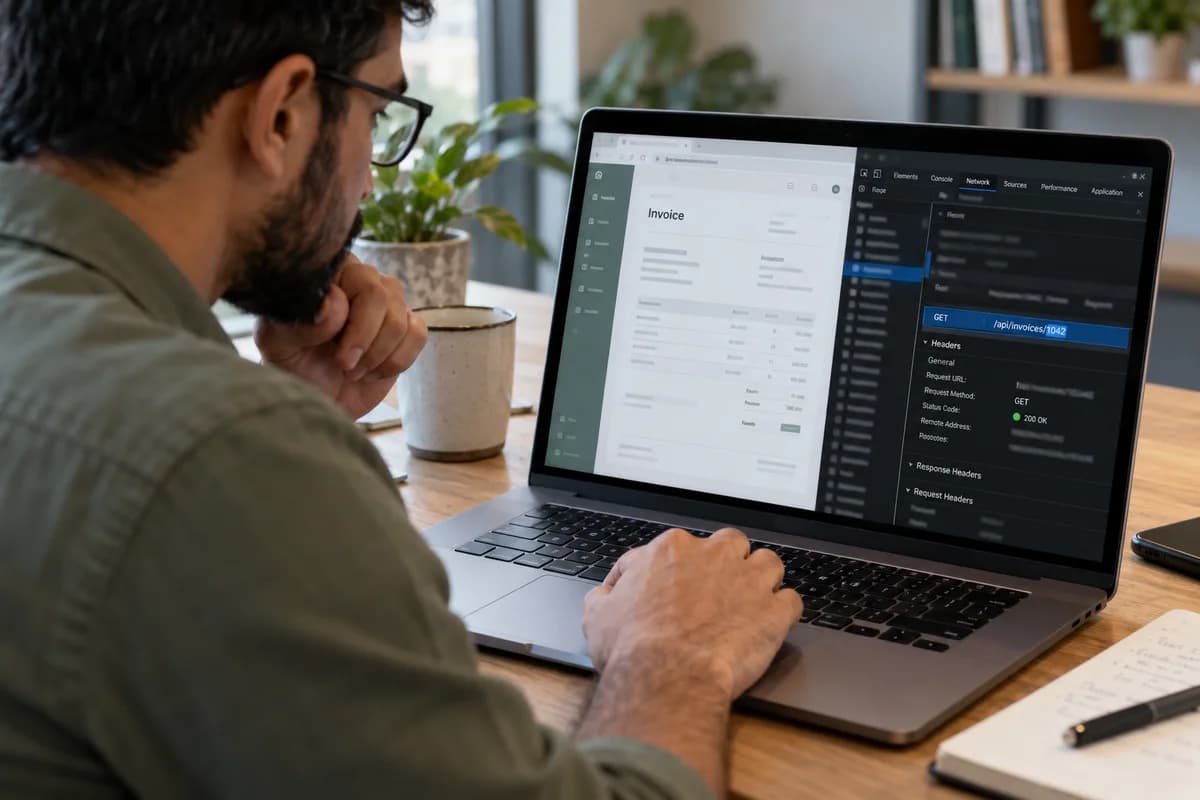
Hiding the link from the menu does nothing. Anyone can type an address. Anyone can edit a request in the browser’s developer tools, and a short script can try a few thousand guesses in an afternoon without getting bored.
Where the flaw hides besides the address bar
The id may sit in the address, in a hidden form field, in a JSON body sent by a mobile app or in the link to a PDF. An id from the client is a claim. The server must verify it every time.
Mobile apps and single-page front ends are common offenders, because the developer tests through the screens, and the screens only ever send the right ids. Exports and deletes get less care. So the gap survives.
- Order, invoice, quote and delivery note pages
- Profile and address forms that carry a user id field
- Receipt and attachment download links
- Cancel and delete actions that take only a record id
- Report exports filtered by a customer id in the request
- Mobile app calls to API paths that return JSON
How to check it endpoint by endpoint
Create two test accounts, A and B, give each a few records, then sign in as A and copy one request from the browser’s network tab, headers included.
Send A’s request with B’s session. If B gets A’s data, or can change it, the endpoint is broken, and you write that row in red. Repeat for view, edit, delete, download and export, keeping one row per endpoint in a sheet so the results stay honest.
Also try a signed-out request. Serving several companies? Swap in an id from another one. Build the endpoint list from the API documentation, or click through every screen with the network tab open and write down each call you see.
What the fix looks like
Every query that fetches a record must include its owner. Instead of find invoice 10483, the code asks for invoice 10483 where the customer equals the signed-in customer, taken from the session and never from the request. A stranger’s record returns not found. Never forbidden.
Put the rule in one shared place, such as a policy class or a database row-level rule, so that a new endpoint cannot forget it. Scattered if statements get missed. Usually in the last endpoint written.
Random identifiers such as UUIDs make guessing harder, but they are a bonus, not the fix. A leaked link still works for anyone holding it. An old email forward is enough.
Prove it stays fixed
Turn the two-account test into an automated test that runs on every release, so that one failing line stops the deployment before customers see anything. Without it, the gap returns.
Look in your logs for earlier abuse. The usual sign is a single session requesting hundreds of sequential ids within a few minutes. If you find it, personal data may have been exposed, and your local data-protection rules may require you to give notice, so ask a lawyer rather than guess.
Your first step today is small. List every id-taking endpoint. Mark downloads and exports first.
- Run the two-account test in the build pipeline
- Alert on one session reading many sequential ids
- Review every new endpoint for the ownership check
- Retest after any framework or permission-library upgrade
Endpoint access sheet
A grid on one wide page. Every endpoint takes a row. The columns record the method and path, the id it accepts and what it returns. Three tick columns follow: tested as the owner, tested as another customer, tested signed out. The last columns hold the result, the fix owner and the retest date. A header block names the two test accounts and says when the full run last happened.
Open a blank worksheet to printQuestions owners ask
Is this the same as being hacked?
Not in the film sense. Nobody breaks a password. A signed-in user simply asks for a record they should not see, and the server hands it over. The harm is still real, and a regulator may treat it as a data breach.
Does hiding the id with a random string fix it?
It lowers the chance of a lucky guess. It does not stop someone who obtains a link from a forwarded email or a browser history. The ownership check on the server is the actual fix.
Who should run this test?
Anyone careful can run the first pass with two accounts. A security tester goes further, covering role changes, file uploads and API paths a casual user would never reach.
How often should we repeat it?
Every release that adds or changes an endpoint. Automating the two-account check turns that into a routine step instead of an annual project.