In this guide 6 sections
Role-based sessions suit most rollouts better than one large group session. Each person practises only their own tasks, at a keyboard, with familiar data. A single hall session still has a place as a launch briefing. GullySystem combines both in its training work, adding recordings and champions for staff who cannot attend.
What a single group session does well and badly
One session for the whole team is easy to arrange. It can explain why the business is changing systems and what goes live when. Everyone hears the same message on the same day.
It is weak at teaching software. A projector walks through every module in turn. The storekeeper sits through invoicing, the accountant through goods receipt, and few people touch a keyboard.
How role-based sessions differ
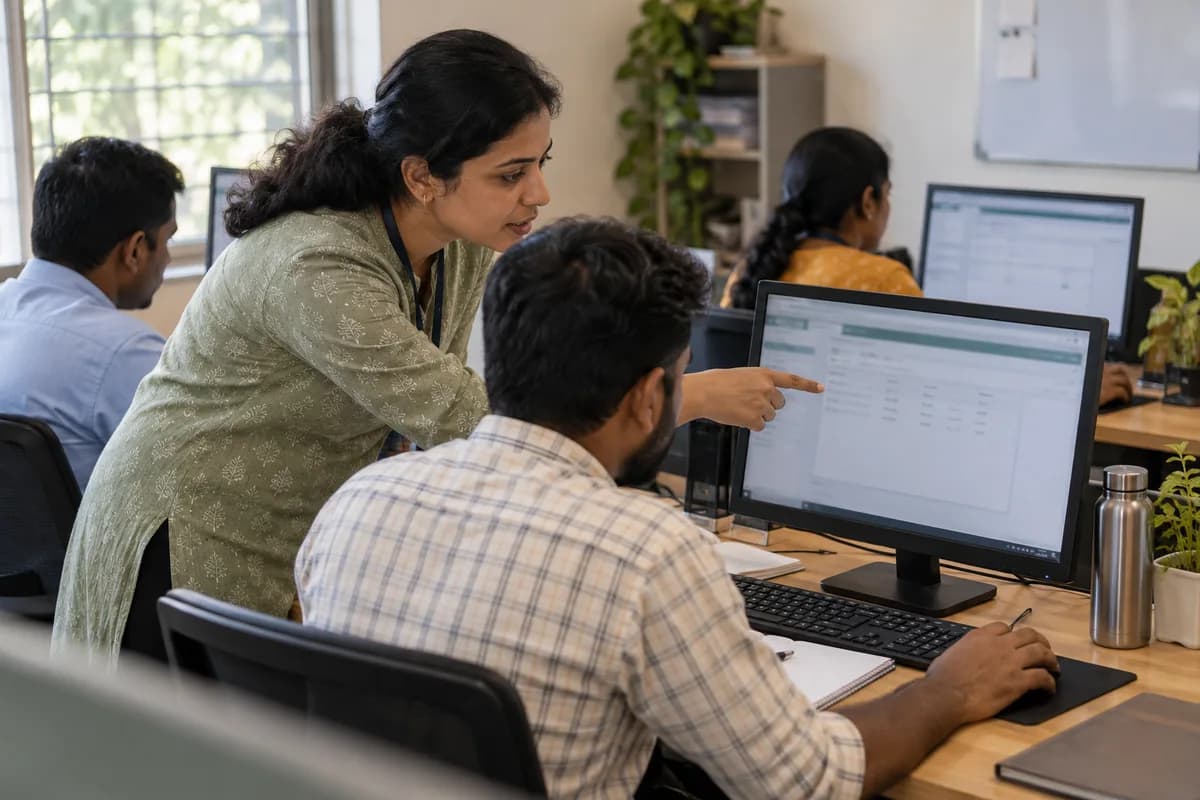
A role session covers only the screens one job uses. The billing clerk learns billing, returns and the day close. The storekeeper learns receipts and issues. Nobody sits through modules they will never open.
Groups stay small and everyone types from the first minute. Practice data uses the business’s own customers and items. People leave having done the task.
- One role per session
- Own screens, own tasks, own data
- Small group, everyone at a keyboard
- Taught in the language of the floor
- A job aid handed out at the end
Where recordings and champions fit
Field staff and branch teams are hard to gather in one room. Short recordings, one per task, can be opened on a phone between visits. Teach how the app behaves offline before anything else.
Champions carry the rest. Two or three trained people per location answer routine questions. Support then stops depending on one coordinator or on a vendor.
The formats compared side by side
Each format answers a different need. A briefing sets direction, a role session builds skill, a recording supports recall, and a champion handles daily questions.
Most rollouts use more than one. The mix depends on how many roles, branches and languages are involved.
- Group briefing: purpose, dates and who to ask
- Role session: hands-on practice of daily tasks
- Recordings: refreshers and staff on the road
- Champions: the first answer for colleagues
- Floor support: help at the desk in the first days
How to choose the mix for your rollout
Start from the role list. For each role, ask whether its people can be gathered, what language they work in and how complex their tasks are.
Roles with heavy daily entry need hands-on sessions. Roles that only read reports need a short manager session on running reviews inside the system. Staff rarely in one place need recordings and a champion nearby.
Write the choice down per role. Then schedule it.
Training format planner
A table with one row per role and columns for headcount, location, language, task complexity and chosen format. Mark where a role needs more than one format. The finished table becomes the training schedule.
Open a blank worksheet to printQuestions owners ask
Is online training over a video call good enough?
For a briefing or a manager session, often yes. For daily entry work it is weaker, because the trainer cannot see each screen. Screen-share works better with very small groups.
Does one combined session save time before go-live?
Not usually. Time saved in scheduling returns later as questions, workarounds and retraining. Short role sessions also keep each person away from the desk for less time.
Should managers attend the same sessions as their staff?
They can, but they also need their own. A manager session covers the reports to run, what complete data looks like and how to hold the weekly review inside the system.
Do recordings replace hands-on sessions?
No. Recordings help recall and reach staff who cannot attend. They give no practice, so they work best after a hands-on session or alongside a champion.