In this guide 6 sections
Start small. Choose ten retailers, one range and one order journey, and let them order in a simple app while your sales desk still checks prices and credit behind the screen. Count who reorders without a phone call. That number settles the portal question.
Why the phone and chat habit needs a test, not a portal
Phone ordering has reasons behind it. A call gets a price confirmed, a substitution agreed and a credit nod in one breath, so a portal has to beat that and not merely copy it.
Building the portal first means guessing at catalogue depth, promotional pricing, credit holds and returns, while a small test swaps each guess for a reorder you can count. Each wrong guess costs weeks.
The question is narrow: will a retailer open an app and reorder a known SKU without calling the sales rep, or will the phone win again? Everything else can wait.
Choose ten retailers and one range
Pick retailers who order often and keep a smartphone at the counter, including two large buyers, a few mid-sized shops and one or two who dislike change. Their reasons are useful data.
Choose one range, such as brake pads, one brand of paint or a single biscuit family, and keep it to a few dozen items. Stock for those items must be dependable, or retailers will blame the app for goods that were never on the shelf at the warehouse.
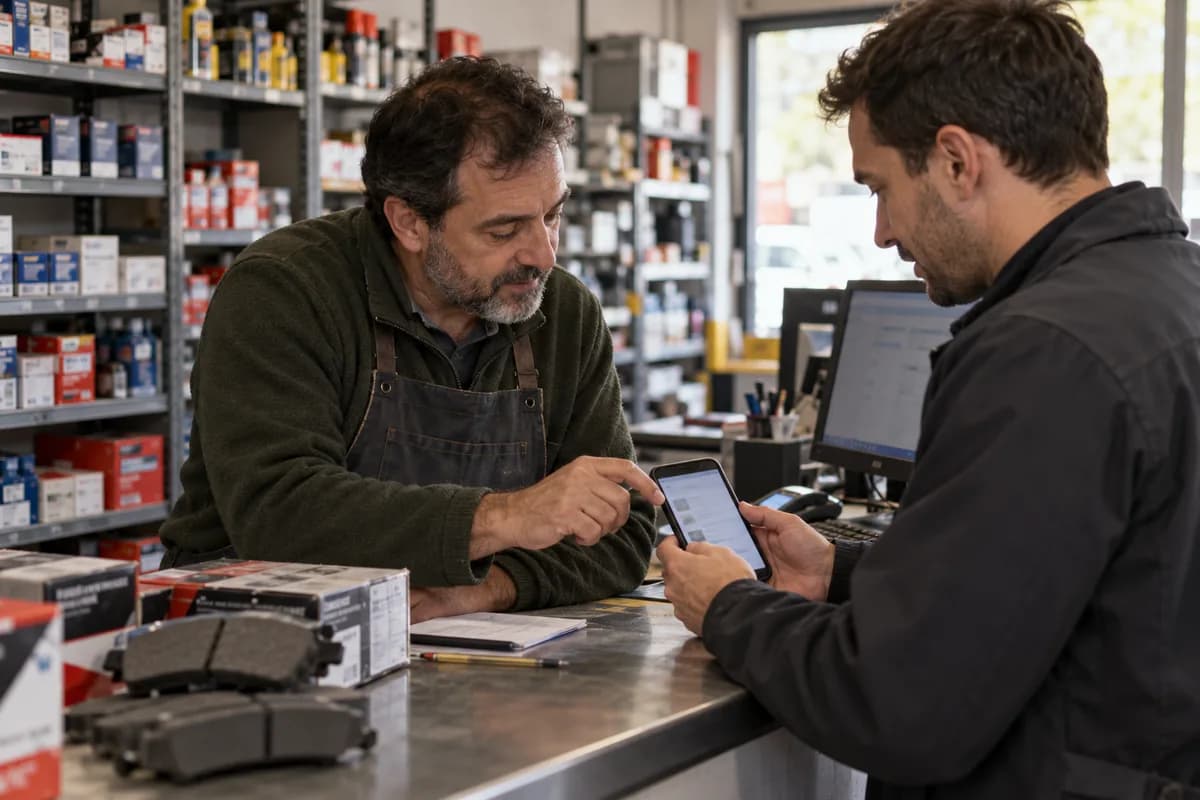
Tell each retailer in person. The rep installs the shortcut on the home screen and keys in the first order beside the shopkeeper, which persuades far more than a broadcast chat message. Keep the first visit to ten minutes.
- Ten retailers with a regular ordering pattern
- One range of a few dozen items with dependable stock
- A rep named for each retailer
- A start date and a review date
Design the one order journey
Keep it to five steps. Sign in, find an item, enter a quantity, review and send, with a reorder shortcut that lists the last order, because repeat buying is exactly what you are testing. Make the reorder one tap.
The app only collects requests. Pricing, promotions and credit checks stay with the sales desk, where a clerk checks the balance, confirms the order in the app and keys it into the billing software.
Clumsy is the point. Watching a clerk reconcile ledger balances, volume discounts and payment dates by hand shows which rules matter before a developer writes a single one of them.
Track the right events
Log every step: sign-in, search, item added, order sent, order confirmed, and any second order inside the review window, because without events you only have the reps’ opinions. Opinions mislead.
Read the log weekly. Note retailers who signed in but never ordered, those who ordered once and drifted back to the phone, and those who reordered unaided, then ask each rep why.
Also log what the desk fixed by hand, such as wrong prices, credit holds and out-of-stock items, because that list becomes the first requirements for a real portal. Each fix is a future rule.
- Sign-in and search events per retailer
- Orders sent and orders confirmed
- Second order within the window, placed without a call
- Manual fixes made by the sales desk and why
Decide what to build next
Count unaided reorders against your target. If most of the ten kept using the app, quote the portal, and let the desk’s manual fixes shape its approval rules, price lists and credit checks.
If few did, read the reasons, because missing items, slow confirmation and unclear stock can be fixed, while retailers who simply prefer the call may suit a rep-side tool. A rep-side tool is a far smaller build than a full portal, which needs its own login screens, password resets, approval flows and a support desk.
Put the decision on one page. Share it with the owners, pick the three manual fixes that hurt most and hand them to the build team as the first rules, with their order numbers.
Retailer ordering pilot tracker
One row per retailer. Columns hold rep, start date, sign-in count, orders sent, orders confirmed, unaided reorder and the reason for any return to the phone. A second block logs manual fixes. Each carries a date, order number and cause.
Open a blank worksheet to printQuestions owners ask
Do retailers need to pay online in the test?
No. Keep the existing credit or cash terms. Online payment adds a second question to a test with one job, so leave it out and write down in advance how many unaided reorders count as a pass.
Can the app be a simple web page?
Yes. A mobile web page opened from a chat link is enough for ten retailers and skips store approvals, so move to an installed app only after the test succeeds.
What if a rep feels the app threatens the job?
Involve the rep from day one. The rep owns the relationship, sets up the first order and handles every exception, while the app takes repeat keying off the rep’s plate. That is a gain, not a threat.
How long should the test run?
Long enough to cover at least two normal reorder cycles for your retailers, so a parts counter may need weeks and a hardware shop months. Match the window to that rhythm.