In this guide 6 sections
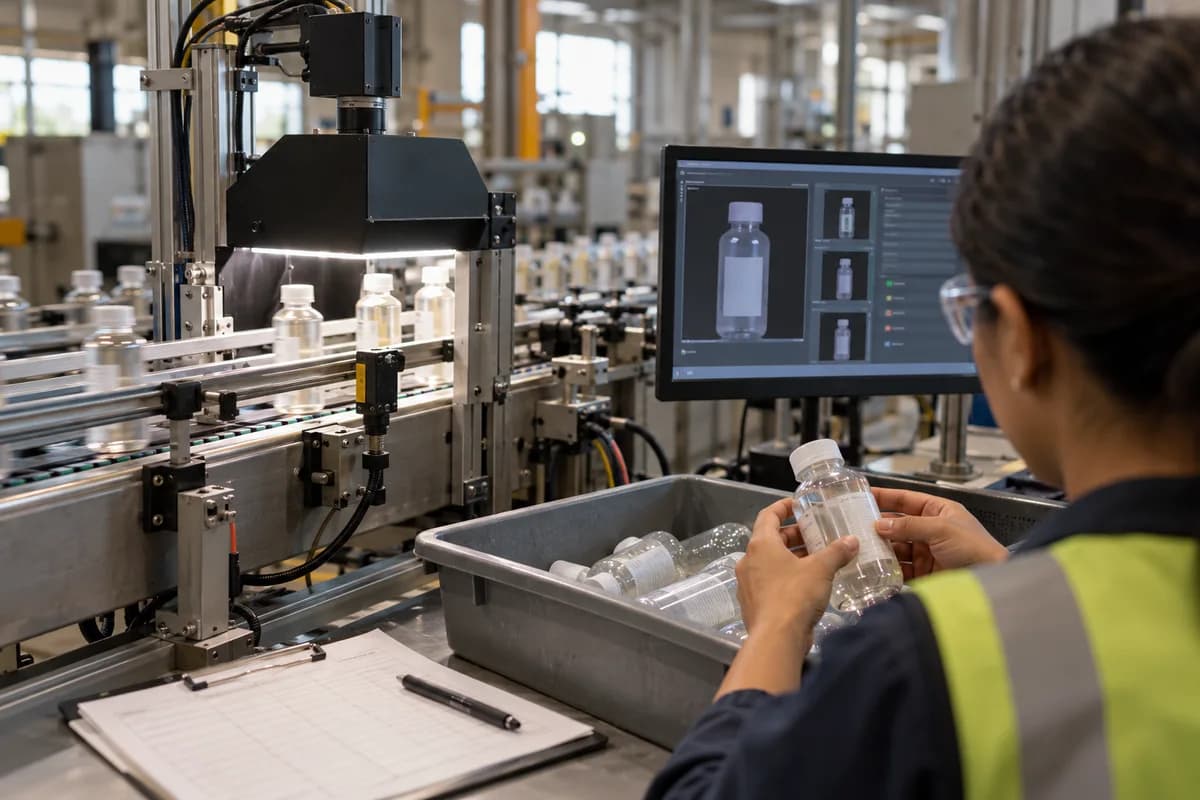
A camera photographs each item at a fixed spot under steady light. Software compares the image with labelled good and bad samples, then sends a reject signal to the line. Staff review the rejected items, and their verdicts feed back to correct false rejects.
Where the camera goes and why the light matters
The camera must see every item in exactly the same position, so mount it above the conveyor, after the last station that can cause the defect. A label check belongs after the labeller. Never before it.
Lighting does more work than the camera. A scratch on glossy polypropylene vanishes under overhead light but shows clearly under a low angle strip, so test each surface before fixing any bracket. Enclose the spot with a matte black hood. Daylight and passing forklifts would otherwise change every image.
A photoelectric sensor fires the exposure as the item passes, because without that trigger frames catch half an item and the software judges noise instead of defects.
- Fixed mounting that vibration cannot shift
- Diffused or angled lighting chosen for the surface
- A hood that blocks daylight
- A trigger sensor tied to item position
Labelled samples teach the software what bad looks like
The software learns from examples, so someone must collect them. Run the line for a few shifts, save every image, and let the quality head sort them into folders such as good, scratch, missing label and short fill.
Rare defects are the hard part. If a short fill appears twice a month, you have almost no pictures to learn from, so make samples on purpose with a scrap bottle or a peeled label.
Write the labelling rules down. Two inspectors who disagree on what counts as a scratch will teach the software to disagree too. Fix a minimum scratch length and photograph the borderline cases beside the rule.
From image to reject signal
For each photo the software returns a verdict and a confidence score, and a threshold decides what happens to the item next. Above it, the item passes. Below it, the program raises a signal to the controller.
The controller is usually a PLC. It fires an air blast, a pusher arm or a diverter gate, timed to the travel distance from the camera to the reject point and the belt speed. Wrong timing rejects the wrong bottle.
Log every decision with its image, timestamp, batch number and verdict, so a customer complaint traces back to the exact photo.
- Verdict, score and defect type per item
- Threshold set separately for each defect
- Signal timed to conveyor speed
- Image stored against batch and shift
How false rejects are reviewed
No system is perfect. It will reject good items and, worse, pass bad ones. Plan a review step from day one.
Send rejects to a bin near the line. An operator checks a tray each hour against the saved images and marks each as a true defect or a false reject. Those verdicts become new labelled samples for the next training round.
Tighten thresholds slowly. Loosening them to stop false rejects can let real scratches reach the packing table and the customer, which costs more than a bin of good bottles. Change one defect type at a time and watch a full shift before touching another.
- Reject bin with a reviewer at a set interval
- True or false verdict recorded per image
- Weekly retraining on the new samples
- Pass-through audits of random accepted items
What to settle before buying a camera
Start with the one defect that costs you most in returns or rework. A single, well defined check such as a missing label is far easier to get right than a general inspector asked to judge every surface. Do not catch everything at once.
This week, photograph fifty items of each type under your current lighting, and if the defect is hard to see in those pictures, a camera will struggle too.
Vision line trial sheet
A one page sheet for a trial run. A top block records camera position, lens, lighting type and trigger sensor. A table has one row per defect type with sample count, written definition, threshold and reject action. A last block logs hourly reviews of rejects, marking true defects against false rejects.
Open a blank worksheet to printQuestions owners ask
Can a camera replace a human inspector?
For one repeated, well defined check it often can. Judgement calls, new defect types and review of false rejects still need a trained person standing near the line with authority to stop it.
How many sample images does the software need?
It depends on how varied the defect looks. Common faults need far fewer pictures than rare ones, which is why deliberately made samples help.
Will it work if our products change often?
Each product needs its own samples and thresholds. Frequent changeovers mean more setup, so store a settings profile per product and load it with the job.
What happens when the camera fails?
Design the line to stop or switch to manual inspection, never to pass items silently. A health check that alerts if images go dark is worth adding.