In this guide 6 sections
Start at the billing counter. Once every sale leaves as a barcoded GST bill, stock falls on its own and low-stock alerts replace the owner’s memory. Customer khata, WhatsApp orders and a rider app for home delivery come later, once the counter has run smoothly for a full month without the paper bill book.
Billing at the counter
The evening rush decides the day. Handwritten bills and mental arithmetic slow the queue, and a single wrong total can start an argument with a customer who has shopped here for eleven years.
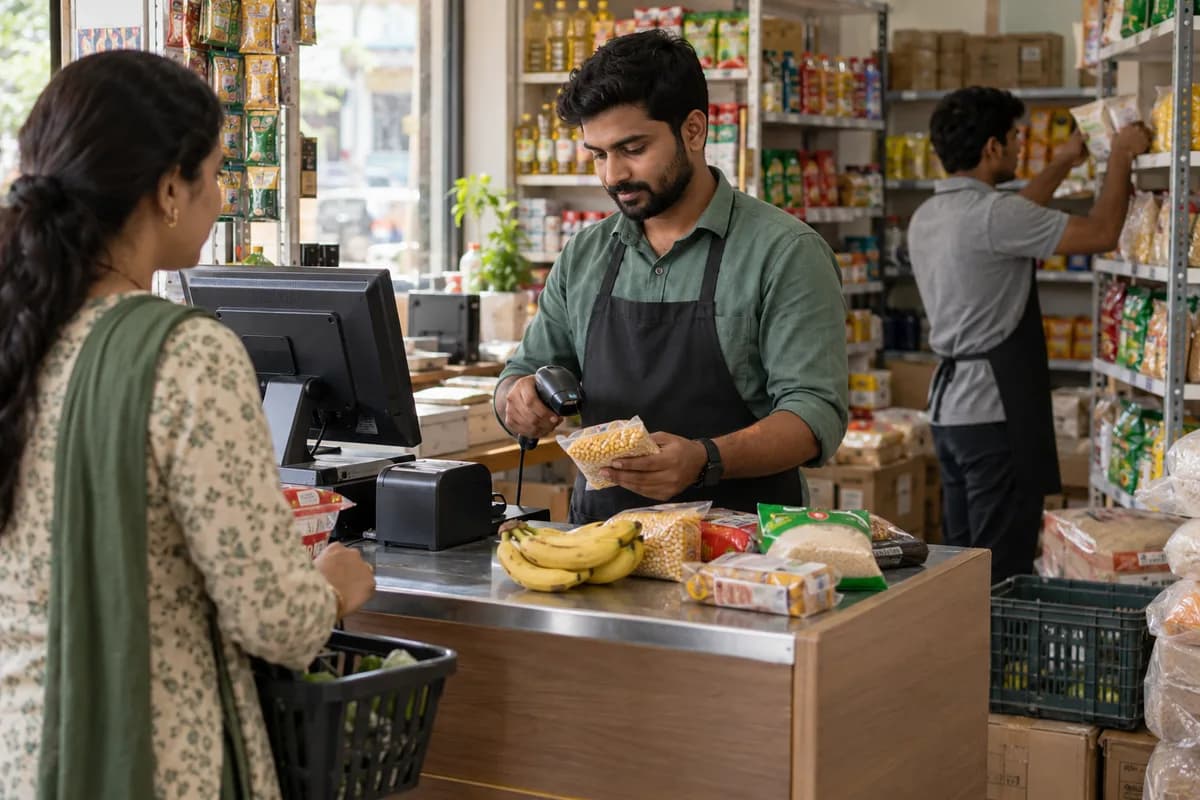
Start with a counter POS. It prints GST bills, reads product barcodes, and accepts cash, UPI, card or credit posted straight to the customer’s khata, so the cashier never opens a second book.
Every cashier gets a personal login. Prices stay locked unless the owner switches on permission to edit them, which protects margins on a busy evening when nobody is checking the screen. The customer ordering app can wait.
Stock updates after every sale
Stock lives in memory. A popular atta brand runs out on Saturday while slow-moving tins sit on the top shelf holding cash that the owner needs for the next distributor payment.
Billing on software changes that. Every sale reduces the item count, supplier purchases are recorded against the same item list, and a low-stock alert reaches the owner’s dashboard before the shelf goes empty.
Reorders follow real sales. The owner stops trusting the distributor’s salesman about what is moving and starts reading the sales report for the last thirty days, item by item.
Khata on software
Credit keeps regular customers loyal. The khata book is also where trouble starts, because pages tear, entries get disputed, and nobody has ever added up what the whole neighbourhood owes.
Move it to software. Each credit sale is saved against the customer with the full order history beside it, so a disputed Tuesday purchase can be opened and read in seconds.
The owner sees dues at any moment. Month-end settling becomes a printed statement handed over politely, not a loud conversation across the counter while other customers wait and listen.
WhatsApp orders and home delivery
Paper slips get lost. Many stores take WhatsApp and phone orders, scribble them on slips, and watch items go missing while the owner spends the afternoon chasing the delivery boy.
One list fixes this. With the order and delivery modules, WhatsApp, phone, walk-in and app orders sit in a single list, and riders update each delivery status from a mobile app. Payment confirmations reach the owner’s panel. The owner’s dashboard shows four things. A customer ordering app can follow once the list works, and no marketplace takes a commission out of the orders that arrive through it.
- Daily, weekly and monthly sales
- Stock movement and low-stock items
- Expenses and the profit left after them
- Deliveries done and payments pending
Adding one module at a time
A single counter does not need everything. A small store with the owner at the till can run on GST billing and stock for months before it needs a delivery app or a dashboard.
Add the rest in order. Add riders when delivery staff are hired and a second outlet when it opens, because switching everything on at once often sends counter staff back to handwritten bills.
The Grocery Management System suits kiranas and chains of two or three stores, with rider and customer apps switched on later as the business grows. Already run billing software? Decide what to keep from it before deciding whether anything needs replacing, because clean item and stock data is worth carrying across to the new system.
Kirana counter-to-shelf flow
A flow showing one sale moving from POS bill to stock deduction, low-stock alert, supplier purchase and daily profit, with side paths for khata credit and home delivery orders. Use it to mark which steps are still done on paper.
Open a blank worksheet to printQuestions owners ask
Our billing is on paper. Where do we start?
Start with the item list. Enter every product with its price and opening stock, because billing is only as accurate as those two columns on the first morning. Khata balances come second. Check each one against the paper book with the customer present before you stop writing in it, then let delivery and online orders wait.
Will grocery billing software work with Tally?
Yes, with an export. Sales and purchase data go out as a file your accountant imports into Tally, or are sent across directly, so nobody retypes vouchers at month end. GST bills print at the counter. It does not file GST returns.
Can the store keep selling during the switch?
Yes, and it should. Run the paper bill book and the new counter screen together for a few days, then compare the day’s totals before the paper book is retired for good.