In this guide 6 sections
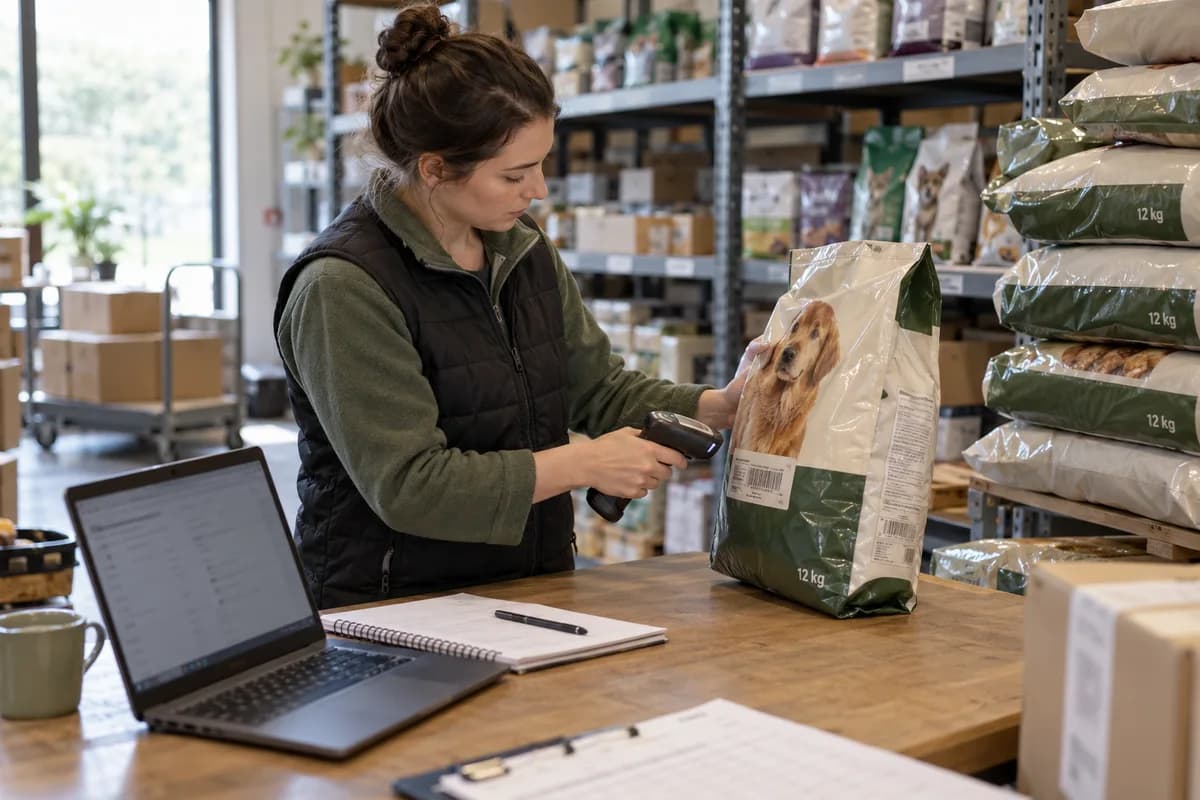
Build the catalogue around the animal, not the brand. Give every food a species, life stage and sack size, and record batch and best before dates. Add a pet profile that works out when each bag runs out. Then set carriage rules for heavy sacks and litter.
Start with the animal, then the food
Shoppers rarely open with a brand name. They search for puppy kibble, senior cat food, or a renal diet for an old dog that has started to drink more and eat less. The catalogue must follow suit. Species and life stage come first. Breed size and texture follow.
Give diet its own field with fixed choices, such as grain free, single protein, sensitive stomach, joint care or weight control, so a filter returns each qualifying food. Free text breeds duplicates. A buyer who filters for hydrolysed protein should see every real match and nothing that merely mentions it somewhere in a paragraph of marketing copy.
Keep ingredients and the analysis panel as separate fields. Owners of allergic pets read them line by line, and a pasted paragraph is hard to filter and harder to correct when the maker quietly changes a recipe. Check both after every delivery.
- Species: dog, cat, rabbit, bird or small pet
- Life stage: puppy or kitten, adult, senior or all stages
- Breed size and texture: kibble, wet pouch, tray, raw frozen or treat
- Diet tags with fixed choices, never free text
- Ingredients and analysis panel as separate fields
Make every sack size its own stock line
A food sold as a small bag, a mid bag and a large sack is three products to the warehouse. Each has its own barcode. Weight and pallet slot differ too. Show them as sizes of one food on the page, but count them apart on the shelf, at the pick face and in the reorder report.
Display the cost per kilo beside each size, because it explains why the large sack is better value and saves a stream of pre-sale questions. The sum is simple. Divide price by weight. Print the answer under the buy button.
Record the real shipping weight. Not the label weight. A free scoop adds to it, and the carrier bills on what the sack weighs on their scale, so a wrong figure becomes a surcharge nobody quoted.
Let the pet profile run the reorder clock
Ask for the pet’s name, species, birth date, current weight and the daily ration printed on the feeding guide of the food they eat now. Those fields are enough. Divide the sack weight by the daily ration and the result is a run-out date, worked out when the order ships.
Send the reminder a week or so before that date, with the same food and size already in the basket. A reorder should take one tap. If the dog eats more than the guide says, the owner corrects the ration once and every later date moves with it, without a call to the shop.
The profile also catches life stage changes. A puppy becomes an adult. Puppy food stops being the right choice. Prompt the switch at the birth date instead of waiting for a customer to ask why the dog has gone off its food.
- Name, species, birth date and current weight
- Daily ration taken from the feeding guide
- Run-out date worked out from sack weight and ration
- Reminder with the usual food and size already in the basket
- Life stage change flagged at the birth date
Control batches and best before dates
Dry food keeps for months, but not indefinitely. Record the batch code and best before date when each delivery is booked in, then print both on the shelf label so the packer sees them at once. Pick the earliest date first. Not the neatest stack.
Recalls are why batch codes matter. When a maker pulls one batch, you need to know which orders carried it, and with the code tied to each dispatch line that search takes minutes. Without it, you open every packing slip.
Add a short-dated rule. Stock close to its date moves to a clearance list and stays out of subscription orders, so nobody receives a bag that expires next week. Wet pouches need the tightest rule.
Set carriage rules for heavy sacks and litter
Sacks and litter are the hardest lines to post. A large sack outweighs a normal parcel. Litter is bulky as well as heavy, and one split bag spills over the whole box and everything else packed with it.
Build the limits into checkout. Weight bands pick the carrier. A cap decides how many sacks fit in one parcel. Postcode zones decide whether the order goes by courier or on a pallet network, and remote areas may need a booked delivery day.
Start with your ten best-selling sacks. Fill in species, life stage, weight and batch for those first, since every gap shows up the moment a real order is picked and packed. Then place one test order. Follow it from basket to doorstep. Only then add the rest of the range.
Pet food product sheet
Each sack size gets a row on a single printed sheet. Columns hold species, life stage, breed size, diet tag, barcode, shipping weight, cost per kilo, batch code, best before date and carrier band. Below that sit the pet profile fields and the run-out sum, with space to test it on three real customers. Print it and fill in ten sacks.
Open a blank worksheet to printQuestions owners ask
What fields does a pet food product need?
At minimum: species, life stage, breed size, texture, diet tags, ingredients, analysis panel, sack size, barcode and shipping weight. Batch and best before belong on the stock record. They change with every delivery.
How does a reorder reminder know when the food runs out?
It divides the sack weight by the daily ration saved on the pet profile. The result is a run-out date. Send the reminder before that date, and move it whenever the owner changes the ration.
Should each sack size be a separate product?
Show them as sizes of one food on the page, but give each its own barcode, weight and stock count. The warehouse picks a physical bag, not a food name.
How do you handle a recall on one batch?
Look up the batch code on dispatch lines to find the affected orders, hold the remaining stock, and contact those customers with the maker’s notice. This only works if the code was recorded when the stock came in.