In this guide 7 sections
Billing software sends each invoice to the Invoice Registration Portal, stores the IRN and signed QR code it returns, and prints them on the bill. The e-way bill is then raised from the same record. GullySystem builds this into invoicing. Your CA confirms whether and how the rules apply to you.
What the registration portal sends back
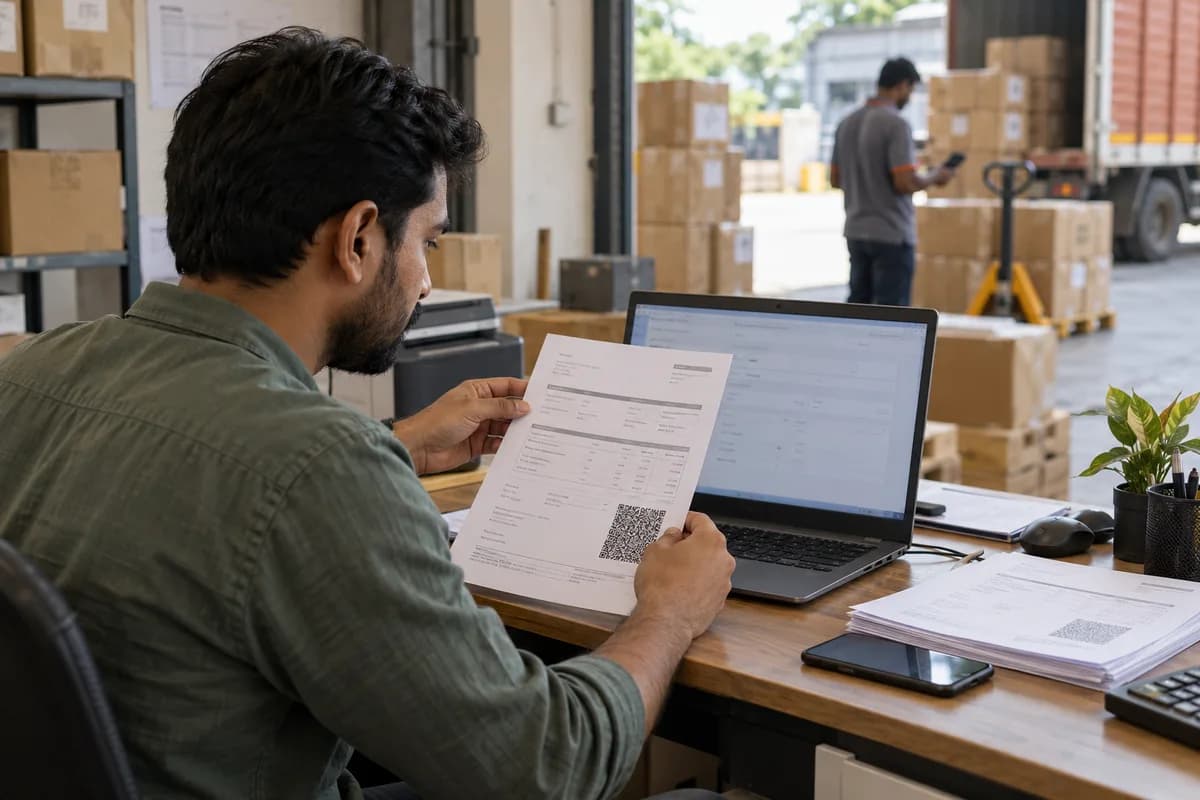
The e-invoice portal describes its system as one for uploading B2B invoices to the Invoice Registration Portal. According to the portal, it returns a unique Invoice Reference Number, a digitally signed e-invoice and a QR code.
The IRN is not a second invoice. It is the same invoice, registered. Your software should store the response against the record that printed the bill.
Whether your business must do this is a question for your CA. It depends on rules the government notifies and revises.
Why one record should drive everything
Trouble starts when the invoice is printed from billing and the same details are typed into a portal. Invoice numbers drift apart. A digit goes wrong.
When registration runs from the billing record itself, the printed bill, the portal copy and the Tally posting carry the same numbers. Nothing is typed twice.
- Invoice saved in billing with all required fields
- Details sent to the portal from that record
- IRN and QR code stored and printed on the bill
- Same figures posted to the accounts
Raising the e-way bill from the invoice
Goods on the move may also need an e-way bill. If the software raises it from the invoice, consignee, value and items carry across without retyping.
Transporter and vehicle details are best captured at dispatch, often on a phone at the loading bay. If the vehicle changes on the way, the vehicle details are updated against the same record.
Cancellations and corrections
The portal allows an e-invoice to be cancelled only within a set window. Your software should show how long is left, so staff act in time.
Past that point, corrections are handled with other documents. A credit note linked to the original invoice is a common route. Ask your CA how each case should be treated.
Keep the invoice series clean. Cancelled numbers should be recorded, not reused.
When the portal is unavailable
Government portals have downtime. Billing should not stop because of it.
Sound software queues the invoice, retries on its own and lists which documents still wait for an IRN. Dispatch staff then decide with that status in view.
- A queue of invoices awaiting registration
- Automatic retries with the last error shown
- A daily list of e-way bills nearing expiry
Invoice-to-portal flow sheet
Draw your current path from invoice to IRN to e-way bill to Tally. Mark every step where someone retypes a number. Each mark is a place where figures can drift apart.
Open a blank worksheet to printQuestions owners ask
Does the billing software decide whether e-invoicing applies to us?
No. Applicability depends on your turnover and the limit currently notified, and some categories are treated differently. Your CA confirms the position. The software can be prepared before you need it.
Do we need a separate system to generate the QR code?
No. The portal returns the signed QR code along with the IRN. Your billing software stores it and prints it on the invoice.
Can the e-way bill and invoice be raised from one screen?
Yes, when the software is built for it. The invoice is saved, registered, and the e-way bill is raised from that same record with transport details added at dispatch.
Sources
- e-Invoice System, Invoice Registration Portal (GSTN) — verified 6 Oct 2026