In this guide 6 sections
A job ticket needs the order identity, finished size, stock, colours, imposition, quantity with spoilage allowance, finishing steps, packing instructions and delivery details. Add a sign-off line at every stage. If the floor must phone the office for any spec, the ticket is missing a field.
Start the ticket with identity and promise
Every ticket opens with the job number, customer, item name, order date and the date the customer was promised. Put the promised date in large type.
Next comes the quantity, plus the allowed overs and unders. Printers often agree a tolerance with the customer. If that figure is missing, the packer guesses. Printers often agree a tolerance with the customer in advance, and a ticket that omits the figure forces the packing table to guess how many extra sheets are acceptable.
Add a contact name for questions. One name, not a department.
Prepress fields for plates and files
Prepress needs the final file name, version and approved proof reference. For offset, add the plate count and the lines per inch. For digital, add the colour profile.
Imposition belongs here too. State sheet size, the number of up, work-and-turn or sheetwise, and the gripper edge.
A wrong imposition wastes a full stock run, so this block deserves a second pair of eyes.
- File name, version and proof sign-off
- Plate count or digital colour profile
- Sheet size, number up and imposition style
- Spot colours with Pantone references
- Bleed and trim marks confirmed
Press fields that save make-ready time
The press operator wants stock, GSM, grain direction and the sheets issued from stores. Include the spoilage allowance for make-ready, which differs between a two-colour press and a five-colour press.
Offset jobs add ink and varnish details. Digital jobs add the simplex or duplex setting and any variable data file.
Leave a space for the counted good sheets. The operator writes it at the end, and the office reads it the next morning.
Finishing and packing fields
Finishing steps need an order. Laminate before die cutting, or after? A ticket that lists steps in a jumble causes expensive mistakes.
Give each step its own sign-off line with initials and time. If a fault appears at the folder, you know who ran the guillotine before it. If a fault appears at the folder, you can see at once who ran the guillotine before it, and which stack came off which pallet that afternoon.
Packing instructions finish the ticket: pieces per bundle, bundles per carton, carton labelling and the pallet pattern.
- Cutting size and number of lifts
- Lamination type, foil or spot UV
- Creasing, folding, stitching or binding style
- Pieces per bundle and cartons per pallet
Test the ticket on the floor
Print the new ticket and run it through three live jobs. Ask each operator to circle any field they could not fill or did not understand.
Those circles show where the ticket is vague. Tighten the wording, remove fields nobody uses and add the ones people asked for on the phone.
After two weeks, count the calls from the floor to the office. That number is your measure.
Print run job ticket
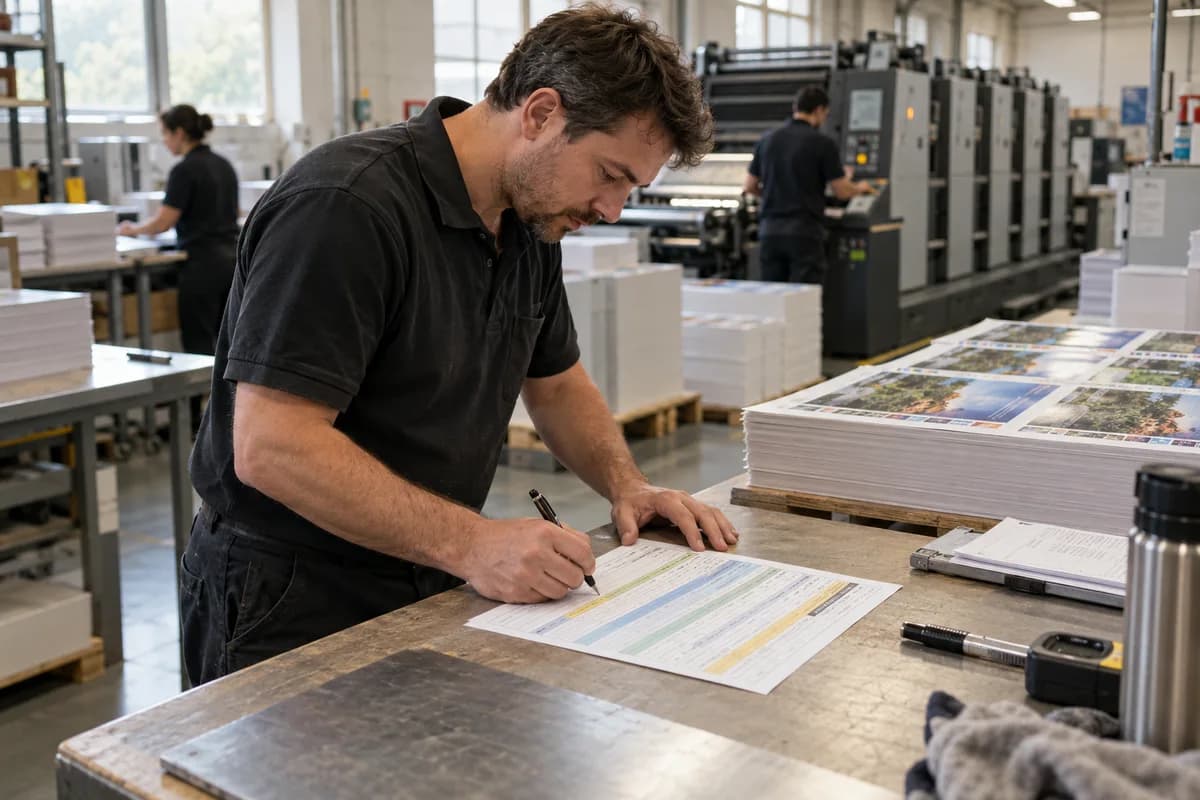
A single-page ticket in five bands. The top band holds job number, customer, promised date and quantity with tolerance. The second band covers prepress: file version, proof, imposition and plates. The third covers press: stock, GSM, grain, spoilage and counted sheets. The fourth lists finishing steps with initials. The bottom band covers packing and delivery.
Open a blank worksheet to printQuestions owners ask
Should offset and digital jobs share one ticket?
They can share the layout, but the press block differs. Offset needs plates and ink; digital needs a colour profile and duplex setting. Use switchable blocks.
Who should fill in the job ticket?
The estimator or customer service starts it. Prepress, press and finishing each complete their own block, so every stage is signed by the person who did the work.
What if the customer changes the job mid-run?
Stop and write the change on the ticket, with the time and who agreed. A verbal change that never reaches paper is the usual start of a reprint dispute.