In this guide 6 sections
Follow one real job through the software. It should hold the specification, reserve board or film, schedule the press, record waste, track every finishing queue and print a delivery note that matches the packed quantity. A stage that lives in a spreadsheet, on a chalk board or on a job bag means the software has not replaced the flow.
Start with the job bag, not the feature list
Every converter already has a flow in the job bag: purchase order, artwork proof, die number, board or film requirement and press instructions, all stapled together. Software must carry that same bundle. Otherwise the paper stays on the desk.
Ask each vendor to rebuild one of your finished jobs on screen, using a repeat order that has a die, a print change and a split delivery. Short demos hide the awkward parts, and only a difficult job exposes them, so pick the ugliest order you shipped this year.
Notice who touches the job and when. The estimator, planner, prepress operator, pressman, finisher and dispatch clerk each add something, and a system that suits only the office will fail on the shop floor. Test it with the pressman.
- Customer purchase order and revision
- Artwork proof with approval date
- Die or cylinder number
- Board, film or substrate requirement
- Press and finishing instructions
Specification and material come first
A job starts as a specification. For a carton that means size, board grade, caliper, print colours, coating and die, while for a pouch it means film structure, web width, repeat length and seal type. Loose specs make later stages guess. Pin down the caliper first.
Material follows from the specification. The software should calculate the sheet or web needed, allow for trim and make-ready, and reserve stock against the job before any date is promised. Skip this and promised dates fail.
Check offcuts and part reels, because converters buy by the sheet or the reel and sell by the thousand, and a manual conversion lets the costing drift. Test it with a part reel.
Press scheduling and waste need live entries
Press time is scarce. The schedule shows which job runs on which machine, the colour changeover and washing time, because a planner who sees only job numbers cannot sequence for fewer plate changes. Changeovers eat whole afternoons.
Waste belongs here too. Make-ready sheets, trim, rejects and returns should be logged per job by the operator at the machine, so a loss can be traced to the job that caused it. Month-end totals only say a loss happened.
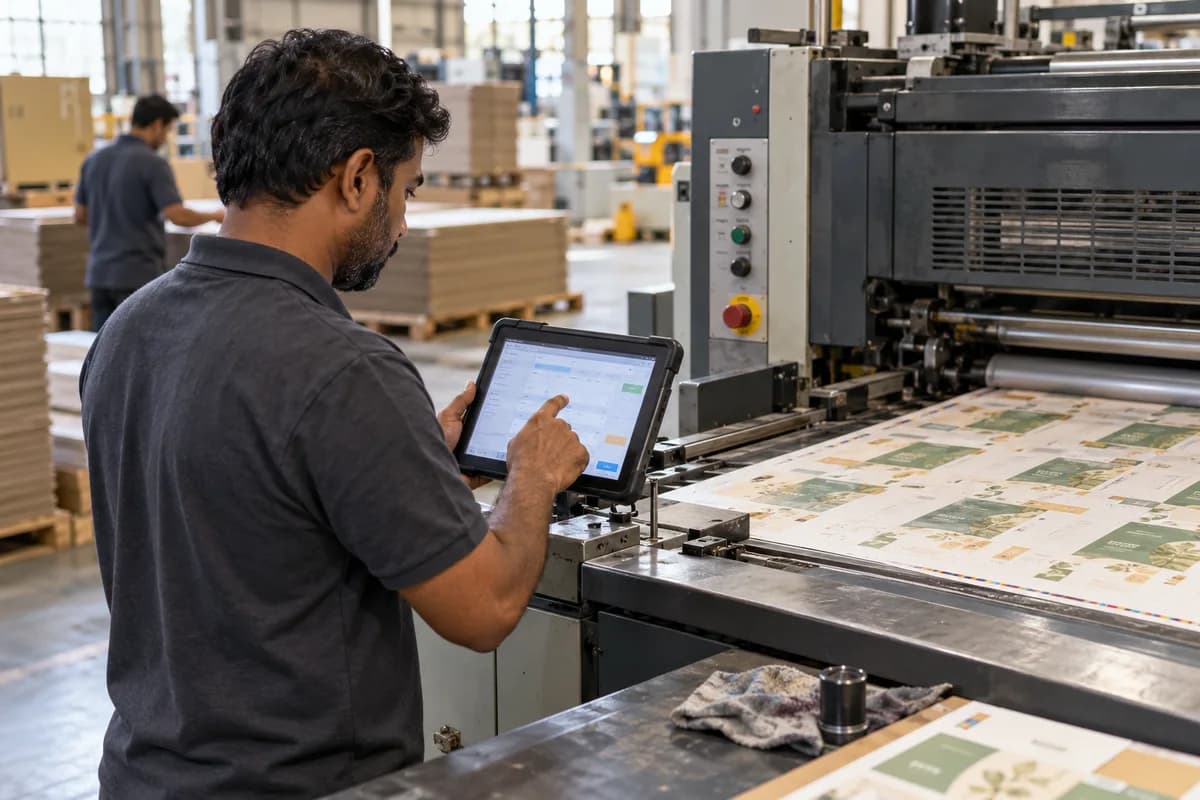
Ask whether the operator can enter counts on a tablet in a few taps, because gloves, ink and press noise rule out long forms at the machine. Only taps survive there.
- Planned and actual run time per job
- Changeover and washing time
- Make-ready, trim and reject counts
- Reasons for machine downtime
Finishing, delivery and invoicing close the loop
After printing come die cutting, creasing, gluing, laminating or slitting, and each is a separate queue with its own operator and output count. Software that stops at the press leaves the finishing floor running on chalk boards and loose job bags, which is exactly where jobs go missing between queues. Chalk rubs off by morning.
Dispatch then needs a delivery note that matches what was produced and not what was ordered, since overs and shorts are normal in packaging. The invoice then follows the delivered quantity within the agreed tolerance, so the customer never pays for cartons that were never loaded.
Look at how repeat orders are raised. A good system copies the last job with its specification and asks only what changed, while a weak one asks for the die, board and colours over again. Request the repeat-order demo early.
- Output count per finishing operation
- Delivery note built from packed quantity
- Overs and shorts against tolerance
- Invoice linked to the delivery note
Score the vendors on one job and one visit
Give each vendor the same job and the same list of questions, then score them on how many stages they handle without a workaround. Count the workarounds out loud. Three or more is a warning.
Visit a plant that already runs the software, preferably one making a similar product, and ask the production manager what they still do on paper. No brochure is that honest.
Finish with a trial. Run two live jobs through the system beside your current method, then compare the delivery notes, the waste counts and the invoiced quantities line by line. Differences show the gaps.
Packaging software demo scorecard
This is a one-page scorecard for vendor demos, with rows for the stages: specification, material reservation, press schedule, waste entry, finishing, delivery note and repeat order. Columns read handled on screen, handled with a workaround and not handled, followed by a notes cell for what the vendor promised later. A final row counts workarounds per vendor.
Open a blank worksheet to printQuestions owners ask
Which stage should we digitise first?
Start where jobs are lost or reworked most often, which for many converters is the specification and the repeat order, because a wrong spec ruins every later stage.
Do we need a full ERP for a small converter?
Not for every plant. A system built around the job flow can cover specification, material, press, finishing and dispatch without the weight of a general ERP, so compare both on your job.
Can shop floor staff really enter data?
Yes, if the screen asks for little. Counts and downtime reasons entered in a few taps work well on a tablet, while long forms do not survive the shop floor.
How do we compare vendors fairly?
Give each vendor the same finished job and the same questions, then count workarounds, because fewer workarounds on your real job beat a longer feature list.