In this guide 7 sections
Once a PHP version reaches end of life, the PHP team stops releasing security fixes for it. Hosts drop it, newer libraries refuse to install and payment or API providers may reject its old TLS. The site keeps running until the day it does not. Find your version and plan the move.
What stops arriving
Each PHP release gets a period of active fixes, then a period of security fixes only, then nothing. After that date a newly found flaw in the engine stays open on your server for good.
Attackers read the same public advisories you do. They read them faster. Then they scan for old PHP versions. A flaw announced for a supported version is often present, unpatched, in the older ones too.
Some Linux distributions backport fixes for a while. Do not count on it unless your host states it in writing.
How to find the version you run
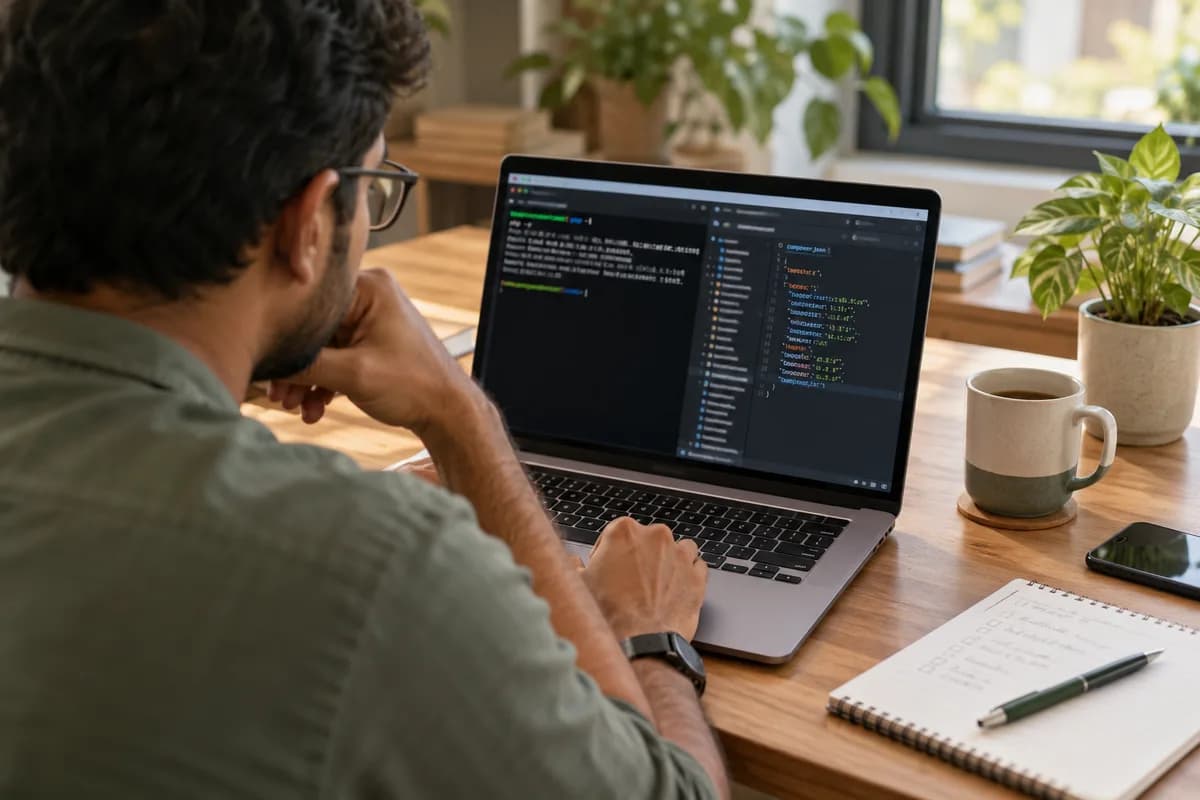
Ask your developer, or look yourself. Create a file that calls phpinfo() on a staging copy, or run php -v over SSH. Hosting panels such as cPanel and Plesk also show the version for each site.
Check composer.json as well. Its require block states the version the code was written for, and a mismatch between that and the server is a warning sign.
Then compare the number with the supported versions page on php.net. If your version is no longer listed as supported, you have your answer.
- php -v on the server command line
- phpinfo() on a staging copy only
- Version shown in the hosting panel
- The require block in composer.json
- CMS admin status page, for WordPress or Drupal
Second-order risks arrive before the breach
Most owners meet the problem sideways. The host announces that an old version will be switched off next month. A payment plugin update demands a newer language level. A mailer library stops sending.
Each arrives with a deadline set by someone else. You then upgrade in a hurry, with no time to test. That is the riskiest way. Avoid it.
Compliance adds pressure. Card payment standards and many customer contracts expect timely security patching. An unsupported runtime is hard to defend in an audit.
Signs the move should be planned now
A version past end of life is reason enough. Other signs make it urgent. If any of them appear together, put a date on the upgrade this quarter.
Old code written before typed properties, namespaces and Composer often needs more than a version bump. Functions removed from the language will throw fatal errors. The longer the gap, the bigger the job.
- Host warnings about retiring the version
- Plugins or libraries pinned to old releases
- Deprecation notices filling the error log
- No staging copy of the site
- Developer who wrote it is unreachable
How to plan the move without breaking the site
Start with a staging copy on the target PHP version. Run the application and read the error log. Tools such as PHPStan and Rector can find removed functions and apply many fixes automatically.
Update dependencies with Composer one group at a time, and test the checkout, login, report and email paths by hand. Fix what fails. Test again.
Pick a quiet window for the live switch and keep the old version ready for a rollback. Then book the next review, since versions keep expiring on a fixed schedule.
PHP version risk worksheet
Every site or application gets its own row on this one-page sheet. Columns are name, hosting account, PHP version in use, support end date from php.net, framework and version, plugins pinned, staging copy available, owner, and target upgrade month. A last column records the risk rating.
Open a blank worksheet to printQuestions owners ask
Will my website stop working on the end of life date?
No. The code keeps running. What stops is the flow of security fixes, and later the support from your host and your libraries.
Can a firewall protect an unsupported PHP version?
It can reduce some attacks, but it does not fix the engine itself. Treat it as a short-term measure while the upgrade is planned.
Is upgrading PHP always a big project?
No. Modern code on a recent framework often moves with small changes. Old code with removed functions and abandoned plugins takes more work, which is why a test on a staging copy comes first.
Sources
- PHP supported versions — verified 17 Oct 2026