In this guide 7 sections
Temple management software keeps seva and pooja bookings, donations with numbered receipts, a devotee register and readable accounts together, with online requests arriving from the temple website. A small temple needs less. A receipt book and a QR code can serve a temple with only a few sevas, until the queue or the monthly statement becomes painful.
What the Temple Office Handles Today
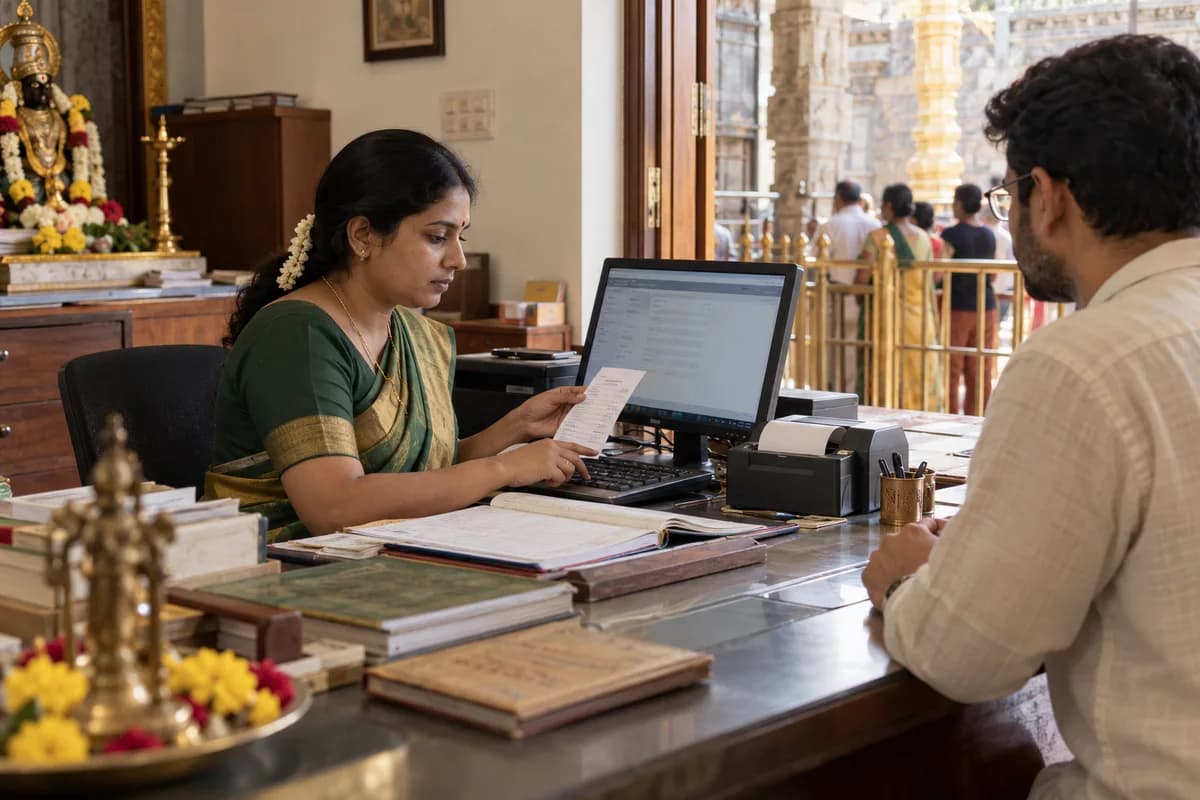
Most temple offices run on visible paper. There are carbon receipt books at the seva counter, a register for pooja bookings, a separate book for donations and one more for the hundi count.
The phone rings all day. Devotees ask whether a date is free, and on festival days the queue reaches the gate because a counter clerk can only write so fast.
When trustees ask for a monthly statement, someone spends days adding receipt books, while a son abroad cannot work out how to book his father’s nakshatra seva. None of this is unusual. The records simply need one home.
Seva and Pooja Booking at the Counter and Online
Start with the seva list. It holds each seva’s name, amount, timing and daily limit, plus the details the priest needs, such as the devotee’s name, gotra and nakshatra.
Recurring sevas matter most. A family that books an annual pooja on a parent’s nakshatra expects the temple to remember it every year, and they also remember when it is missed.
Online booking must draw from the same daily limits as the counter, so a slot sold on the website cannot be sold again at the window. Devotees pick a date and slot, enter their details and pay once the office confirms, and if the temple posts prasadam the booking also captures the address. The office tracks what went out.
Donations, 80G Receipts and Foreign Contributions
Donations arrive in many forms. These include general gifts, annadana, a building fund, and gold, silver or rice given in kind, and each one needs a numbered receipt. Cancellation needs a second person’s approval.
If your trust holds 80G approval, print the approval details on every receipt and collect the donor’s PAN for the yearly statement of donations that the trust files. Rules and form references change. A new Income-tax Act took effect from 1 April 2026, so have your auditor check form references and receipt wording before the software goes live.
Foreign contributions need care. Whether a donation can be accepted depends on FCRA registration or prior permission, so a donation page open to everyone needs a check before payment. Confirm the current rules, including how gifts from Indian citizens abroad and from foreign nationals or OCI cardholders are treated, with your accountant or lawyer.
Devotees, Events and the Temple Website
A devotee register linked to bookings and donations lets the office send annual seva reminders and festival notices to the right families. Record names, family members and contacts. Devotees gave their details to a temple, not to a marketing list, so use the register only for messages the temple itself sends about sevas, festivals and receipts.
Festival weeks stretch every counter. A brahmotsava needs volunteer rosters, special seva slots and a donation drive with its own receipt series, all planned in one event record.
The website should carry timings, the seva list with amounts, festival dates and the booking link, because those items answer the questions that keep the office phone ringing. A live darshan stream is welcome. It cannot replace them.
Keep Temple Management Software Simple for the Office
Counter staff should issue a receipt in a few taps, even on the busiest festival morning, and print or share it at once.
Nobody at the counter deletes receipts. That single rule prevents more trouble than any report the software can produce, and each day should close with a cash count matched to the receipts issued.
Small temples can wait. Once there are several sevas, a donation drive and a website, one system for bookings, donations, devotees and events starts to repay the effort. Donations and receipts should export as spreadsheets that your accountant can import into the accounting package, with each receipt series kept separate for the yearly statement.
Temple office setup checklist
Lists to prepare before go-live: sevas with amounts and daily limits, donation types, receipt series, counter staff and the person who may cancel a receipt. Filling it in first avoids retyping later.
Open a blank worksheet to printQuestions owners ask
Can devotees book a seva online and pay through the website?
Yes, for the sevas you open online. The devotee picks a date and slot and enters gotra, nakshatra and sankalpa, the request reaches the office to confirm, and payment is recorded against the booking. One limit covers both channels.
Can temple management software issue 80G donation receipts?
Yes, if your trust holds approval. The receipt carries the approval details and the donor’s PAN, and the software can prepare the data for the yearly statement of donations that the trust files. Have your auditor check the wording once.
Can we accept donations from devotees living abroad?
That depends on who gives. The answer turns on the donor’s status and the current FCRA rules, so check their treatment of citizens living abroad, foreign nationals and OCI cardholders with your accountant. The page can ask first.
Sources
- Ministry of Home Affairs: FAQs on FCRA (registration or prior permission; NRI and OCI donations) — verified 20 Sept 2026
- Income Tax Department: Form 10BD and 10BE user manual (statement and certificate of donations) — verified 20 Sept 2026
- Income Tax Department: Income-tax Act, 2025 comes into force from 1 April 2026 — verified 20 Sept 2026