In this guide 6 sections
An app you published keeps running only if it keeps pace. Each year Apple and Google release new OS versions, raise the minimum target level for store listings and change permissions and devices. An untouched app can lose store visibility, misbehave on new phones or stop installing. A maintenance plan covers testing, small code updates and resubmission.
Why an unchanged app stops working
Your code did not change, but the ground under it did. Every autumn Apple ships a new iOS and Google ships a new Android version. Both reach customer phones within weeks, often through automatic update while the owner is looking elsewhere.
Behaviour that used to be allowed gets tightened. A background task is cut short, a permission prompt appears in a new place, and a screen layout collides with a camera cutout it never knew about.
Owners usually learn of this from a customer complaint, not from a crash report.
- Push notifications that stop arriving
- Location tracking that pauses in the background
- Camera or file upload that needs a new permission
- Layouts cut off by notches and gesture bars
Store rules that hit a live app
Google Play requires new and updated apps to target a recent Android API level, and it raises that bar yearly. Apps that fall behind can become hidden from users on newer devices, and you will be blocked from pushing updates. Apple likewise requires builds made with a current Xcode and SDK.
Stores also ask for refreshed privacy declarations. Play has a Data safety form, and the App Store has privacy nutrition labels. If a library you use starts collecting something new, your answers must change.
Read the notices in Play Console and App Store Connect. They arrive months before the deadline.
The yearly cycle to plan around
Apple shows its next iOS at a developer conference in early summer and releases it in autumn, while Google follows a similar rhythm. Beta builds are available for months. The cheapest time to find problems is before public release.
A sensible plan has three beats. In summer, install the betas on test phones and run your main flows, such as login, checkout and photo upload. In autumn, ship a fix release if anything broke. In winter and spring, handle store policy changes and library upgrades.
Skip a year and the work does not shrink. It compounds. Two major versions of a framework such as React Native or Flutter are harder to cross in one jump than a single version taken in each of two years.
What a maintenance plan must cover
Ask for a written scope. It should name the OS versions tested, the devices used, the libraries reviewed and the response time for a crash after a new OS release. Vague promises to keep the app updated mean little, because nobody can be held to them.
Agree who owns the developer accounts. Your Apple Developer membership and Play Console login should sit under your company, with the agency added as a team member. Certificates, signing keys and the renewal date for the Apple membership belong in a shared record.
Add monitoring. Crash reporting from tools such as Firebase Crashlytics shows which phone and OS combinations fail first.
- Beta testing on current and previous OS versions
- Dependency and SDK upgrades
- Store listing and privacy form reviews
- Crash monitoring with a named responder
- Annual signing and membership renewals
Check your own app this week
Open Play Console and App Store Connect and read every message. Note the last release date and the build tool version used for it. Then look at crashes grouped by OS version, since a single old release often hides the trouble.
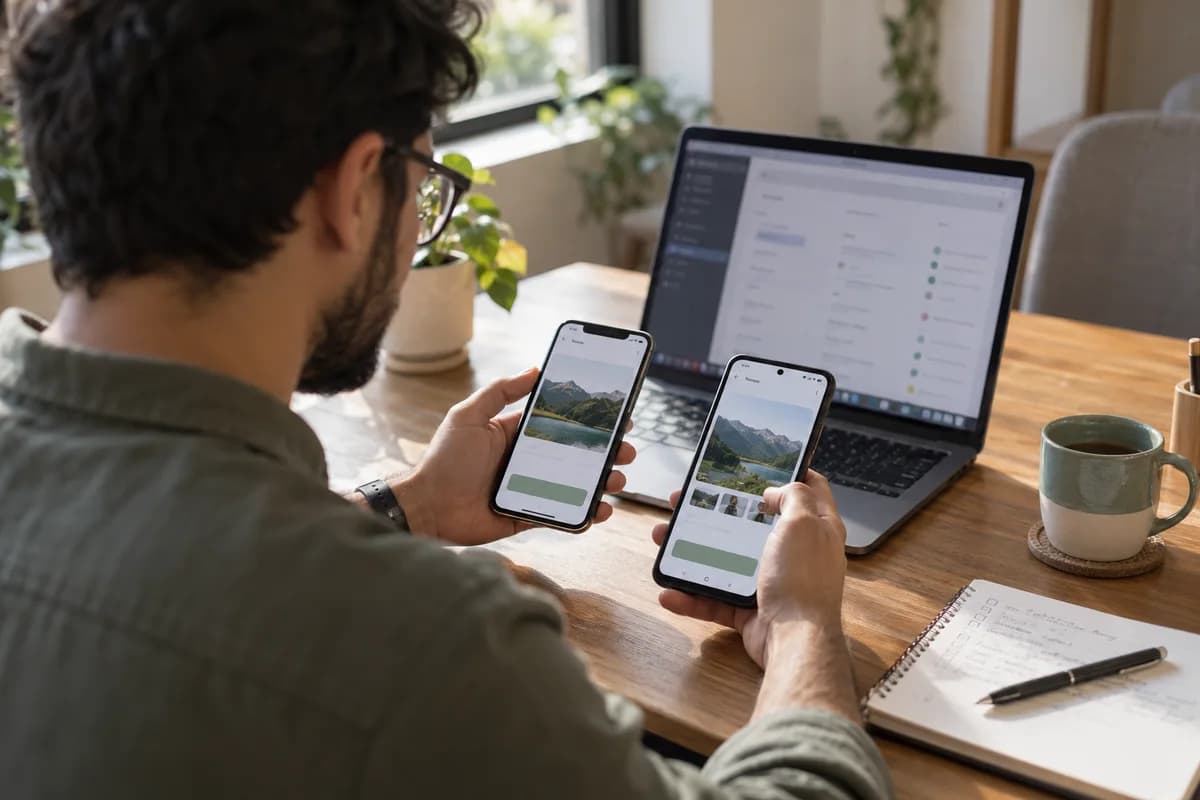
Next, install the app on one phone running the newest OS and on one older, cheaper Android handset. Log in. Place an order, upload a photo and wait for a notification to land.
Write down what failed and send the list to your developer with a request to scope a fix release. Keep it short.
App upkeep calendar
A one page yearly calendar with four rows: summer beta test, autumn fix release, winter store and privacy review, spring library upgrade. Columns list the owner, the devices and OS versions to test, the store forms to check, the account and certificate renewal dates and a status box.
Open a blank worksheet to printQuestions owners ask
Will my app stop working when a new iOS comes out?
Usually it keeps opening. Parts of it can misbehave, though, such as notifications, permissions or layout, and customers notice that before you do. Test against the beta in summer so the first report comes from your own phone.
What is a target API level?
It is the Android version your app declares it was built and tested for. Google Play sets a minimum target for updates and new listings, so raising it means retesting every behaviour that Android changed since your last build.
Can I leave an app alone if it works today?
For a short while, yes. Over a year or two the gap widens, store rules lapse and the update you eventually need becomes far larger. Small yearly updates are easier to plan and easier to test.
Who should hold the developer accounts?
Your business. Register the Apple and Google accounts in the company name and add your developer as a team member. That keeps the app yours if you change agencies.