In this guide 6 sections
Collect opt-in where the customer gives the number. Say plainly what messages they will get, and save the source and timestamp beside each phone number. Honour a stop request straight away. Keep numbers without a consent record out of broadcasts. Local consent rules vary, so confirm the details with your own advisor.
Why each number needs its own record
Your marketing head probably holds numbers from three places: an exhibition badge scanner, an old enquiry form and a spreadsheet kept by a salesperson who has since left. None of them records consent.
Meta expects opt-in before a business sends messages, and a number that draws blocks and complaints can be restricted, which is why a record for each number matters. It is your proof of what was promised.
This is a software job, not a legal opinion. Rules differ by country and message type. Check yours with an advisor. What software can do is store the facts reliably, then refuse to send whenever the consent record for a number is missing or has expired.
Capture opt-in at each touchpoint
Place a clear tick box on the website enquiry form, leave it unticked, and word it as a promise such as order updates and appointment reminders on WhatsApp. A clause buried in the terms is not a clear choice.
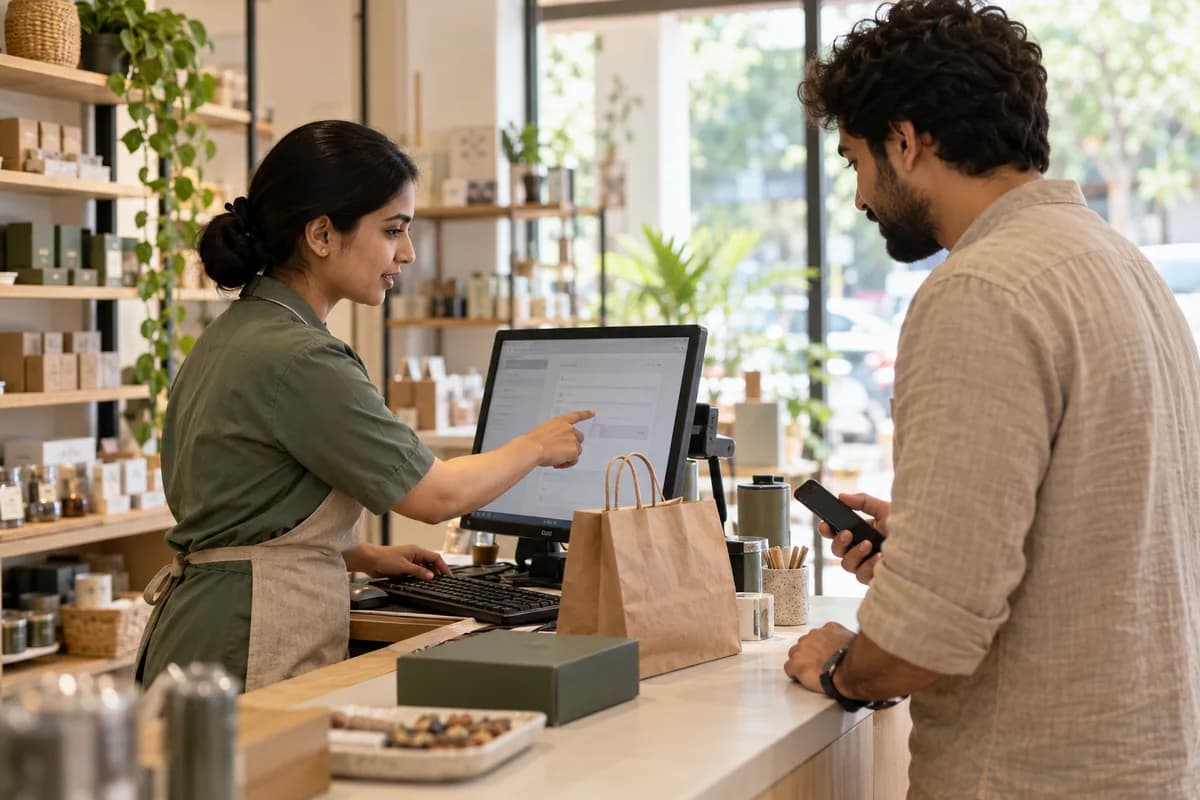
At the counter, ask aloud and key the answer into the billing screen. A QR code on a showroom wall or a delivery box should open a page where the person types their own number and confirms it. No pre-filled boxes.
On an order confirmation page, offer the option beside the phone field, where the customer is already engaged and the purpose is easy to explain. Exhibitions work too. Use a signed line on the visitor card, and type it in within the week.
- Website form: unticked box, plain wording
- Order confirmation: tick beside the phone field
- Counter: spoken yes, saved on the bill
- QR code: self-entry page or keyword reply
- Exhibition: signed line on the visitor card
Store source and timestamp per number
A tick in a spreadsheet column is not enough. Save the number in international format, the date and time, the channel, the exact wording shown and the staff member who captured it. Add the message types the person agreed to receive.
Keep opt-in and opt-out as separate events with their own timestamps. History matters. Someone who agreed in March and left in June must not receive a July broadcast, so never overwrite the older row with the newer status.
If your CRM or billing software has no such fields, add them before the first message goes out, not after. A record rebuilt from memory is worth little when someone complains.
- Phone number in full international format
- Date, time and channel
- Wording shown at capture
- Message types agreed
- Opt-out date, if any
Honour opt-out without delay
Tell people how to leave in the first message and again in every campaign. A reply of STOP, a button or a typed request to your agent should all flip the same flag. Plain and immediate beats clever.
Make that flag block every outbound flow, including payment reminders sent by a different team, because one shared suppression list stops sales honouring a request while accounts ignores it.
Confirm the change with one closing message that explains how to rejoin. Then stay silent. Every further message after a stop request is a fresh complaint waiting to happen.
Keep unconsented lists out of broadcasts
Split your old spreadsheet into three piles: numbers with a proven opt-in, numbers with a doubtful source and numbers you know nothing about. Only the first pile may receive a broadcast on the API.
For the doubtful pile, ask permission through a channel the person already uses, such as an email or an invoice footer carrying a QR code. Do not send a WhatsApp message asking for WhatsApp consent. That message is itself the unwanted one.
Today, export the sheet, add a consent column and mark every number as proven, doubtful or unknown. Do it before the next campaign, not during it.
Opt-in audit sheet
Printable audit worksheet, ruled into a row for each touchpoint and each list. Columns cover the capture point, wording shown, fields saved, owner, opt-out route and last review date. A lower table sorts old numbers into proven, doubtful and unknown, with the action for each.
Open a blank worksheet to printQuestions owners ask
Does a customer who messages me first count as opted in?
Their message opens a service window for replies, but it does not by itself permit later promotions. Ask for clear agreement before you send campaigns, and record it.
Can I import numbers bought from a data seller?
Do not. Those people never agreed to hear from you, and complaints can lead to a restricted number. Build your list from customers and enquirers instead.
How long should consent records be kept?
Keep them while you message the person, and for a sensible period afterwards. Ask your advisor what your country expects, since retention rules differ.
What if a customer opted in by phone call?
Log it the same day with the agent’s name, the time and the message types discussed. A short confirmation message afterwards leaves a second trace.