In this guide 6 sections
Business apps are usually refused for one of four reasons. Reviewers cannot log in, the privacy policy or data safety form is missing or wrong, permissions lack a stated reason, or the listing promises features the build lacks. Read the note and fix that point.
Why could the reviewer not sign in?
The reviewer sees a bare username box. Nothing more. They cannot guess your credentials, so they reject the build as incomplete, and it is the most common refusal for staff and customer apps.
Create a demo account with realistic sample data and paste its details into the review notes of both consoles. If sign-in relies on a one-time code sent by SMS, supply a fixed test code, because reviewers cannot receive your messages.
Keep that account alive after approval. Every later update is reviewed again with the same login, and an expired password gets the new build refused.
- Demo username and password in review notes
- Fixed one-time code for the demo account
- Sample jobs, orders or customers loaded
- A line on how to reach each role’s screens
What do the privacy policy and data safety declarations need?
Both stores want a public privacy policy page, linked from the listing and from inside the app. It must name what you collect, why, who receives it and how a user asks for deletion, and a missing page means no approval. A pasted template often fails. It describes data your app never touches.
Google Play asks for a Data safety form and Apple for privacy labels, so declare every item, including crash logs and analytics SDK data your code never reads. Be thorough. Underreporting is the usual mistake.
A mismatch earns a refusal. Apple also expects an account deletion option inside the app wherever users can create accounts, and reviewers will look for it in settings.
Why are permission requests refused?
Camera, location, contacts, files and notifications each need a short reason shown to the user. Apple turns back builds whose purpose string reads “needed for app”, so write what the user gains instead, such as “to scan the barcode on a parcel”.
Ask only for what a screen uses. Ask only when that screen opens. Background location draws extra scrutiny and may need a short video of the feature in use, so skip it unless tracking is the product.
Strip out permissions left in the manifest by a library you no longer use, because reviewers still see the request even when no screen ever calls it.
Does the listing match the build?
Screenshots from a design mockup, a feature named in the description but not yet built, or a title that borrows another brand will each earn a refusal. Reviewers compare the listing with the app. They notice.
Take screenshots from the release build. Describe only what works today. Keep the name, icon and category consistent with the business that owns the developer account, since reviewers compare all three against the company details.
Check the support URL and contact email as well. A dead link or a blank website field delays many first submissions, and it is the cheapest problem on this list to fix.
- Screenshots from the real build
- No unfinished features in the description
- Working support page and email
- Developer account name matching the business
What to do after a refusal
Read the message in full. Note the guideline number it cites. If the reviewer misread the app, reply in the console with a factual note and a screen recording; otherwise fix the cause and upload a new build.
Log each submission with build number, date, outcome and guideline cited. Patterns show quickly. The log also helps whoever handles the next release, which may not be you.
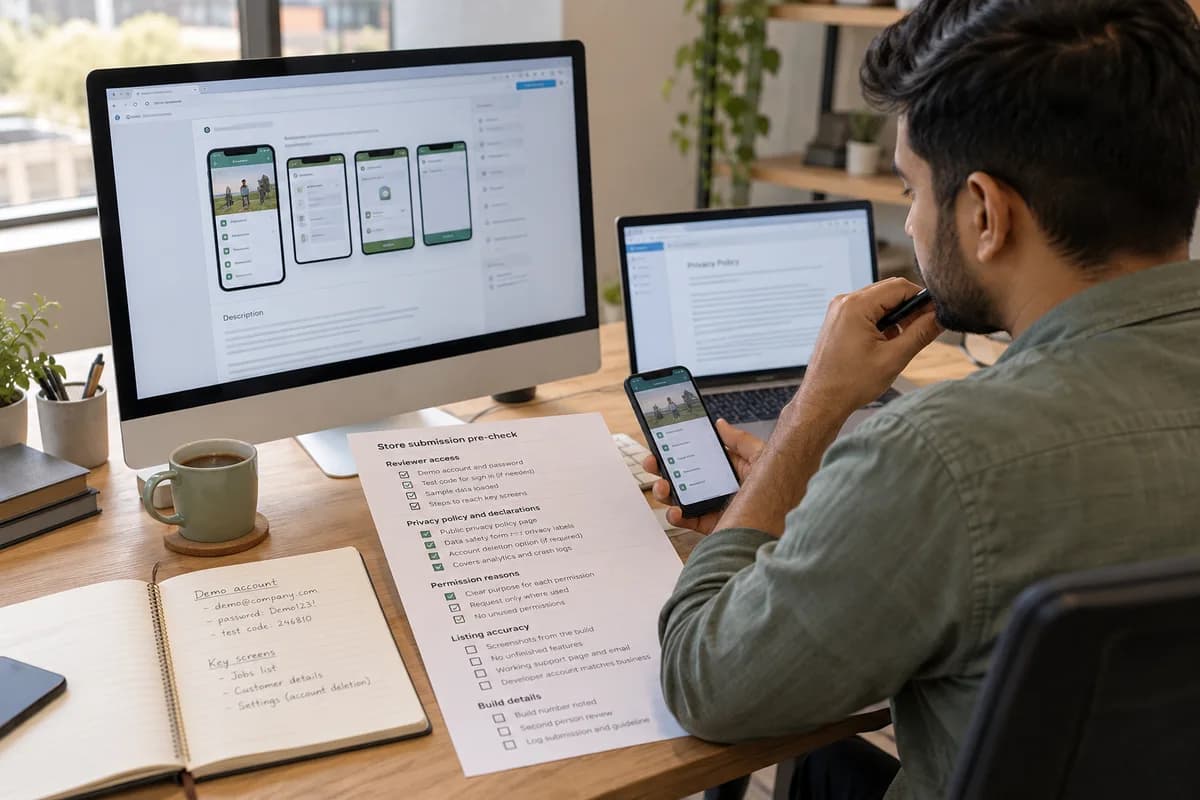
Before the next upload, hand the pre-check sheet to a second person who has never seen the app and ask them to tick every row from the reviewer’s side. Start that check a week before any promised launch date.
Store submission pre-check sheet
A checklist in five blocks: reviewer access, privacy policy and declarations, permission reasons, listing accuracy and build details. Each row has a tick box, the checker’s name and a note. A log table beneath records build number, date submitted, outcome and the guideline cited.
Open a blank worksheet to printQuestions owners ask
How long does a store review take?
It varies by store and by season, and a first submission is reviewed more closely. Leave spare days before a launch date for at least one refusal and a resubmission. Never promise a date to staff.
Can a private staff app skip the public stores?
Sometimes. Both stores offer private distribution for company apps, through Apple’s business programmes and Google Play’s managed channels. Account types and eligibility rules differ, so read the current documentation first.
Who should hold the developer account?
Your company, registered under its legal name. The vendor joins as a team member. A vendor-held account makes updates and ownership disputes harder.
What if the reviewer rejects the same point twice?
Ask for clarification through the console and attach a screen recording of the flow. Both stores offer an appeal route. Keep replies short, polite and tied to the guideline cited.