Employee Self-Service Portal for Staff Handsets
The portal shows each person their leave balance, holiday list, shift roster and own record in a phone browser. Office staff and floor staff use the same login, on screens kept simple.
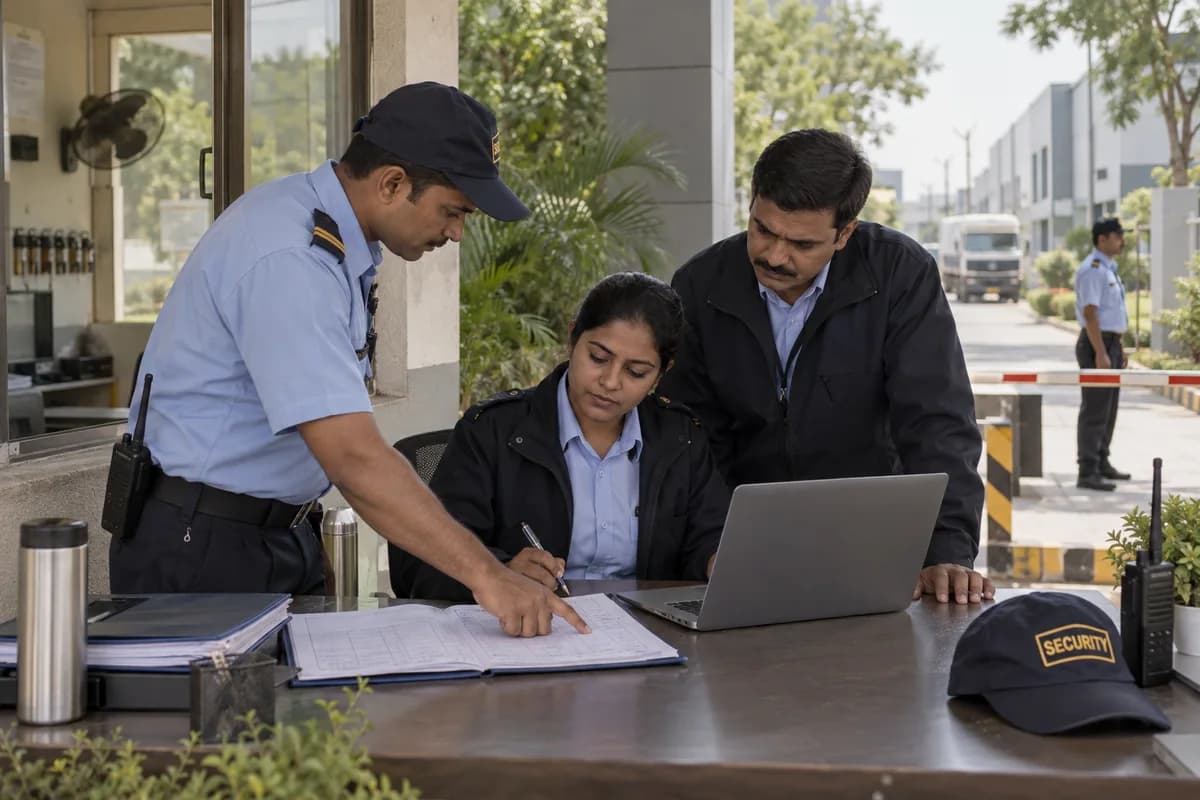
What each person sees
Built for the handsets staff carry
Screens use few, large buttons suited to the handsets that floor staff carry. The portal is a browser page saved to the home screen. There is no app to install. Supervisors can still apply on behalf of people who prefer not to log in themselves.
Following up on logins
HR can open a report of who has logged in to the portal and who never has. That list shows where a supervisor needs to help people get started. It also shows where a reminder by WhatsApp, SMS or email may be worth sending, if the client switches those on.
What the portal leaves to others
This portal does not calculate salary or decide leave policy. Payroll produces the payslip, and the client’s own policy sets the leave rules. The business settles which staff receive a login, and which screens they see, while the portal is being set up.
Frequently asked questions
Does every employee need a smartphone?
No. Supervisors can apply for leave on behalf of staff who prefer not to log in, and the record shows who applied and who approved.
Is an app needed on the phone?
No. It is a browser page that can be saved to the home screen, so nothing is installed from an app store.
Can an employee see another person’s record?
No. Each person sees only their own. Managers see their teams without pay details, and every view is logged.
Can the screens be adapted to our staff?
Yes, within what the product offers. The set of screens and the way the roster is shown are chosen with the business once the work is scoped.
Tell us what you need.
Share your requirements and one of our engineers will come back to you within one business day.
- No obligation
- A reply within one business day
- Your details stay private
Start with your requirements
Seven short steps that tell us what you need. An engineer reads them before getting in touch.
Share your requirements