Views by Role for Plant and Facility Teams
Operators, shift supervisors, maintenance, plant heads and owners read the same readings, each through the view that suits their work. This page sets out who sees what.
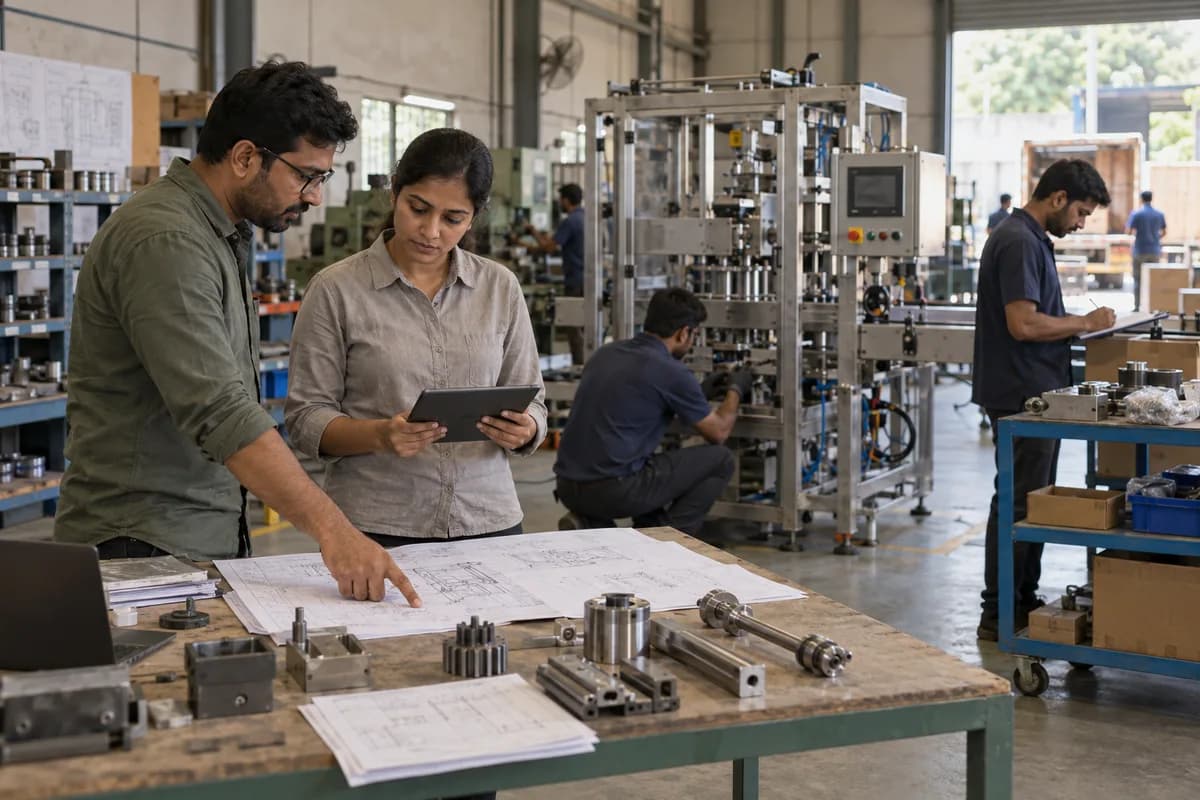
Who uses the dashboard
Manufacturers use it for machine run hours and stoppage reasons, in place of estimates. Cold storage, dairy and pharma distributors use it to show a condition record to a customer or an assessor. Facility teams use it too. Those teams run pumps, tanks, generators and meters across several buildings. Automation firms use it as a monitoring layer above panels they have already commissioned.
What each role sees
How the roles meet during a shift
Shift reviews open on run hours, stoppages with reasons and values outside range, and the supervisor hands over with the acknowledgements in front of them. Maintenance then picks up the devices that went quiet. The plant head reads the same record later, and the owner reads it from a phone.
What the client decides
- Which machines and sites each role can open
- Who is named on each shift for alerts and escalation
- Who may change a threshold, recorded with a name
- Which stoppage reasons appear on the operator’s list
Frequently asked questions
Can supervisors see it on a phone?
Yes. Phones and tablets open it through a browser, and each role sees its own machines and sites.
Does an owner see every site?
Yes, where the owner is given every site. What each site shows is agreed with your team during scoping.
Who decides what each role is shown?
Your team does, with us, during implementation. Machines, sites and alert routing are set per role.
Can the operator override an automatic action?
Yes. Manual override stays at the panel, and the action is logged.
Tell us what you need.
Share your requirements and one of our engineers will come back to you within one business day.
- No obligation
- A reply within one business day
- Your details stay private
Start with your requirements
Seven short steps that tell us what you need. An engineer reads them before getting in touch.
Share your requirements