Studio Dashboard for Photography Owners
The studio dashboard puts shoots this week, jobs at each stage, late albums, balances and freelancer payouts on one screen. Each figure is read from the live booking records.
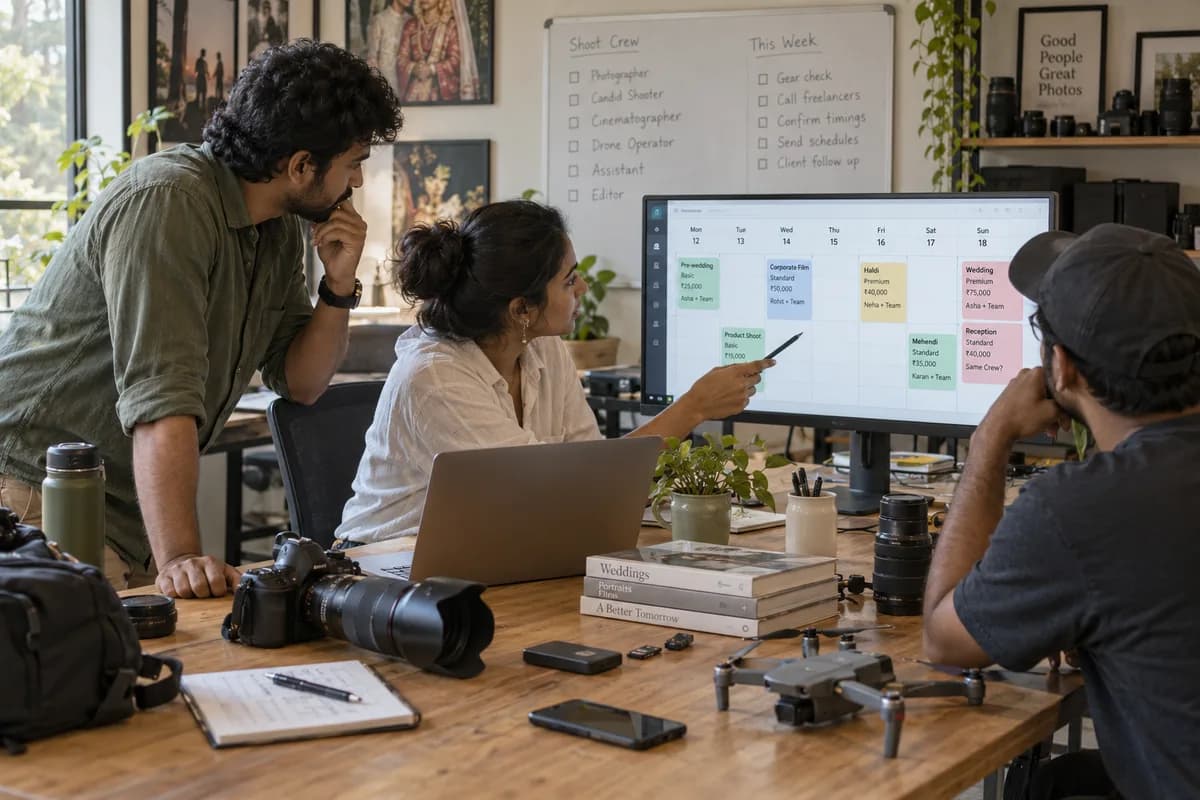
Five views on one screen
Read from the records
Figures come from the calendar, the album stages, the payment schedules and the freelancer records, and nothing is typed into the dashboard itself. When a stage is not updated, the job appears at its old stage. When a dashboard looks wrong, a record has probably not been entered.
Who looks at it
- Owners read it for the shape of the week and the money outstanding
- Booking coordinators use it to answer clients asking where an album has reached
- Accounts use the balances and payouts due
- Editors and designers work from their own list of jobs instead
What it does not replace
The dashboard is a summary. The detail sits on the booking calendar, the album stages and the payment records it reads from. Which figures the owner wants on the first screen is agreed during implementation.
Frequently asked questions
Does it update as work is entered?
Yes. The dashboard reads the current records, so it changes as bookings, stages and payments are entered.
Can editors see the whole dashboard?
What each role sees is agreed during implementation. Editors and designers work from a list of jobs with promised dates.
Can other figures be added to it?
Yes, for whatever has been entered on the studio’s bookings and payments. Further figures are decided with the studio at set-up.
Where do I find the detail behind a figure?
In the module it reads from, such as the booking calendar for shoots or the album stages for late jobs.
Tell us what you need.
Share your requirements and one of our engineers will come back to you within one business day.
What happens after you share your requirements
- A senior engineer reads your answers. Nobody phones first.
- Within one business day you get a written note: what we understood, what we would start with, and the questions we still have.
- If it fits, a proposal follows with the order of work, what we need from you and what you receive at each step.
- No call is booked and nothing is paid until you have read the note. Your details stay with us.
Start with your requirements
Seven short steps that tell us what you need. A senior engineer reads them before anyone gets in touch.
Share your requirements