Enterprise Knowledge Search Across Company Files
Enterprise knowledge search indexes shared drives, mail attachments and document stores so staff can search by meaning instead of file name. Results respect who is allowed to see what.
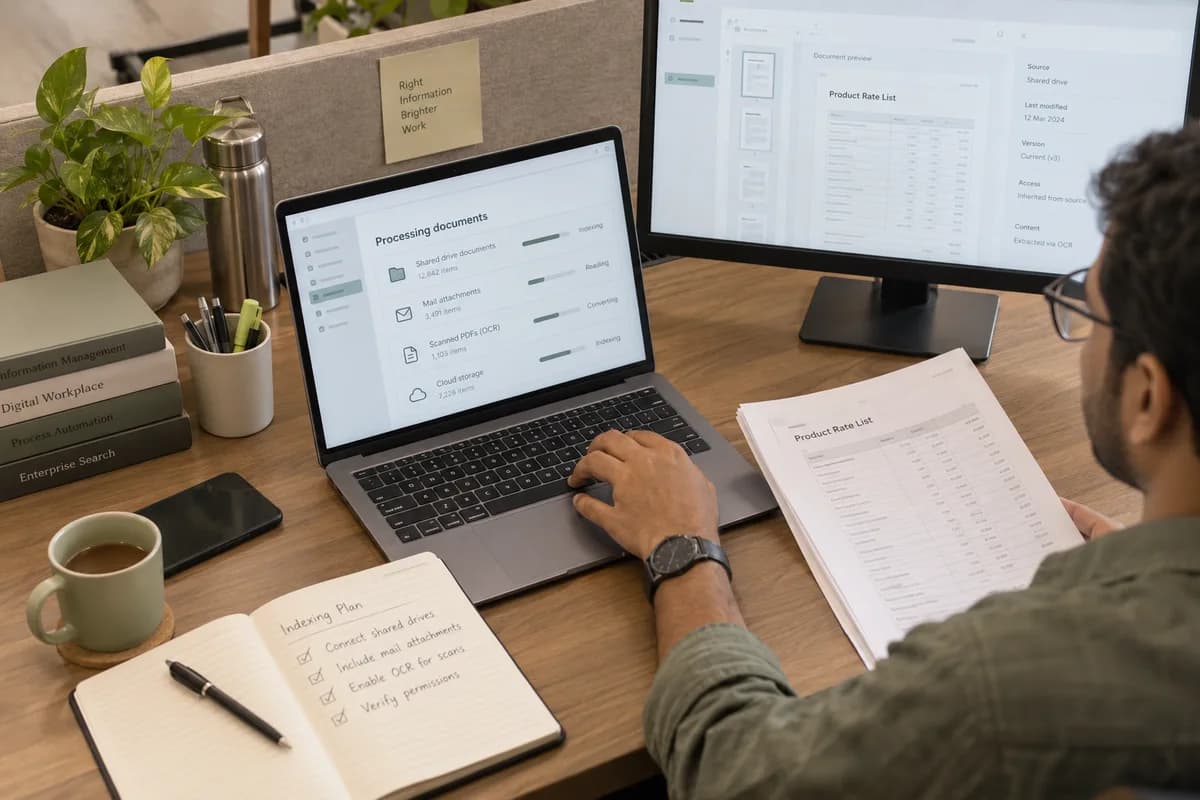
Files nobody can search
Shared folders often hold files under names that made sense to whoever saved them. The same rate list may exist in three copies with dates in the file name and none inside. A policy sent as an attachment may still be quoted after it was replaced. Staff then depend on the one colleague who remembers where things are.
How the index is built
Search or an assistant
Search returns documents and leaves the reading to you, which suits contracts, drawings and anything where exact wording matters. An assistant answers in a sentence and cites its source, which suits routine questions. Many businesses end up running both side by side, each used for the kind of question it suits. Search is usually the safer place to start.
Frequently asked questions
Does enterprise knowledge search replace our shared drives?
No. Files stay where they are and the search sits over them as an index. Nothing is moved, and removing the search later leaves your folders untouched.
Can someone find a document they should not see?
Not if the source permissions are correct, because those are applied at query time. Where a drive is open to everybody today, indexing tends to expose that, and fixing it is part of the work.
How long does indexing take?
It depends on volume and on how much of it is scanned images, which are slower to process. The first index takes longest, after which only changes are picked up.
What happens to a document after it is deleted?
It drops out of the index on the next run, and can be removed immediately where that matters. Deletion at the source is the authority, never the index.
Tell us what you need.
Share your requirements and one of our engineers will come back to you within one business day.
- No obligation
- A reply within one business day
- Your details stay private
Start with your requirements
Seven short steps that tell us what you need. An engineer reads them before getting in touch.
Share your requirements