Document Processing Automation
Document processing automation reads vendor invoices, delivery notes and purchase orders from scans, photographs and PDFs. It passes the extracted lines to the system that needs them.
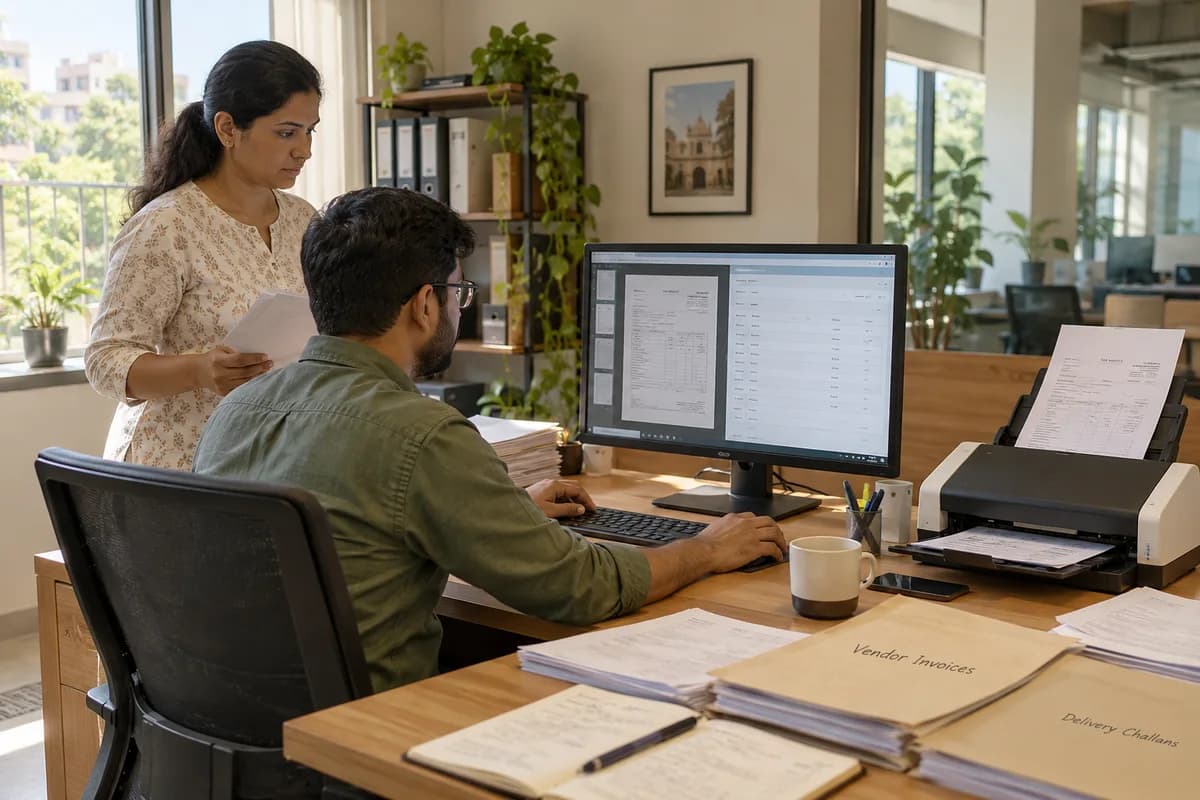
What Gets Read
- Vendor invoices: line items, quantities, rates, tax, tax registration number and invoice number
- Delivery notes: what arrived, against which order, and what was short
- Purchase orders received from customers, including those that arrive as PDFs
- Bank statements and payment advices, matched to outstanding invoices
What Happens When a Reading Is Uncertain
The system shows uncertainty instead of hiding it. That matters as much as raw extraction accuracy.
When Manual Entry Is Enough
A few invoices a month from a handful of regular vendors can be typed in by one person without much effort. Document processing suits volumes where data entry takes up much of somebody’s day, or where mismatches are found only after payment has gone out. Whether your volume justifies it is reviewed during scoping.
Frequently asked questions
How accurate is document processing automation on a photographed bill?
It depends on the photograph. A well-lit, flat picture reads well, while a crumpled bill shot at an angle in poor light needs checking. Uncertain fields are shown for a check rather than accepted silently.
Can it handle handwritten delivery notes?
Partly. Printed figures and stamped details read reasonably, while hurried handwritten quantities often do not. For handwritten paper, a simple entry screen on a phone can work better than reading the sheet.
Where does the extracted data end up?
It goes where the work continues: your purchase system for matching, your ERP as a draft bill, or your accounting software, for example Xero, through an import your accountant approves. Nothing is posted to your books without a person confirming it.
Tell us what you need.
Share your requirements and one of our engineers will come back to you within one business day.
What happens after you share your requirements
- A senior engineer reads your answers. Nobody phones first.
- Within one business day you get a written note: what we understood, what we would start with, and the questions we still have.
- If it fits, a proposal follows with the order of work, what we need from you and what you receive at each step.
- No call is booked and nothing is paid until you have read the note. Your details stay with us.
Start with your requirements
Seven short steps that tell us what you need. A senior engineer reads them before anyone gets in touch.
Share your requirements