Docker Containerisation for Applications
Docker containerisation packages an application, its runtime, its libraries and its settings into one image. That image moves between laptop, staging and production without changing, so all three behave the same way.
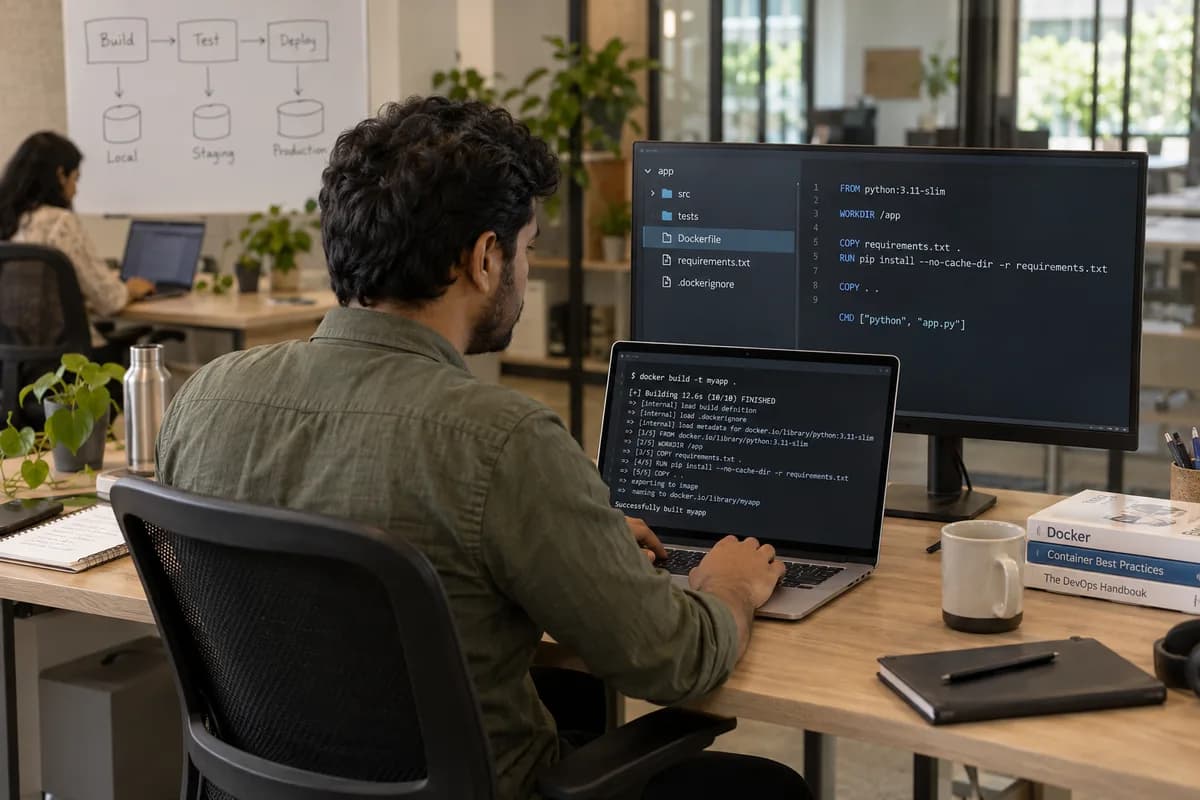
Why three machines differ
A laptop, a test server and production each carry different library versions and different settings. A change can pass every check and still fail when real customers reach it. The result is a dispute between the developer and the hosting provider over whose setup is wrong.
What goes inside the image
Where this does not help
An application tied to a specific physical device, a legacy installer that resists automation, or software licensed per machine can be awkward to package. Containers also do nothing for a slow or incorrect application. Those are separate pieces of work, and they are named during the assessment.
Frequently asked questions
Does our application need code changes before Docker containerisation?
Sometimes small ones. Applications that assume a fixed file path, write into their own install folder or rely on something installed once by hand usually need adjusting first.
Can we keep our existing servers?
Yes. Containers run on the machines you already have, and no move to a new host or provider is required.
What drives how long packaging takes?
Hidden dependencies, mostly. Libraries, paths and installed tools the application quietly relies on only surface when someone tries to package it, and they are estimated after a first look.
Is this worth doing for one small application?
Often, for the consistency alone. If the application is stable, rarely changed and deployed by one person who is staying, it can wait.
Tell us what you need.
Share your requirements and one of our engineers will come back to you within one business day.
- No obligation
- A reply within one business day
- Your details stay private
Start with your requirements
Seven short steps that tell us what you need. An engineer reads them before getting in touch.
Share your requirements