Project Document Management for Animation studios
Keep project documents tied to the correct job, revision and approval.
Does this function belong in your operation?
Use when project work depends on drawings, specifications, approvals or shared files.
A project file is issued, revised or approved.
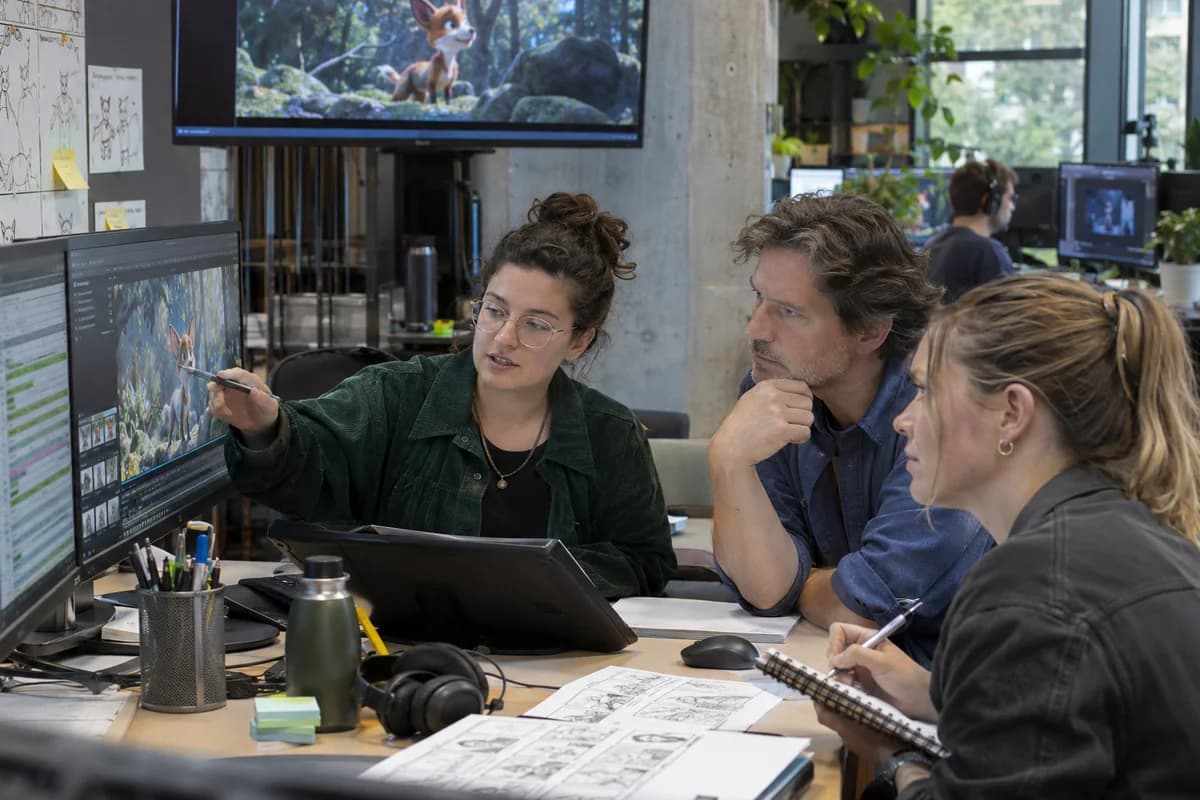
Scripts, storyboards, colour keys and client notes are filed under the episode they belong to. Artists open the latest approved storyboard for their scene. Older boards stay readable.
Bring the records the workflow depends on.
- Project references
- Document types
- Revision and access rules
Outputs to check
- Issued project-document register
- Revision and approval history
- Pending-review list
Follow the project document management workflow.
Use this sequence to compare your current process with the proposed module. Agree the owner, permission and exception at each step.
Who uses the module, and who approves?
Keep responsibilities distinct even when one person holds more than one role.
Decide how exceptions are handled.
These business rules belong in configuration and testing. A normal transaction alone does not demonstrate that the workflow is ready.
Can this work independently?
A project document library can operate independently with project identifiers and access roles. Tasks and timelines link to approved files, while a client portal controls external sharing. Uploading a drawing does not approve it for construction, manufacture or another regulated use.
Systems and records it connects with
- Task management: Assigned work, due dates and completion evidence.
- Project timelines with Gantt charts: Planned dates, dependencies and recorded milestone progress.
- Client portal: Permitted customer documents, requests and account views.
- Contract management: Operative agreement terms, amendments and obligation dates.
Configure, test and introduce the workflow.
- You show how projects are filed today. You get a proposed folder layout that follows your office naming.
- Documents from a running project are loaded with their revisions. You check that the current ones are marked correctly. Revisions are the usual trap. You decide what clients, vendors and staff see. Each group gets a test login.
- Site staff upload photographs and drawings from their phones. The routine is shown on site. Further projects are brought across in turn. The old chat folders are marked as closed.
Check the result before rollout.
Apply these checks to a sample from the agreed workflow, then repeat with an exception. Keep the expected result beside the test record.
- Readers can identify the current approved version.
- Project access prevents unrelated file disclosure.
- Superseded versions remain traceable.
How the business operates.
An animated production is a pipeline. A storyboard becomes an animatic, the animatic becomes a list of shots, and every shot needs characters, backgrounds and props that must be built first. Each stage belongs to a different artist, who may be a freelancer on a short contract joining in the middle of the production and leaving before the final render.
The records that hold the operation together.
- Bids and budgets by shot. Price a production by minute, episode or shot, and compare artist hours and render charges with the bid as work proceeds.
- Script breakdown and boards. Break the script into sequences and shots, and keep storyboard and animatic versions with their running time and approval.
- Shot list and status grid. List every shot with stage, artist, frame count, due date, retake count and the assets it needs.
- Asset library and versions. Track characters, rigs, props, backgrounds and textures with version history and the shots that use each one.
Operational bottlenecks to check
Shot status lives in a spreadsheet
A coordinator updates the sheet each evening, after a shot has already moved a stage, so the supervisors plan the next morning from rows that are no longer true.
Assets are used in the wrong version
A rig is fixed after the character’s costume changes. Two animators work on shots with different versions, and the difference surfaces in review.
How work flows across this business
This module sits within a wider operating process. Use the sequence to identify the other teams and records affected by a change.
1. Bid and set-up
The producer prices the job by minute, episode or shot, and the production is opened with its pipeline stages and a rate card.
2. Script and boards
The script is broken into sequences and shots. Storyboards and the animatic are saved as versions with the director’s approval.
3. Asset build
Characters, props and backgrounds are assigned to modellers, riggers and painters, then published as versions that shots can use.
4. Shot production
Each shot is assigned to an artist and moves through layout, animation, effects, lighting and compositing, with hours logged at each stage.
5. Review and retakes
Notes from the director and the client are recorded against the shot and frame, and the retake returns to the artist.
6. Delivery
Renders, audio, subtitles and metadata are checked against the client’s specification, and final cost is compared with the bid.
Industry reports to connect with
- Bid against actual cost by sequence
- Shots by stage and past due
- Retakes per sequence and artist
- Artist bookings and free capacity
Questions before implementation.
When should animation studios consider project document management?
Use when project work depends on drawings, specifications, approvals or shared files. A project file is issued, revised or approved.
What should we bring to the requirements discussion?
Bring anonymised examples of Project references; Document types; Revision and access rules. Show who creates, checks and changes each record. Use only records from an activity that meets the suitability conditions above.
Does this replace our existing business software?
The starting point is your current system and the gap you need to close. Keep project documents tied to the correct job, revision and approval. Configuration, a connected module or a custom build are evaluated against that gap before a replacement is proposed.
What is outside this module?
Engineering approval and contractual interpretation remain with the authorised professionals.
How are scope, price and rollout decided?
The proposal follows a review of your records, user roles, branches and existing software. Data migration, connections, training and support are scoped separately where needed. Readers can identify the current approved version. Use this check when reviewing the first working version.
Related functions for animation studios.
Discuss project document management for your business.
Tell us which workflow needs attention and which systems your team uses. The next step is a requirements discussion and a written scope.
What happens after you share your requirements
- We review your brief and the systems you already use.
- We clarify the workflow, missing information and the work to consider first.
- The proposed scope sets out the deliverables, responsibilities and dependencies.
- Review the scope and commercial terms before deciding whether to proceed.
Start with your requirements
Describe your current process, the people involved and the change you need. Start with the details you know; we can clarify the rest together.
Share your requirements