Business solutions for Automotive spare parts dealers
Explore software for work such as “Vehicle-application and part-number enquiries”. Review each business function below, including when it fits and what to check before implementation.
How the business operates.
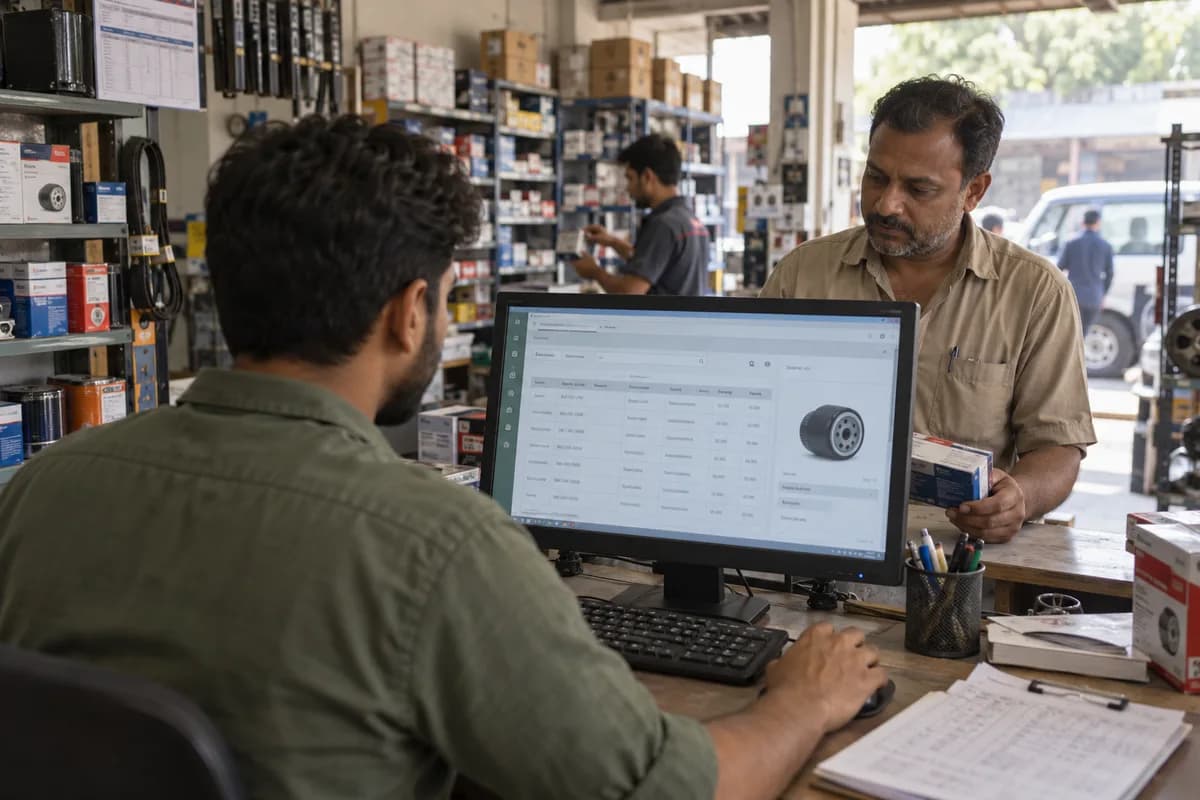
A spare-parts dealer turns a vehicle or part enquiry into an identified item, an agreed trade price and a counter collection or garage delivery. A garage asking for a clutch kit needs the correct vehicle application and kit contents checked before a shelf quantity becomes a supply commitment. This proposed software scope covers dealers holding and selling parts to garages, fleet accounts and walk-in buyers. It connects catalogue decisions, stock locations, order balances, credit and returns. Counter sales and workshop installation remain separate services; the workflow below is a configuration example for review with your team.
The records that hold the operation together.
- Vehicle make, model, year, variant and available identification reference
- Brand and part number with application source and review status
- Supplier code, pack quantity, selling unit and superseded-reference history
- Garage order, accepted alternative and remaining supply quantity
- Bin count, reserved quantity and dispatch acknowledgement
- Original invoice, return condition, decision and credit reference
Operational bottlenecks to check
Similar descriptions hide different fitments
A familiar trade name can refer to several variants. Keep application evidence and the exact supplied code accessible so another counter colleague can review the selection.
Available stock differs from shelf totals
Reserved items, incomplete kits and goods awaiting return inspection distort a simple quantity figure. Review these states before promising supply and investigate count differences before adjustment.
Garage account disputes cross departments
An unpaid bill, claimed return and delivery collection can sit with different staff. Display the separate evidence so an unverified credit or unallocated payment does not release another order.
Follow the work across teams.
This is a planning flow. Confirm the steps, owners and approval rules against your actual operation.
Roles and responsibility boundaries.
Reports your managers need.
- Open enquiries awaiting vehicle or application details
- Unfilled order lines and alternatives awaiting buyer acceptance
- Stock by bin, reservation status and count discrepancy
- Returns by part number, selection reason and inspection outcome
- Garage ageing, held orders and authorised credit releases
- Discount overrides and transactions using outdated price references
Connections to scope
- Assess licensed manufacturer or parts-catalogue data for the actual brands and vehicle coverage; manual source references remain a valid starting point.
- Map item codes, pack units and transaction references to the existing billing or accounting export before exchanging balances.
- Use configured order references for delivery acknowledgements and buyer messages; a messaging channel does not establish acceptance by itself.
Confirm data access, record ownership and the exchange method for each connection. Inclusion here does not mean every connection is available in a standard package.
Setup decisions and adoption risks.
Use these requirements to plan phases, data migration and user training. Agree the release sequence after reviewing your current systems.
Limitations to settle before implementation
- Catalogue evidence supports a qualified fitment decision; the system does not diagnose a vehicle or certify a replacement part.
- Manufacturer authorisation, authenticity checks, return eligibility and warranty terms require the actual supplier records and business policy.
- Used or reconditioned parts need separately agreed condition, identification and return rules. Installation and workshop repair are outside this dealer scope.
Modules to consider first.
These functions connect to the operating model above. Confirm each one against the work your business actually runs.
Choose the operation you want to improve.
Use these activities to explain your scope. Your business does not need every function in the directory.
- Vehicle-application and part-number enquiries
- Supplier catalogue references and reviewed alternatives
- Trade prices, credit decisions and order balances
- Rack and bin stock, reservations and garage dispatch
- Returned-part receipt, condition review and approved adjustments
Explore the business functions.
Production, stock, fleet and recurring billing functions apply only where your business runs those activities. Read the suitability conditions on each page.
Sales and Distribution
Credit Limits and Control
Apply customer credit terms and review orders that exceed limits.
View workflow and suitability →Price Lists and Schemes
Apply dated price lists and promotional rules to eligible transactions.
View workflow and suitability →Sales Returns and Credit Notes
Record customer returns and link their financial and stock effects.
View workflow and suitability →
CRM
Inventory Management
Start with the problem your team can describe.
Bring a sample record and show where information is copied, missed or waiting for approval. Scope the first useful change from there.
What happens after you share your requirements
- We review your brief and the systems you already use.
- We clarify the workflow, missing information and the work to consider first.
- The proposed scope sets out the deliverables, responsibilities and dependencies.
- Review the scope and commercial terms before deciding whether to proceed.
Start with your requirements
Describe your current process, the people involved and the change you need. Start with the details you know; we can clarify the rest together.
Share your requirements