Business solutions for Meat shops
Explore software for work such as “Pre-orders by WhatsApp for Sunday and festival days”. Review each business function below, including when it fits and what to check before implementation.
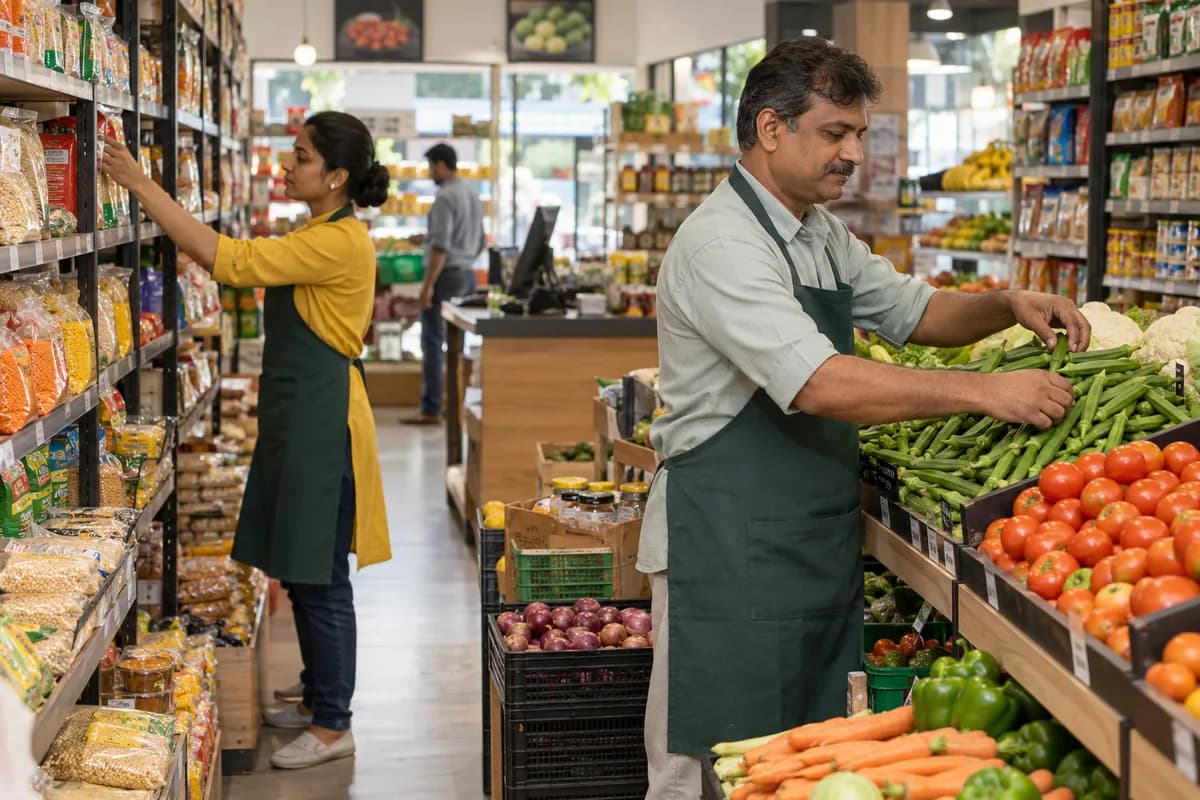
How the business operates.
Meat Shop Management Software from GullySystem is for shops that buy chicken, mutton, pork or fish by weight and sell it in cuts. Each lot keeps its supplier, cost and yield. Counter bills, restaurant orders, deliveries and credit dues all draw from the same stock, so a kilo sold, lost or owed is always accounted for.
The records that hold the operation together.
- Lot purchase and supplier record. Capture each lot by live, carcass or dressed weight with supplier, rate and date. Compare suppliers on cost after yield, not on rate alone.
- Dressing yield and cutting. Enter what a lot gave in each cut, bones and offal. The shop sees yield for every lot and supplier.
- Cuts, rates and price board. Set rates for every cut, change them by day, and print a rate list for the counter board.
- Counter billing from the scale. Read weight from a connected scale or type it, deduct the tray, and bill by cut. Cash, card, wallet and credit can share one bill.
- Stock by age and unit. See stock by cut, cold room and day received. Items close to their limit are listed first.
- Cold room temperature log. Note readings by unit and time, flag missed checks, and print the record when a buyer or inspector asks.
- Wastage and spoilage. Write off stock with a reason, such as trim, spoilage or sample. The owner sees the loss in kilos and in money.
- Restaurant and hotel standing orders. Save each buyer’s weekly pattern, raise the daily order, and print a delivery note and invoice with the weights sent.
Operational bottlenecks to check
Yield is guessed
Cost per kilo on the counter depends on what the lot gave after dressing. Without that figure, a cheap supplier may be the costly one.
Scale and bill do not agree
Staff forget the tray weight or press the wrong rate. Small gaps repeat on every sale through the day.
Old stock hides in the cold room
Yesterday’s meat sits behind today’s. It is sold late or thrown out, and no one records which.
Bulk orders slip
A hotel’s evening call is written on paper. The morning cutter never sees the change, and the delivery goes short.
Credit runs on memory
Regular customers take meat on account. Dues sit in a notebook, and chasing them is left until the owner has time.
Cold records are thin
A buyer, an inspector or a licence renewal asks for temperature history. A fridge checked by hand leaves nothing to show.
Follow the work across teams.
This is a planning flow. Confirm the steps, owners and approval rules against your actual operation.
Roles and responsibility boundaries.
Reports your managers need.
- Dressing yield by lot and supplier
- Daily sales by cut and meat type
- Stock on hand by age and cold room
- Wastage and spoilage by reason
- Standing orders and deliveries by buyer
- Credit dues by customer and age
- Cold room temperature log by unit and day
Connections to scope
- Digital weighing scale
- Barcode and receipt printers
- Card and wallet payments
- SMS
- Accounting package export
Confirm data access, record ownership and the exchange method for each connection. Inclusion here does not mean every connection is available in a standard package.
Setup decisions and adoption risks.
Use these requirements to plan phases, data migration and user training. Agree the release sequence after reviewing your current systems.
Limitations to settle before implementation
- A poultry farm that raises and sells birds needs the poultry farm product, not a retail counter system.
- A packaged meat factory with batch recipes and shelf-life testing needs a food manufacturer product.
Modules to consider first.
These functions connect to the operating model above. Confirm each one against the work your business actually runs.
Choose the operation you want to improve.
Use these activities to explain your scope. Your business does not need every function in the directory.
- Pre-orders by WhatsApp for Sunday and festival days
- A family register with usual cuts and quantities
- Home delivery within a short radius
- A visible licence and hygiene routine
- Marinated and cut-to-order products
- Supply accounts for hotels and caterers
- Clear closing days for festivals and fasting periods
Explore the business functions.
Production, stock, fleet and recurring billing functions apply only where your business runs those activities. Read the suitability conditions on each page.
Retail and POS
Sales and Distribution
CRM
Inventory Management
Platform
Start with the problem your team can describe.
Bring a sample record and show where information is copied, missed or waiting for approval. Scope the first useful change from there.
What happens after you share your requirements
- We review your brief and the systems you already use.
- We clarify the workflow, missing information and the work to consider first.
- The proposed scope sets out the deliverables, responsibilities and dependencies.
- Review the scope and commercial terms before deciding whether to proceed.
Start with your requirements
Describe your current process, the people involved and the change you need. Start with the details you know; we can clarify the rest together.
Share your requirements