Business solutions for Restaurants
Explore software for work such as “Weekday dinner footfall”. Review each business function below, including when it fits and what to check before implementation.
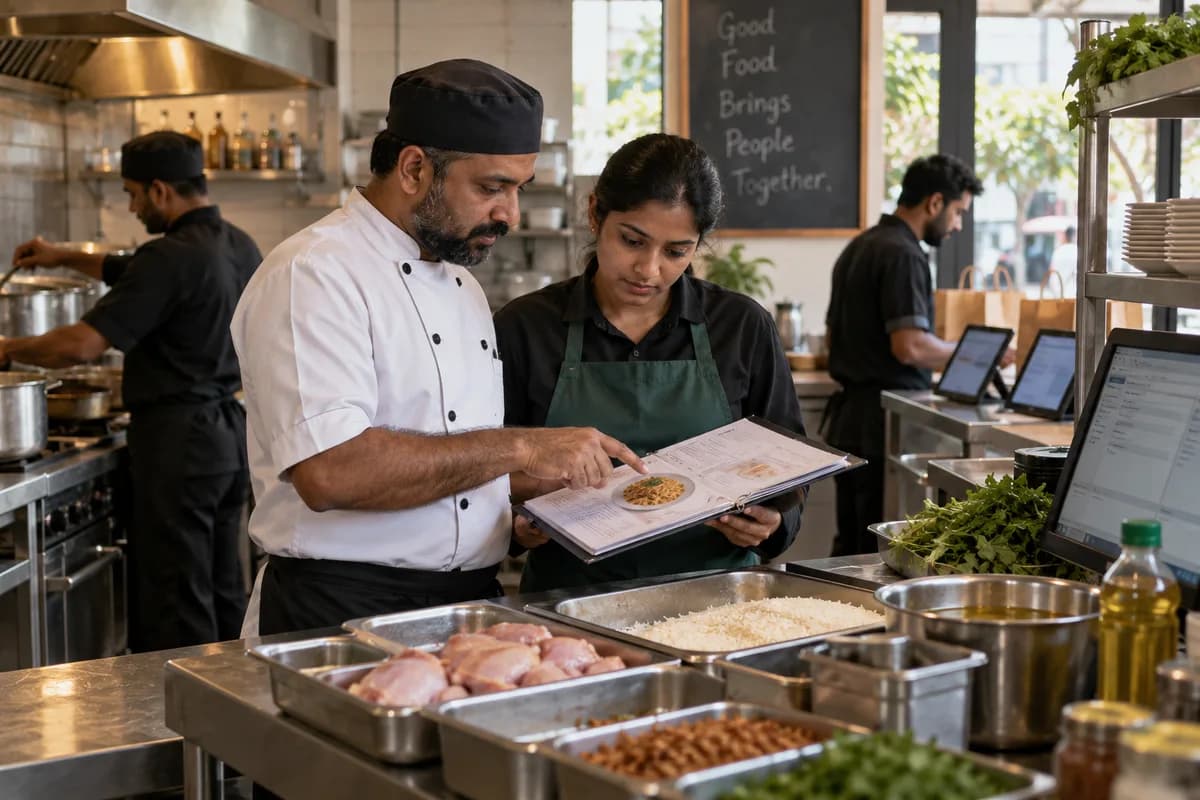
How the business operates.
Most kitchens already have a decent POS for billing and KOTs. The trouble starts after the bill is printed.
The records that hold the operation together.
- Menu, portions and recipe cards. Hold sections, dishes, half and full portions, rates by order type and the recipe behind each dish, so the kitchen and the counter read one menu.
- Table plan and dine-in orders. Lay out floors, tables and covers, open an order against a table, add items through the meal and move or merge tables as guests shift.
- Kitchen tickets (KOT) and order status. Send each item to the station that cooks it, show what is pending at the pass and mark dishes ready, served or cancelled.
- Counter and parcel orders. Take token orders at a counter, record parcel charges and packing, and bill without a table being involved at all.
- Delivery platform orders. Keep aggregator orders in the same order list as dine-in, with the platform name, its order number and the payout against each bill.
- Table bookings and waiting list. Note bookings taken on the phone or on WhatsApp, hold the waiting list on a busy evening and seat guests in turn.
- Kitchen stock and indents. Count provisions, vegetables and packing material in the store, issue them against kitchen indents and record wastage with a reason.
- Supplier purchases and bills. Record the vegetable, grocery, dairy and meat purchases of each day, hold supplier bills and keep what is still owed to each supplier.
Operational bottlenecks to check
Food cost is a guess
Recipe cards are not linked to sales, so you cannot tell whether the rice dish margin fell because chicken went up or because the portion grew. The owner simply guesses.
Platform payouts do not add up
Commission, ad spend, promotions and cancellations sit inside one weekly statement, and a short payment on a handful of orders goes unnoticed.
Stock goes missing between store and kitchen
The register shows what was issued and never what was used, so wastage and pilferage look identical from the office.
Complimentary bills and voids go unquestioned
Complimentary rounds, staff food and cancelled bills are approved at the counter, and nobody reviews them against the shift until much later.
Supplier bills pile up unchecked
The vegetable supplier bills every week, and nobody compares that rate against what was agreed. The rate creeps up quietly.
Follow the work across teams.
This is a planning flow. Confirm the steps, owners and approval rules against your actual operation.
Roles and responsibility boundaries.
Reports your managers need.
- Sales by dish, section and daypart
- Dine-in, parcel and delivery platform shares
- Kitchen ticket times by station
- Store issue read against dishes sold
- Table occupancy and covers by session
- Collections by cash, card, wallet and platform
- Discounts, cancellations and wastage
Connections to scope
- SMS
- Card and mobile wallet payments
- Thermal kitchen and bill printers
- Delivery platform order feeds
- Accounting export, scoped at set-up
- Biometric attendance device
Confirm data access, record ownership and the exchange method for each connection. Inclusion here does not mean every connection is available in a standard package.
Setup decisions and adoption risks.
Use these requirements to plan phases, data migration and user training. Agree the release sequence after reviewing your current systems.
Limitations to settle before implementation
- A home kitchen sending a few orders a day over WhatsApp may find a notebook and bank transfers enough.
- A caterer quoting by the plate for weddings and events will find Catering Management Software fits better.
- A bakery selling cakes and savouries over a counter should look at the Bakery Management System instead.
Modules to consider first.
These functions connect to the operating model above. Confirm each one against the work your business actually runs.
Choose the operation you want to improve.
Use these activities to explain your scope. Your business does not need every function in the directory.
- Weekday dinner footfall
- Weekday lunch for nearby offices
- Birthday and celebration bookings
- Office team lunches and parties
- Direct delivery and takeaway orders
- Festival and seasonal menus
- Sunday family lunch and buffets
- New outlet launches
Explore the business functions.
Production, stock, fleet and recurring billing functions apply only where your business runs those activities. Read the suitability conditions on each page.
Project Management
Finance & Accounting
Manufacturing
CRM
Retail and POS
Inventory Management
Start with the problem your team can describe.
Bring a sample record and show where information is copied, missed or waiting for approval. Scope the first useful change from there.
What happens after you share your requirements
- We review your brief and the systems you already use.
- We clarify the workflow, missing information and the work to consider first.
- The proposed scope sets out the deliverables, responsibilities and dependencies.
- Review the scope and commercial terms before deciding whether to proceed.
Start with your requirements
Describe your current process, the people involved and the change you need. Start with the details you know; we can clarify the rest together.
Share your requirements