In this guide 6 sections
Buyers filter bags by capacity in litres, outer size, shell material, wheel type, lock type, cabin fit and laptop compartment size. Store each as its own field, with a fixed list of values or a single unit, so the catalogue can build a filter from it. Free text cannot become a filter.
Capacity and size in litres and centimetres
For backpacks, litres come first. A shopper packing for the gym or a weekend trip thinks in volume, not in centimetres, so store capacity as a number and offer ranges.
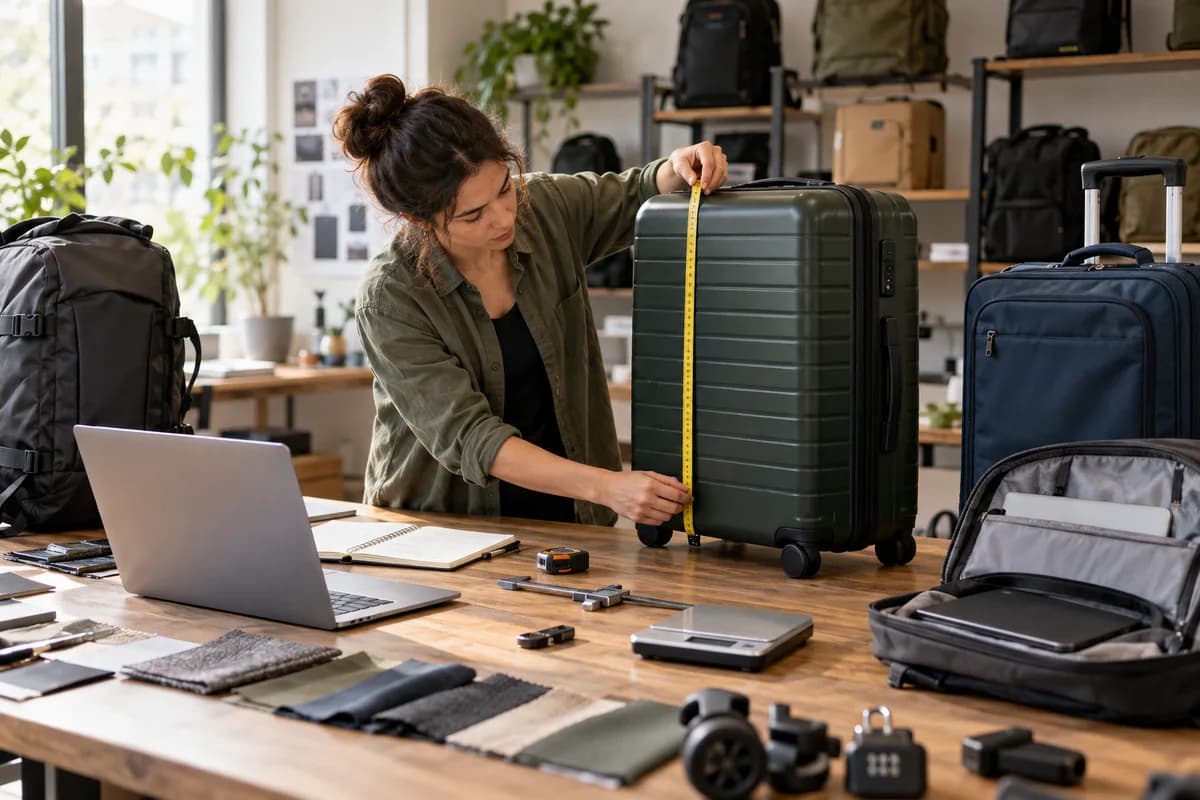
Suitcases carry size names, such as cabin, medium and large, as well as litres, so keep the name as a list and the litres as a number. Outer size takes three fields. Measure height, width and depth with the wheels, the top handle and any side pockets included, because airline limits usually count the bag as it stands.
Do not hardcode a carry-on claim from memory. Airline limits differ and change. Store the dimensions, link to the airline’s own size guide and word the filter as “likely to fit cabin”, not a promise.
- Capacity in litres, as a number
- Size name: cabin, medium or large
- Height, width and depth, wheels and handle included
- Weight of the empty bag
- Expandable depth, if a zip adds room
Shell and fabric: hard, soft or in between
Hard shells are moulded from polycarbonate, ABS or polypropylene, while soft bags use polyester, nylon or canvas, and a few use leather. A buyer picks a side early. Shell type earns its own filter.
Material is the second question. Buyers read it as a hint about how a case will survive a drop or a rainy kerb, so store it as a list of plain names.
Small facts sit around the shell. Record the lining and zip type, then mark water resistance as yes or no, with the detail in the description so spray-resistant never reads as waterproof.
Wheels, handles and locks
Wheel type changes how a suitcase rolls. Spinners have four wheels that turn in any direction and glide through an airport, while inline bags have two fixed wheels and cope with kerbs and rough ground.
Locks matter at the border. A TSA-approved lock can be opened by US security staff without being cut, which is why travel buyers search for it. Offer lock type as a list.
Handles add a last filter. A telescopic trolley handle, a side grab handle and a shoulder strap answer different needs, and a rolling duffel is a separate product from a carry duffel.
- Wheel type: spinner, inline or none
- Lock type: none, combination, key, TSA-approved or built-in
- Handle: telescopic, grab or strap
- Zip type: standard or anti-theft
Laptop compartments and device fit
Commuters filter by laptop size. Screen size is the shorthand shoppers use, such as 13 inch, 14 inch or 16 inch, but a sleeve is really measured by its inside dimensions.
Store two separate facts. One is the largest screen size the sleeve takes, stored as a single number, so a filter for 14 inch shows every bag that takes that or more. The second is the sleeve’s inside height, width and depth, because a thick workstation laptop with its charger can defeat a sleeve that claims to fit.
Padding, a tablet pocket, an RFID-blocking pocket, a USB pass-through port and a trolley sleeve that slides over a suitcase handle are secondary filters. Add them only where buyers ask.
Turn each specification into a filter
Weak fields make weak filters. Use three kinds: a list for shell, wheel, lock and material, a number in one unit for litres and size, and a yes or no flag for features.
Convert units on import. Supplier sheets mix centimetres with inches and litres with cubic inches, so pick one unit, store it and show the second beside it if your market needs both.
Show only the filters that change a purchase and hide any where nearly every product shares one value, because a filter that removes nothing wastes the shopper’s screen. Then fill one sheet for your twenty best sellers, with a column per field, and study the blanks to see where your supplier data is thin.
Bag specification field sheet
A single sheet, one row per specification. Columns hold the field name, type, unit, allowed values, filter status and source, such as the supplier sheet or a tape measure. Fill it for one category first.
Open a blank worksheet to printQuestions owners ask
Should luggage capacity be shown in litres?
Yes. Show litres as a number beside the size name, such as cabin or large, so a shopper can compare a suitcase with a backpack.
How do I handle carry-on size claims?
Store the exact outer dimensions, link to each airline’s own size guide and label the filter a likely fit, because limits differ by carrier and change often. Never promise a fit.
Do I need a field for every laptop size?
No. One number is enough. A sleeve that takes a larger laptop also takes a smaller one, so the filter can list every bag at or above the shopper’s screen size.
How many filters should a category page show?
Few. Lead with the ones that settle a purchase, such as capacity, shell and wheels for luggage, and put the rest behind a more filters link. Check which filters shoppers actually click.