In this guide 6 sections
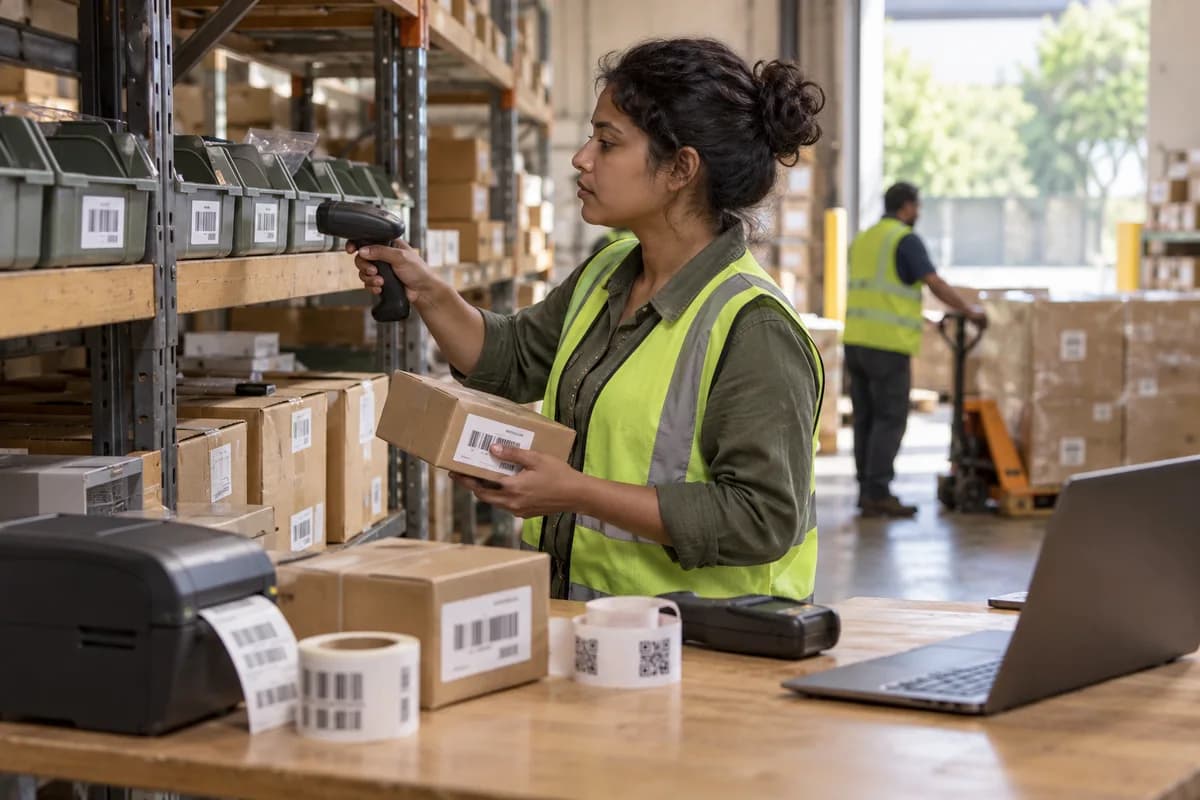
Plain barcodes are enough for most stock bins and batch labels, because handheld scanners read them quickly and a label costs little to reprint. QR codes suit asset tags that staff scan with a phone. RFID pays off only when items must be read without line of sight, in bulk.
Four differences that decide the tag
Read distance comes first. A laser or imager scanner reads a barcode from a few centimetres to well over a metre, depending on label size. RFID readers pick up tags from several metres away. No aiming needed.
Next is line of sight. Barcodes and QR codes need a clear view of the print, but RFID does not, so a tag inside a carton still reads.
Durability and speed complete the picture. A thermal transfer label survives a warehouse floor, but a smudged one fails. A QR code carries error correction, so a scratched corner often still scans.
- Read distance and angle
- Need for line of sight
- Label survival in heat, oil and handling
- Scans per minute at the dock or shelf
- Whether a phone camera is enough
Stock bins and shelf locations
A bin label is read at arm’s length by a person standing in front of it. A Code 128 barcode printed on a thermal label does the job, and the picker scans the bin, then the item, while the system checks both match.
RFID rarely pays here. Every tag adds a cost. For a bin that never moves, a printed label on the shelf edge is cheaper. It is just as accurate.
Use a QR code only when bin staff have no handheld, because phones read QR faster than long linear barcodes at small print sizes.
Batch and lot labels
Batch labels carry more than a part number. They carry a lot code, a manufacturing date and an expiry, and a GS1-128 barcode or a two-dimensional code holds all three in one scan. The goods receipt screen fills itself.
Print the label at receiving, not later. A label on the carton before putaway means the batch is known from the first minute in the building. Late labels breed mix-ups.
Pharma, food and chemical stores gain most. When a supplier recalls a lot, a scan of the lot code on the shelf finds every affected pack. Speed matters in a recall.
- Lot code, date and expiry in one scan
- Printed at goods receipt
- One label per carton or pallet
- A reprint rule for damaged labels
Fixed asset tags
A laptop, a press or a forklift stays in service for years, so the tag must outlast the paint. Use an engraved plate, a polyester label or a metal tag with a QR code, and record the asset number against the serial plate in the register.
A QR tag suits an audit. The auditor scans each tag with a phone and the app opens the record with its location and last service date.
RFID makes sense when you audit thousands of items in a hospital or a tool crib, or when assets pass a gate and an alarm must sound. Otherwise it is an expensive answer to a small question.
A simple rule before you buy
Start with barcodes. Add a QR code where a phone does the scanning. Consider RFID only for a named job that barcodes cannot do, such as counting sealed cartons on a pallet without opening them.
Run a week’s trial on a single aisle. Print fifty labels and scan them at real speed. Every miss shows whether the label, the printer or the scanner is the weak link.
Tag choice worksheet
Three rows sit on a printed sheet: stock bins, batch labels and fixed assets. Columns cover who scans, read distance needed, line of sight, surface and heat, device available and the tag you pick. The last column records the result of a week’s trial.
Open a blank worksheet to printQuestions owners ask
Is a QR code better than a barcode?
It holds more data and tolerates damage better, and a phone reads it easily. A linear barcode is still faster on a handheld scanner at the dock, so use each where its strengths count.
Can RFID replace barcodes completely?
Rarely. Metal and liquids interfere with some tags, every tag costs more than a printed label, and many sites keep barcodes as a fallback even after adding RFID.
Do we need special printers for labels?
A thermal transfer printer gives durable labels for warehouse use. Direct thermal labels fade with heat and light, so they suit short-lived shipping labels.
How should tags link to the software?
Each tag carries a number that matches one record: a bin, a batch or an asset. The scan opens that record or posts a movement against it.