In this guide 6 sections
Field-service software carries one job from the first customer request through technician assignment, the site visit, photo evidence and closure, then forward to the invoice and any repeat visit. Trades differ in detail. The core task is identical every time: send the right technician with the right information and bring back a record someone can verify.
Mapping the job from first request to closure
An appliance-repair company with eight technicians receives requests by phone, WhatsApp and walk-in, and each one is scribbled on paper or relayed in a voice call. Nothing is closed properly. The ticket ends when a technician remembers to call back, and by then the exact fault reported and the address visited have blurred together.
Software replaces the scribble with a path. Intake records the fault, appliance model, address and preferred time, dispatch assigns a technician by skill and area, and closure stores what was actually done. Every stage needs its own record. A tool that covers only scheduling, the middle stage, leaves intake and closure exactly as unreliable as they were when everything lived on paper.
Scheduling by skill, location and parts availability
Naive scheduling picks whoever is free. Better scheduling checks the skill needed, such as refrigeration versus general repair, the distance to the address, and whether the likely parts are already in the van.
A wrong match produces a wasted visit. The technician arrives to find a missing relay or a fault outside their trade, so the customer waits for a second appointment and the company pays for two trips. Skill and parts rules cut repeat trips.
Mobile evidence capture, including offline
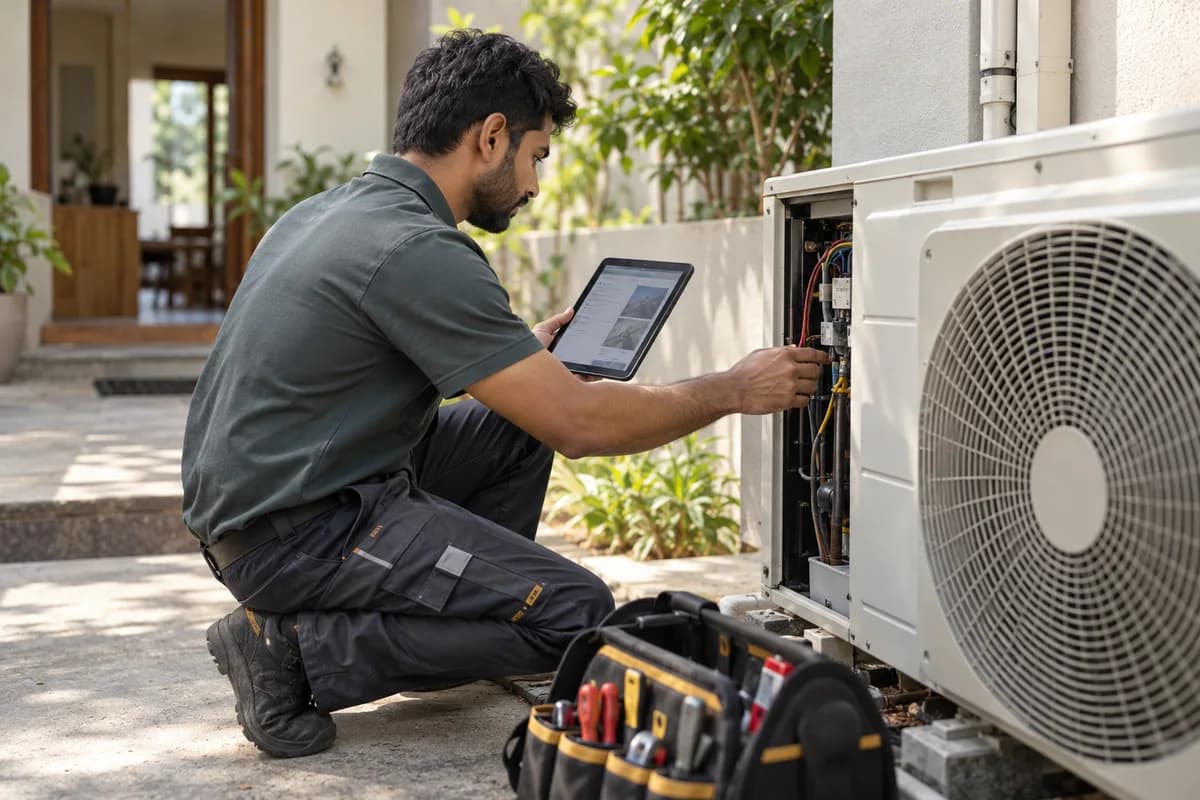
Mobile capture means before and after photos, a checklist of completed work and the customer’s signature, which turn a spoken “job done” into a record that survives a dispute. The app must work offline. Basements, rural sites and lifts often have no signal, so a technician who cannot save the job on the spot either delays the entry until evening or skips it.
Test it in airplane mode. A feature list that says “mobile app” proves nothing about whether photos, signatures and status changes queue safely and sync later without duplicates or lost entries.
One history for estimates, invoices, warranties and repeat visits
A second call should not start cold. The technician on the doorstep should see the last diagnosis, the parts fitted and whether the compressor is still under warranty, pulled from one appliance record.
History also protects revenue. A repeat visit covered by warranty should be flagged before anyone raises a bill, and an approved estimate should turn into an invoice without the amounts being retyped. Retyping is where mismatches begin.
Response time, completion rate and unresolved work
Three numbers matter most. Response time runs from request to assignment, first-visit completion is the share of jobs fixed on the first trip, and backlog is work still open past the promised window.
Record all three before switching tools. Without a baseline, an owner cannot tell a real improvement from a system that looks tidier, and a tool that cannot report these numbers is the wrong tool.
Service-ticket lifecycle diagram
A diagram traces one job from customer request through technician assignment, on-site evidence capture and closure, then forward to the invoice or a linked repeat visit. Adapt it to your trade.
Open a blank worksheet to printQuestions owners ask
Can technicians work offline?
Yes, when built for it. Log a test job with photos and a signature in airplane mode, reconnect, and check that every item synced once, with nothing duplicated or missing from the customer record.
How do repeat visits stay linked to the original job?
Visits attach to one appliance record. A technician then sees the earlier diagnosis and parts used, and the office can apply warranty cover instead of billing the same repair twice by accident.
Which trades does this suit besides appliance repair?
Pest control, lift maintenance, plumbing, electrical contracting and cleaning services all follow the same request, visit and closure pattern, though each trade needs different evidence at the end. Pest control adds chemical logs.