In this guide 6 sections
Disabling the main login is only the first step. A leaver’s access also hides in mailbox forwarding rules, shared mailboxes, passwords the whole team knows, separate cloud app accounts, phones with mail still synced and paid licences. Audit each of those places against the staff list, one by one.
Start from the staff list, not the admin console
Pull the list of everyone who left in two years from payroll or the HR sheet, not the admin panel, which only shows what someone remembered to create.
Export the mail system’s user list and compare both sheets name by name, since anyone in the export but not on the staff list is a finding. Contractors and interns are the usual gaps. Nobody tracks their last day.
Write the exit date beside each name, because it shows how long each account has sat open, and the oldest gaps matter most.
- Payroll or HR list of leavers with exit dates
- Mailbox and directory user export
- Contractors, interns and agency staff
- Accounts named after roles, such as accounts or sales
Check the mailbox before you check anything else
Disabling a sign-in does not remove a forwarding rule, so a leaver or a colleague may have set the mailbox to copy every incoming message to a personal address. Check the mailbox rules first. Then open the admin forwarding settings.
A manager may still hold full access to the leaver’s mailbox, or the leaver may keep access to a shared billing or support inbox that outlives the personal account.
Check mail groups and distribution lists as well, because a former employee left on the quotes list keeps receiving pricing, customer names and attachments every day. That is a quiet leak.
Hunt for shared passwords and separate app logins
Shared admin passwords are the biggest hole. The router, domain registrar, website CMS, courier portal and bank’s bulk upload often share one login that a dozen people have known. If a leaver knew it, change it.
Many cloud apps keep their own user list, so accounting software, the CRM, file sharing, the design suite and the payroll portal each need a separate check. Single sign-on covers some, not all.
Look for personal accounts used for work too, such as a founder’s own cloud storage holding client folders, because those never appear in any admin console you own.
- Router, firewall and Wi-Fi admin login
- Domain registrar and DNS account
- Website CMS and hosting panel
- Accounting, CRM and payroll portals
- Bank and payment gateway user lists
Phones, laptops and paid seats
A phone that synced mail months ago may still hold the mailbox, so check the list of connected devices for each leaver and remove any you do not recognise. Remote-wipe the work profile.
Ask whether the laptop disk was encrypted, whether it came back and whether it was reset before reuse, since a saved browser session is still a way in.
Look at the bill. A paid seat assigned to a leaver is both a cost and a live account, and matching licences to the staff list often finds both problems together.
Close the gaps and make it repeatable
Fix findings in order of risk: change shared passwords first, remove forwarding rules second, then retire stale accounts, reassign or cancel licences and note who did each step.
Stop the problem returning with a leaver checklist owned by HR, carrying one IT line for every system, so a one-off cleanup becomes routine reviewed each quarter.
Start this week with the last three people who left, and walk each name through every one of the five areas above before Friday ends.
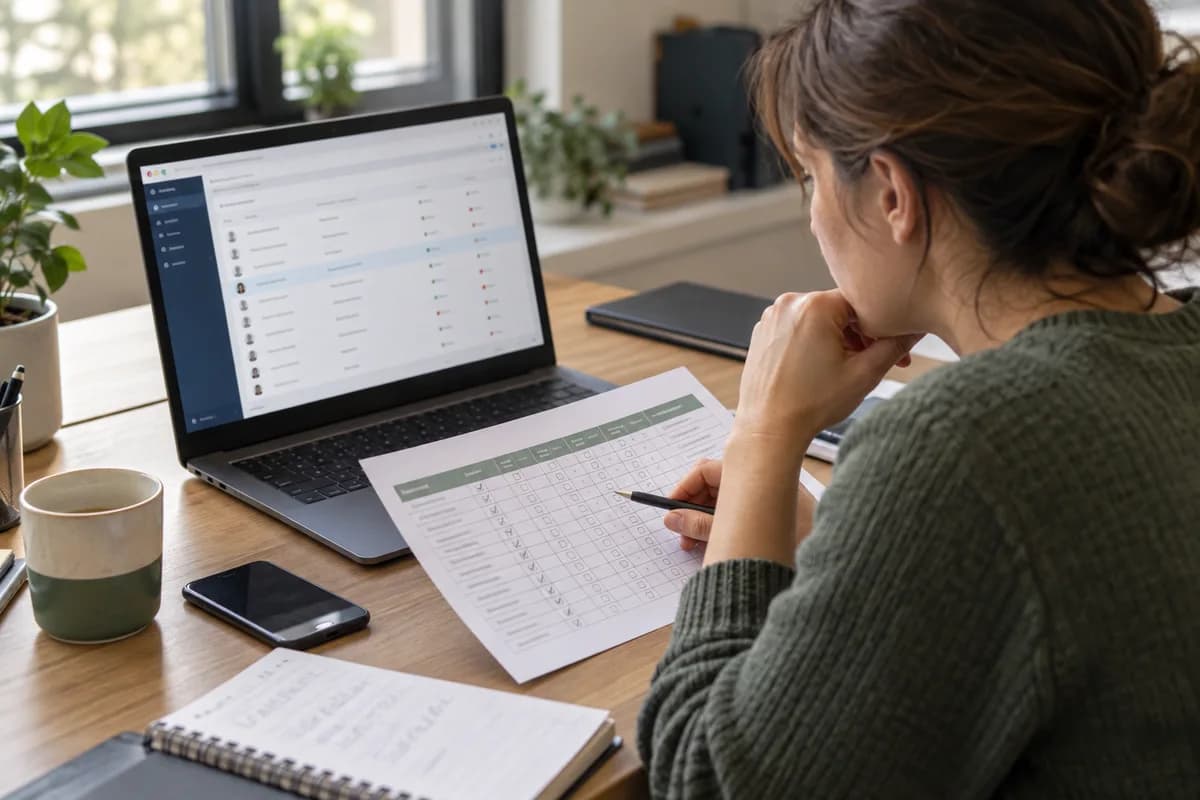
Leaver access audit sheet
A single printable page, one row per former employee. Its columns are name, exit date, mailbox disabled, forwarding rule removed, shared mailbox access removed, shared passwords changed, app logins closed, phone wiped, laptop returned and licence reassigned. The last column holds the initials of whoever signed off.
Open a blank worksheet to printQuestions owners ask
Is disabling the email account enough when someone leaves?
No. It stops sign-in to that mailbox but leaves forwarding rules, shared mailbox access, app accounts with their own passwords and synced phones untouched. Each needs a separate check.
How can I tell if mail is being forwarded to a personal address?
Open the mailbox rules for the account and the admin forwarding settings. Both can hold an outside address. Some systems also let you search the audit log for rule changes.
What if we do not know which apps a leaver used?
Ask their manager, then check the browser’s saved logins on the returned laptop and search the mailbox for sign-up and invoice emails. Those messages usually name the apps.
How often should we review old accounts?
A quarterly check against the HR list is enough for most small firms. Run an extra check whenever someone with admin rights leaves.