In this guide 6 sections
One job card should follow each vehicle. It holds the complaint, the estimate, approvals for extra work, parts, labour and the final bill, and service reminders then bring the customer back for the next visit. A two-bay garage can manage with less.
How a Workshop Runs Without Software
Intake is already loose. The advisor writes a four-word complaint on a paper card, notes the odometer only if someone remembers, and leaves photos of existing dents on a personal phone.
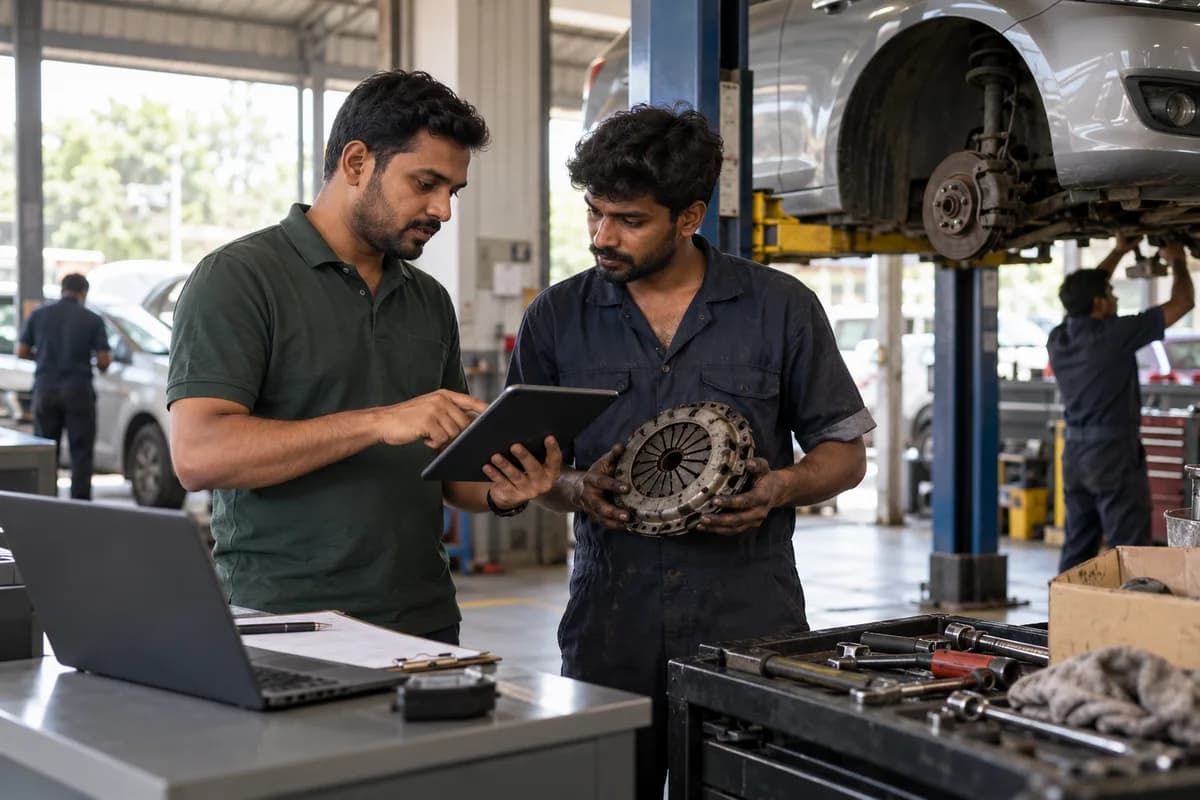
The mechanic finds a worn clutch plate and phones the owner, who says yes over the noise of the bay while the part leaves the shelf unrecorded. Nothing is written down.
By evening the bill is rebuilt from memory and a grease-marked card, so a hurried part may never reach the invoice, or the customer denies approving any clutch. Each case is small. Together they cost trust and money.
The Job Card Is the Heart of Garage Management Software
Intake decides later disputes. The job card should record the registration number, odometer, fuel level, belongings left in the car and photographs of existing damage, plus the customer’s complaint word for word. A promised delivery time goes beside it.
Each card carries labour lines and parts lines, the mechanic assigned to each line and a status that the front desk can read without walking to the bay. A board showing every vehicle as waiting, in progress, waiting for parts or ready saves an advisor a dozen phone calls a day. Judge the card, not the dashboard.
Estimates, Approvals and Insurance Jobs
Estimate before touching anything. When the mechanic finds extra work, send a revised estimate by message with a photograph of the worn part, and record the moment the customer approves it. That record settles billing counter arguments.
Insurance adds a second approver. The surveyor approves some items, depreciation and the compulsory deductible fall on the customer, and the claim settles weeks after the car has left the workshop.
Software should keep the insurer’s share and the customer’s share apart on one job, so the customer pays the right amount instead of a figure the advisor guessed. Guessing costs the garage.
Parts, Stock and the Final Tax Invoice
Issue every part against a job card. That single rule reduces stock and adds the line to the bill in one step, and returned parts go back into stock the same way.
Set reorder levels on fast movers such as brake pads and engine oil, so a car does not sit in the bay overnight waiting for a stocked part.
The invoice should show parts and labour on separate lines with tax codes, and your accountant can confirm how much detail your turnover requires. Payments post against the invoice. An export or sync with the accounting package spares the accountant from retyping a full month of bills at every month end.
Service Reminders, and Whether You Need It Yet
A vehicle history with the next service due by date or kilometres lets the software send a reminder message at the right moment. Repeat customers pay the workshop’s steady bills. Forgetting to call loses them.
A small garage where the owner writes every card and does the billing can manage with a billing app and a printed job card template. That is a sensible choice.
A garage is ready for software once it has several advisors, insurance work, or parts that vanish between the store and the bay, because memory cannot hold that much. Start with the card you already use.
Workshop job card template
A sample job card listing every field worth capturing at intake, from odometer and fuel level to damage photos and the customer’s own words. Mark every field your card lacks.
Open a blank worksheet to printQuestions owners ask
Does garage management software work for two-wheeler workshops?
Yes, the flow is the same. Jobs are shorter and far more numerous in a day, so intake speed matters most, and the job card should open in seconds on a phone at the gate.
Can it handle insurance claim jobs?
It should handle them well. The software needs to record the surveyor’s approved items and split each bill between the insurer and the customer, so ask for one claim job end to end. A screenshot proves nothing.
Will garage management software work with my accounting package?
Most can export invoices and receipts in a format that accounting packages import, and some sync directly, but settle the ledgers and tax details with your accountant before go-live. Late fixes cost a month.