In this guide 6 sections
A clinic management system is built around the outpatient visit: appointment, consultation, prescription and bill. A hospital information system adds beds, wards, a pharmacy, a laboratory and discharge. Move to the hospital kind when patients stay overnight or when pharmacy and lab need their own stock and orders.
What a clinic system is designed around
A clinic system follows one patient through one visit. Registration, queue token, doctor’s room, prescription, bill. The visit ends the same day and the file closes.
Its screens are light on purpose. A receptionist books slots, a doctor writes notes, and a cashier takes payment without ever seeing a bed number or a ward chart. For a practice with a few doctors and no overnight patients, that is the right amount of software.
Pharmacy in a clinic usually means a counter and a cash drawer. Stock is counted rarely and expiry is checked by eye.
What a hospital system adds
Overnight stay changes everything. The record must follow the patient from admission through a transfer between wards to discharge, and charges run per day, per procedure and per consumable instead of per visit.
A hospital information system links departments that work from separate stock rooms. The doctor orders a test, the sample is barcoded, the lab posts the result, and the bill picks up the charge without anyone telling the cashier. That chain is the whole point.
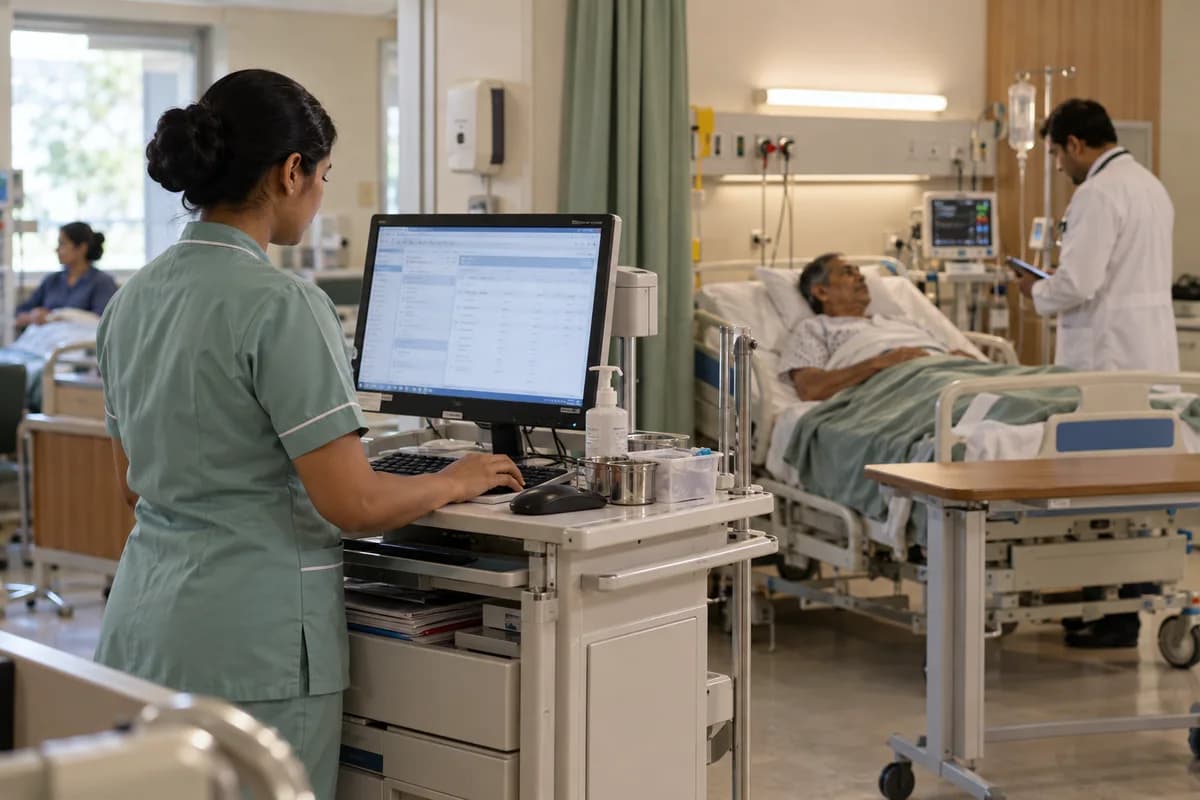
Night duty adds a new need. The resident reads the chart at two in the morning, the nurse records a temperature, and the pharmacy dispenses an injection against a written order. Each step needs a user, a time and a signature in the record.
- Admission, transfer and discharge with a bed board
- Nursing station notes, drug rounds and vitals charts
- Pharmacy with batch numbers, expiry dates and returns
- Laboratory orders, sample barcodes and result entry
- Operation theatre lists and implant records
- Insurer pre-authorisation and final bill packs
Signs your clinic system has stopped being enough
Watch for workarounds. When the ward sister keeps an admission register in a notebook, the system is no longer the record. When the pharmacy sells from a second spreadsheet, stock and billing have split apart.
Another sign is the discharge bill. If the accounts team spends half a day collecting papers from the ward, the lab and the pharmacy before the family can leave, modules are missing.
Insurer files expose the gap too. A cashless admission needs an estimate, a pre-authorisation form, daily notes and an itemised final bill, all matching. Rebuilding those from separate files invites a rejected claim.
- Admissions are tracked on paper or a whiteboard
- Pharmacy stock lives in a separate file
- Lab results arrive by phone or on slips
- Discharge bills are built by hand
- Doctors visit the ward and cannot see the chart
Growing in stages instead of switching overnight
You do not have to replace everything on one day. Many nursing homes add the pharmacy and the lab first, because stock loss and result delays hurt soonest, and bed management and ward charges follow once admissions rise.
Whatever the order, keep one patient number across modules. Two numbering schemes create duplicate records that take months to merge.
Ask any vendor whether the outpatient screens and the inpatient modules share one database. If they do not, you will pay for a bridge between them and maintain it forever.
Questions to put to every demo
Ask the vendor to admit a patient, order a test, issue two drugs, transfer a bed and discharge with a final bill, all in front of you. Watch for repeated typing and for screens that ask for the same name twice.
Then ask the awkward questions. Who sees the chart at night? What happens when the server stops? How are old clinic records brought in?
Before any demo, list the five tasks your ward and billing staff dread most, and make the vendor do those first.
Clinic to hospital module checklist
A single table with modules down the left: bed board, nursing notes, pharmacy, laboratory, theatre, insurer billing and discharge summary. Across the top are three columns: have it on paper, have it in the clinic system, need it now. The last column names the department head who owns each module and the date it should go live.
Open a blank worksheet to printQuestions owners ask
Can a clinic system run a small nursing home?
For a handful of beds, sometimes, if it has an admission screen and day-wise charges. Past that point, ward and pharmacy gaps push staff back to paper registers and the record splits.
Is a hospital system too heavy for a clinic?
Often yes. More screens mean more training and a slower reception desk. A clinic with no beds gains little from modules it never opens.
Which module should come first when growing?
Usually the pharmacy or the laboratory, because stock loss and slow results cost money every day. Bed management comes when admissions rise and the whiteboard stops coping.