In this guide 6 sections
Most small clinics need dependable appointment booking, reminders and a simple visit history long before they need a full electronic medical record, with its heavier setup, training and compliance. The deciding question is whether doctors must carry clinical detail across visits or whether the front desk schedule is the real bottleneck.
The patient’s path from booking to follow-up
Before comparing software, trace one patient from the first request by phone, walk-in or WhatsApp through the doctor’s availability check, check-in, consultation, prescription, referral letter and follow-up date. Write down who touches each step. Reception, the doctor and the billing desk each hold a different part of that picture, and the gaps between them are where bookings and follow-ups go missing.
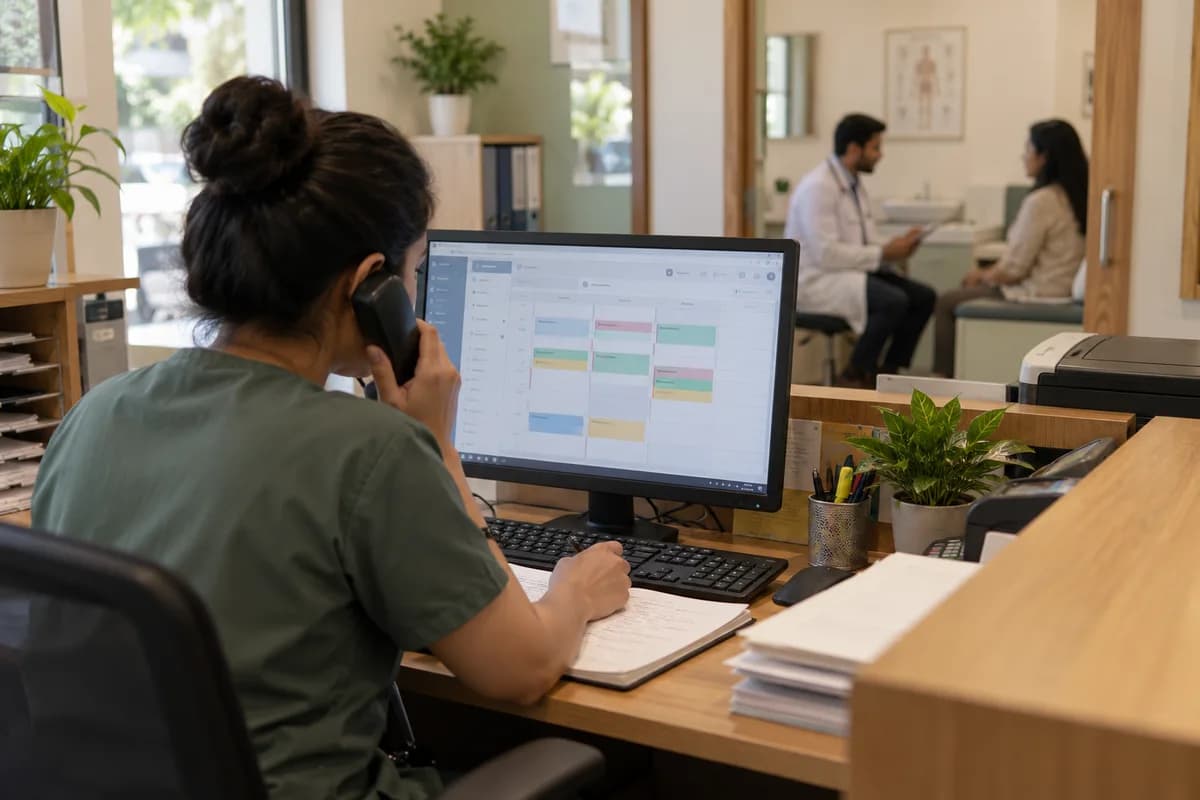
Take a two-doctor family clinic where the receptionist works from a paper diary and a sticky note on the monitor showing which doctor has a gap. That is a lot to hold. The consultation is rarely the problem. The weak point is the booking and rebooking cycle, where double-bookings, missed vaccination visits and forgotten dressing changes quietly cost the clinic its patients’ trust week after week.
Appointment tools and full clinical-record systems
Appointment software handles bookings, reminders and a short visit log, while a full electronic health record captures structured history, diagnoses, prescriptions and lab results across a patient’s lifetime. The second is more powerful. It is also far heavier to set up and maintain, and the clinic stays responsible for keeping every sensitive record compliant with local data-handling rules.
If the pain is missed appointments, double-bookings and a receptionist who cannot see the paediatrician’s live schedule, a full record system solves a problem the clinic does not have. It also creates new work. Expect data migration from the paper files, extra staff training on structured clinical entry and responsibility for a much larger store of sensitive records.
Access for reception, doctors and admin
Reception needs to see and change the schedule, meaning who is booked, when and with which doctor, but not the clinical notes from a patient’s last visit. Doctors need the opposite. They need visit history and clinical detail for their own patients, not a clinic-wide view of every person who has ever walked through the front door. Billing staff need invoices and payments only.
Errors here hurt both ways. With too little access, staff interrupt one another all day for basic details, and with too much, sensitive health information spreads wider than it should. Patients notice both failures.
Migration and training before go-live
Moving from a paper diary to booking software is a smaller migration than it sounds, but it still needs a written plan. The plan lists patient contact details and recurring slots, and it states how far back old visits get entered versus starting fresh on go-live day. List which paper files, such as immunisation cards and growth charts, stay in the cupboard, because a half-migrated archive confuses everyone who looks up an old visit.
Training matters more than the product choice. A receptionist who has run a paper diary for years needs a supervised walkthrough of the new booking screen, not just a login and a laminated cheat sheet. Keep the diary running alongside the software for a short overlap and compare the two each evening, so a missed booking is caught that night. Catch it before the patient does.
Testing a tool against a realistic clinic day
Skip the feature list and walk one busy morning through every tool on your shortlist, starting with a walk-in who needs an urgent slot. Then make the doctor run late. Every later slot must shift and notify its patient, while a mother phones to move a vaccination follow-up that was booked three weeks earlier.
How a tool copes with ordinary disruption is a better signal than any advertised feature, and an empty-calendar demo hides precisely the cases that fill a real front desk. Ask the receptionist to run it. That verdict decides adoption.
Clinic workflow and role map
A workflow chart from booking through check-in, consultation and follow-up, paired with a role matrix for reception, doctors and billing staff. Complete it against your own clinic’s staffing before you choose a tool.
Open a blank worksheet to printQuestions owners ask
Do we need full patient records or only booking?
A clinic with one or two doctors is usually well served by booking, reminders and a simple visit log that reception can open between two phone calls. Move to a full patient-record system when detailed clinical history must follow patients between visits, or when several doctors treat the same person and need one shared chart. Anything less is overkill.
What should appointment reminders say?
A good reminder names the doctor, the date, the time and the clinic address, and it lets the patient confirm or cancel with one reply. Cancellations then free the slot early enough for the receptionist to offer it to a patient on the waiting list who asked for an earlier visit. Never put diagnoses in messages.
How should access differ between reception and doctors?
Reception should see the schedule, bookings and contact details but never the clinical notes, while billing staff should see invoices and payments only. A locum doctor sees today’s patients only. Treat this as a deliberate design decision, not a default setting, because it shapes both patient privacy and daily friction at the front desk.