In this guide 6 sections
First map what each paper register column captures: batch, material lot, operator, quantity, rejects and reason codes, then rebuild exactly those fields as a digital form. Speed on the floor decides adoption. Digitising before you understand the register loses information that nobody misses until a customer complaint or an audit asks for a batch history that no longer exists.
What the register actually records
A register that survived years on a factory floor is rarely a formality, since someone relies on it to show which material lot went into which batch. Write down every column first. Line by line, record what the register captures, who reads it afterwards and which decisions depend on it, before any software vendor shows you a demo.
Consider an auto-parts plant running three shifts, where each supervisor signs a paper register of output, rejections and downtime by hand every shift. Resist the generic app. Map batch number, material lot, operator ID, quantity, rejects and reason code first, because a system that drops even one column breaks something the quality team uses later.
Traceability built in, not bolted on
Traceability is the main reason manufacturers keep paper, because being able to say which finished batch used a given material lot is often a customer or regulatory demand. Check your own requirements. Any digital replacement must preserve the chain of material lot in, batch out and every exception in between, not only the clean runs that flatter the output figures.
Exceptions matter more than the happy path, since the entries read later are machine stoppages, rejected batches, operator overrides and quality holds, not the routine output. If flagging a problem takes three extra taps compared with skipping it, operators will skip it, and you will have digitised the register without digitising its honesty. Make exceptions the easiest entry.
Capture designed for the shop floor
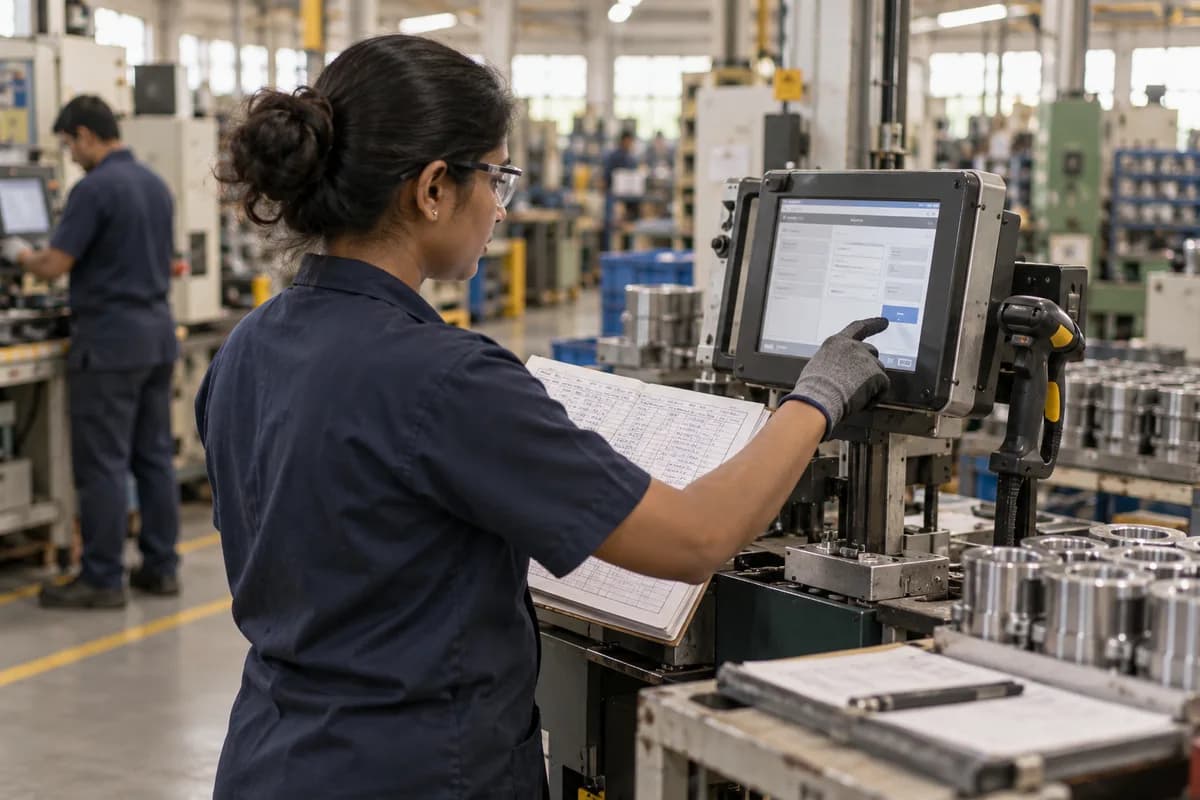
A form designed at a desk rarely survives contact with gloved hands, shared terminals, poor signal near heavy machinery and operators who are paid for output. Capture must beat the pen. Otherwise operators keep filling paper and someone copies it into the system on Friday afternoon, which defeats the purpose and doubles the work.
Use large touch targets, dropdowns and barcode scans in place of typed text, and give each operator a screen built for one task instead of a general form. Where a line has no reliable internet, offline capture that syncs when the connection returns is often the difference between adoption and a system bypassed within a month. Test it with gloves on. Put the screen at the machine, not in the supervisor’s office, because walking across the floor to log a stoppage is the step that gets skipped first under pressure.
Connecting the register to inventory and quality
A register isolated from inventory and quality only swaps one paper trail for a digital one, and the real value appears when the systems share the same figures. Material consumed at the machine should reduce raw stock automatically, and a rejected batch should alert the quality team without anyone retyping the numbers into a spreadsheet. Quality gains too, because a rejected batch carries its operator, machine and material lot into the hold record, so root-cause questions are answered from data and not from memory.
This is where effort pays back. Once production, stores and quality read one set of numbers, the weekly reconciliation meeting shrinks and the management report shows what happened on the floor today.
Pilot one line before committing
Replacing every register on every line at once is how these projects go wrong, because one unmapped material code or unsupported shift pattern can stall the entire factory. Pick one representative line, run the digital form beside the paper register for two to four weeks, and reconcile the two totals every day. Agree beforehand which numbers must match, for example units produced, rejects and downtime minutes per shift, so the daily reconciliation is a five-minute check and not an argument.
That overlap is not wasted. It reveals the columns you missed, the exception types nobody mentioned and the operators who need a different layout than you assumed. Move the next line only when digital and paper totals agree consistently, and keep paper as a fallback until the factory has run cleanly for a full reporting cycle.
Manufacturing capture-to-report workflow
A one-page flow mapping each paper register column to a digital field. It lists the exception types that must be captured (downtime, rejects, overrides) and where that data lands next: inventory deduction, quality hold or management report. Complete it against your own current register before any software conversation starts.
Open a blank worksheet to printQuestions owners ask
Can operators enter data offline?
Yes, and you should insist on it. Offline capture queues entries on the device and syncs them once a connection returns, which keeps production moving, but ask each vendor to demonstrate it, since sync handling varies.
Should every paper register be digitised?
Not on day one. Start with the register whose delay or inaccuracy costs the most, such as a traceability gap, a reconciliation chore or a repeated quality miss, and prove the approach there.
What happens to old paper records?
Keep them for the retention period. Check how long your customers, auditors and local rules require records to be kept, and scan or archive the paper registers rather than discarding them on go-live day.