In this guide 6 sections
Mobile testing covers five things. Representative devices and networks, installation and login, core journeys end to end, offline and interrupted behaviour, and a final pass on the actual release build against current store requirements. Development builds do not count as proof.
Representative devices, OS versions and conditions
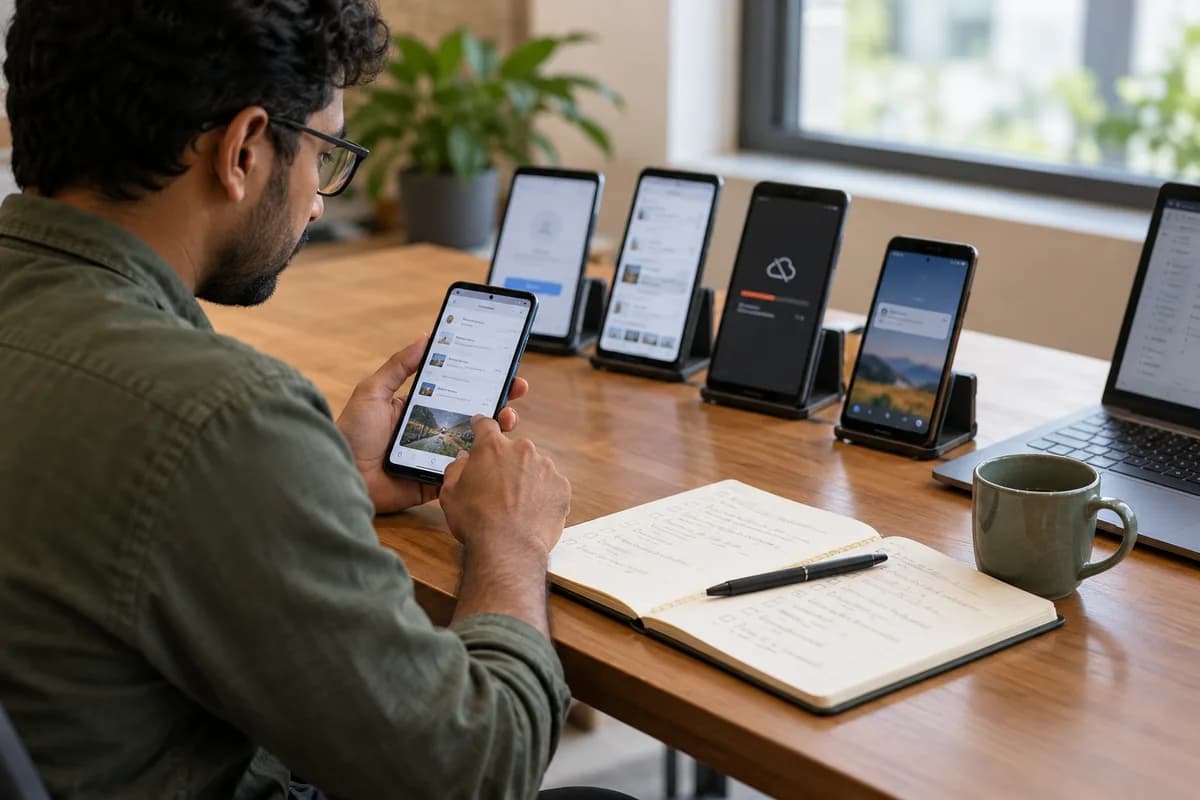
Do not test on one phone. Pick a small, deliberate spread of screen sizes and OS versions from your real users, such as field staff handsets, plus one lower-end device with a slow processor. Write the list into the test plan with the reason for each choice, so the next release starts from the same spread instead of whichever phones are free.
Conditions matter as much as devices. Office Wi-Fi and a full battery hide faults that appear on a patchy mobile network with battery saver switched on, which is the normal working day for drivers. Throttle the connection, switch airplane mode on halfway through a task, and walk the app into a lift or basement where the signal vanishes completely.
Installation, login, permissions and core journeys
Give the first run its own pass. Cover install, first launch, login, and each permission prompt for location, camera or notifications, because a broken first run is where users give up before they reach the features. Reinstall over an old version too. Upgrading from the previous release with data already on the phone often exposes migration faults that a clean install on a fresh phone never shows.
Then follow the core journeys end to end. Take an app for AC repair technicians. The test is not whether the job list loads but whether a technician can receive a job, close it with a photo and see status reach the office. That is one continuous flow.
Offline behaviour, sync and notifications
Networks drop, so test for it deliberately. Watch whether the app crashes, shows a clear message or quietly loses what the user just typed, and test a form submitted at the exact moment the connection fails.
Queued actions need explicit sync tests. Change the same record elsewhere while the phone is offline, then reconnect and check which version wins and whether the user sees a sign that data is waiting. Test push notifications on a real handset. Check that a tapped notification opens the right record, not just the home screen, and that it still works after the app has been force-closed. Simulators do not always behave like devices. Interruptions count as conditions. Take a phone call, rotate the screen and switch to another app halfway through entering a delivery record, then return and check the entry survived intact.
Accessibility, performance and data protection
Check accessibility on the phone itself. Text should scale without breaking the layout, buttons should be large enough to tap reliably, and any journey that could need a screen reader should work with one. Load months of job history. Five test records prove very little. Scroll a long list quickly. Set the system font to its largest size, then run the busiest screen again and watch for clipped labels and buttons pushed off the display.
Review data protection separately. Confirm the app asks only for the permissions it needs, keeps sensitive data in secure storage instead of readable files, and writes no personal details into crash reports.
Validating the release build against store requirements
Test the build you will actually ship. Configuration, signing and bundled assets often differ between a development build and the release build, so give the release build one focused pass before submission. Verify the version number, the server address the build points to, and that debug menus, test accounts and verbose logging are gone before anything reaches a customer.
Store rules change over time. Read the target platform’s current developer documentation at submission time instead of trusting memory of the last release, because a rejection over a changed requirement delays the launch. Keep a note of the privacy declarations the store asks for and compare them with what the app actually collects, line by line, before pressing submit.
Mobile release test matrix
A grid with representative devices, OS versions and network conditions across the top, and core journeys down the side: install, login, primary task, offline entry, sync and notification. Each combination tested gets a pass or fail cell, so untested combinations show up as blanks.
Open a blank worksheet to printQuestions owners ask
Do we need to test every device?
No, not every device. Exhaustive coverage is unrealistic for a small team. A deliberate spread across screen sizes, OS versions and one lower-end handset catches most real-world faults, so choose it from your actual user base.
How should interrupted network requests behave?
The app should tell the user plainly that something did not complete, keep what they entered, and avoid submitting the same action twice when they retry. Define that behaviour and test it. Never leave it to chance.
Which tests need a real device rather than a simulator?
Push notifications, camera and location prompts, and battery drain need real handsets, because simulators do not always reproduce them and a fault seen only on devices still ships.