In this guide 6 sections
A spreadsheet is enough while you build a few hundred inverters on one firmware line and nobody updates them in the field. It breaks once board revisions multiply, units get upgraded remotely, or a bug fix needs a list of exactly which serials carry the affected build.
What a sheet does well
One row per inverter, holding serial, model, firmware version and date flashed, is a fair start for a small team building one model on one board revision. Such a sheet stays accurate for years. Nobody needs training. Keep a working file.
A filter on the firmware column answers most service questions in seconds, and everyone on the team can open the file without a login or a lesson. If the sheet answers every question asked today, leave it alone until the range grows or the first field upgrade is planned. The risk hides elsewhere. Offline flashing laptops are one blind spot. Another is a beta build loaded by an installer at a trial site, a change nobody in the factory ever hears about until a customer phones.
- Single model, single board revision
- One person flashes and records
- Few field upgrades
- Service queries answered by filtering a column
Where the sheet starts to fail
Trouble begins once the sheet must describe more than the moment of flashing at the factory, since units keep changing hands and software long after they leave the building. A unit is flashed at end of line, a service visit upgrades it, and a distributor later swaps the communication card for a spare from another batch. The recorded firmware is now wrong.
A service engineer reflashes a unit with a laptop and the sheet never hears, so stale rows pile up quietly until someone needs a list built from them. Two people editing the same file overwrite each other, a filter left switched on hides rows, and a serial typed with a trailing space matches nothing at all. Small faults. They hurt most when you are racing to compile a list for a recall, with a customer already asking about it and a regulator not far behind.
- Board revision and firmware must be read together
- Communication card and power stage may carry separate versions
- Field upgrades never reach the factory sheet
- Duplicate or mistyped serials hide units
The recall question decides it
Suppose a fault appears in the current limit routine of one firmware build, and you must find every unit that ever ran it, including units since upgraded. Narrow it by board revision. A flat file struggles with exactly that.
A sheet gives you today’s version for each serial and no history, so the answer to what ran last spring is a shrug. Software that keeps one line per change can say who ran which build, from which date to which date, and who was told. Someone will ask about a past date.
A grid operator may ask too. Those questions arrive at the worst moment, and a factory sheet cannot answer them with confidence, because the row was overwritten the last time anyone touched it.
What the software side needs to hold
The record should keep the serial, the board revision, the firmware build with its checksum, the flashing station and operator, and every later change. Each build links to its release note. Checksums matter. Two files sharing a name can differ.
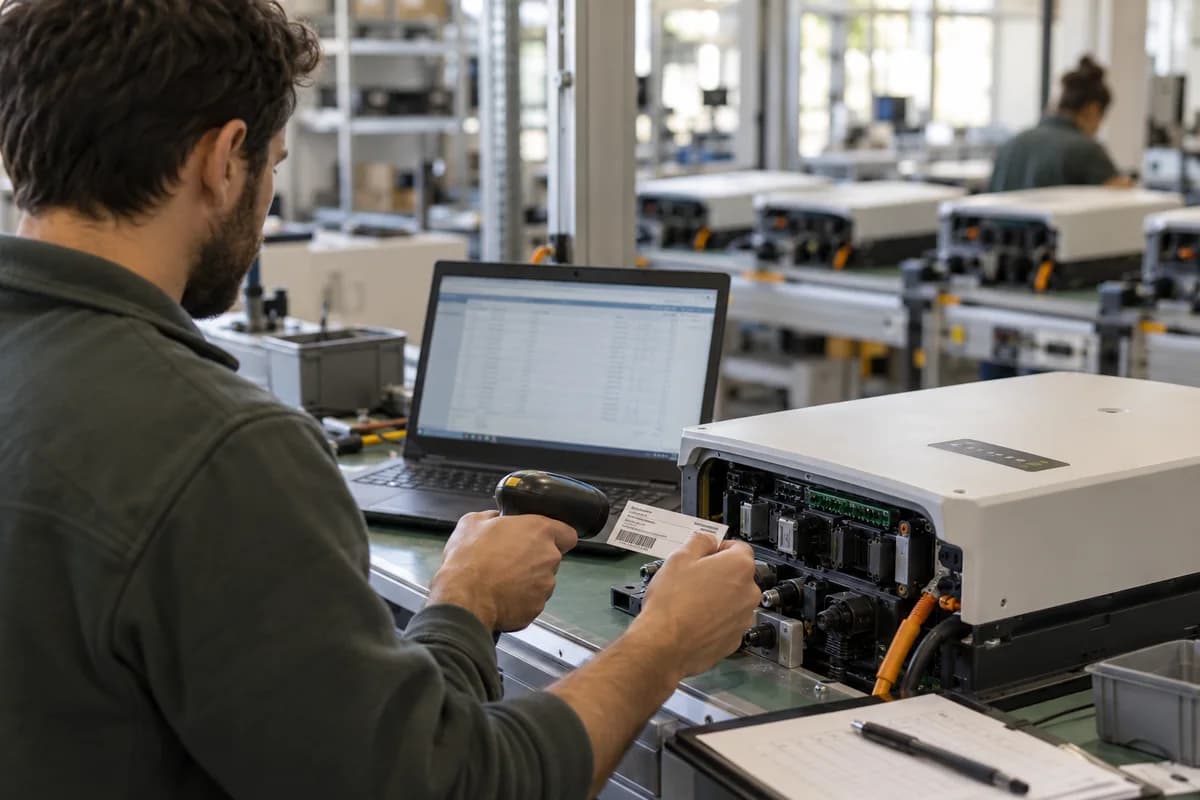
It should accept a label scan at the end of line station, so a typed serial is never the source and a mistyped digit cannot hide a unit. Field upgrades made through the service app or a remote tool should write back to the same history, so the unit’s record never stops at the factory door.
The recall list then becomes a query instead of a weekend spent filtering rows by hand, and nobody wonders whether a unit was left out. Search by serial. Search by build.
- Serial and board revision
- Firmware build number and checksum
- Flash date, station and operator
- Each upgrade with date and source
- Link to release note and test log
A way to decide this month
Count the firmware builds you shipped last year and the units upgraded after leaving the factory, then treat more than a handful of either as a warning. Be honest about the count.
Try a drill: pick one old build, list every serial that ran it, and time yourself with a stopwatch, noting each serial whose current firmware you could not confirm. If it takes longer than an hour, plan the move before the next release, name an owner, and book the first review for this month.
Firmware tracking decision worksheet
A page with two columns: sheet and software. Rows cover board revisions, firmware builds shipped, remote or field upgrades, recall drill time, who edits the file and the history a grid operator may ask for. The last row holds the drill result: minutes taken to list every serial on one old build, plus the serials nobody could place.
Open a blank worksheet to printQuestions owners ask
Can we use a shared online sheet with change history?
It stops overwriting and keeps a record of edits, yet it still struggles with serial scans, board revision logic and a firmware history for each unit. A recall depends on those parts.
What should a recall list contain?
Serial, model, board revision, firmware build, ship date, customer or distributor, and whether the unit has since been upgraded in the field or at a service centre. The list should come from a query. Manual searching misses units.
Does remote firmware update change the answer?
Yes. Once units update themselves, the factory sheet goes stale, so you need a record that the update system writes into for every unit, keeping history complete.
Should the firmware file itself be stored?
Keep the released builds with checksums in a controlled location, and link each record to its build, so the software on any unit can be rebuilt on request.