In this guide 6 sections
Treat warranty as one chain of records. Match the serial number to the invoice, start cover at dispatch, log each claim with symptoms and photos, bench test the unit and decide repair, replacement or rejection. Then chase the manufacturer for credit, so that every step leaves a record the next person can read without ringing the customer again.
Step one: tie the serial number to the invoice
Warranty starts as a single row. Without a serial on that row, a ticket raised six months later becomes an argument about which phone came back, who sold it and when.
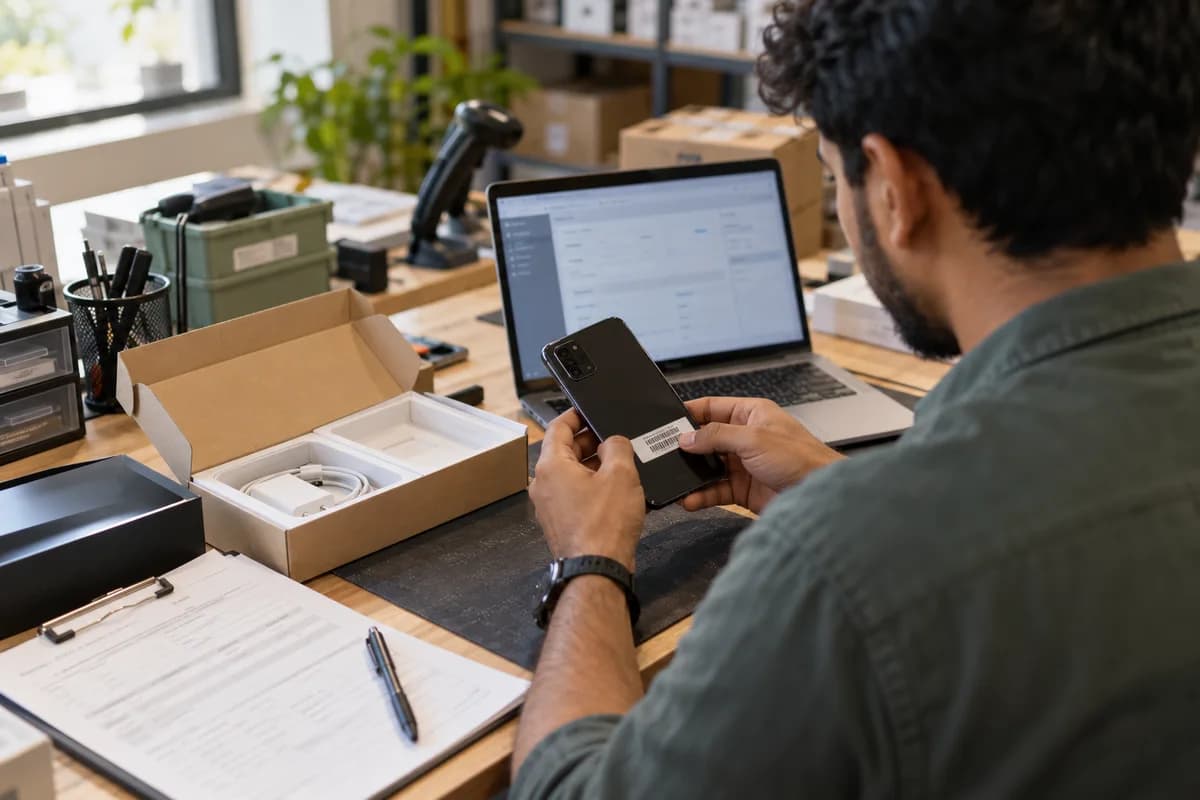
Scan the label at the packing bench. Typed serials go wrong because a zero looks like the letter O, and one wrong character can stall a repair job at the brand’s depot. Photograph the label on laptops and cameras.
If the shop also sells on a marketplace, copy that order number onto the same row, because buyers often quote nothing else when they write in.
- Invoice number and sale date
- Model number with colour or storage variant
- Serial or IMEI, scanned and never typed
- Customer name, phone and email
- Sales channel and its order number
Step two: switch on cover and store the terms
Some brands count cover from the invoice date. Others wait until the buyer or the seller registers the handset on a manufacturer portal, and your decision in any dispute hangs on which rule applies.
At dispatch the system writes a start date, an end date and a plan name, plus a registration status of pending, done or not needed. The buyer then gets a short message. It repeats the IMEI and the expiry.
Extended plans need a separate row. A shop plan and a brand warranty pay for repairs in different ways, and once they get mixed, finance spends days untangling the credits.
Step three: take the claim with proof and symptoms
Intake is a form, not a phone call. When the agent enters the serial, the screen should return the cover status, so nobody has to guess whether the handset sits inside its term.
Symptoms come from a pick list: no power, battery drain, loose charging port, cracked panel, tripped liquid indicator, speaker crackle, swollen battery. Free text goes in a note beside it. A fixed list lets you count faults per model later and spot a bad batch before the next purchase order goes out.
Ask for photos of the device, the label and any damage, and note whether the buyer has signed out of the cloud account and removed the screen passcode.
- Symptom chosen from a fixed list
- Photos of the unit and its label
- Accessories received with the unit
- Consent for a data backup or wipe
- Date the unit reached you
Step four: decide between repair, replacement and rejection
A bench test settles most jobs. Three outcomes cover every case: a fault inside cover, damage the cover excludes, or no fault found, and each needs a named decision maker and a reason code.
Many sellers swap a handset that is dead on arrival from stock, and send later faults to the brand’s service centre for a depot repair. A firmware reflash or a charging port clean can fix a no power fault without a new part, so log the bench action as well. Write your own rule down, so that two agents give the same answer to two different customers even when the manager is on leave.
A rejection needs care. Give the customer the reason in plain words, attach the photo that shows the damage, and offer a paid repair quote if the brand allows it.
Step five: follow the manufacturer until the credit lands
Until credited, a sent repair is your money. Give each outbound handset an RMA number, a courier waybill and a sent date, then link all three to the customer’s job. Where the brand sends an advance replacement before it receives the faulty handset, log the new serial beside the old one.
Review open jobs every week, oldest first. A job stuck at the brand needs a chase, and a replacement you gave away needs its credit note matched to the old serial.
Close every job with an outcome, a cost and the date the buyer got a working device back, so that the monthly report writes itself from the records. Start by running last month’s jobs through these five steps on paper. The empty boxes show what to fix first.
Warranty claim card
A one page card in three blocks. The unit block holds invoice number, serial or IMEI, model and sale date, and the claim block holds the symptom code, photos, accessories received and consent to wipe. The decision block holds the outcome, reason code, RMA number, waybill and credit note.
Open a blank worksheet to printQuestions owners ask
What if the customer has lost the invoice?
Look up the serial or the order number. Both were stored when the parcel left the warehouse, and a saved record settles the question faster than a paper bill, even for a gift.
Who pays the courier for a repair?
The answer sits in three places: the brand’s terms, your seller agreement and local consumer rules, none of which this guide can settle for you. Decide once and print it on the form.
Does a shop need software for this, or will a sheet do?
A sheet works while jobs are few. Once the same serial must be checked at the counter, on the website and in the repair queue, a shared system stops duplicate rows and lost photos.
How do we treat a unit resold as open box?
Keep the serial’s earlier history and add a new cover row with whatever terms you offer on open box units. The first sale then cannot hide the second.