In this guide 6 sections
A wrong revision gets machined when the drawing, the programme and the traveller change at different times and in different places. Stop it by holding one live revision per job, linking the programme to it, removing old copies from the floor and checking the revision at first article. Careless people are rarely the cause.
Where the revisions drift apart
A customer emails drawing revision D on Tuesday. The estimator saves it in a customer folder, the programmer already posted a file for revision C on Monday, and the traveller was printed last week.
Three records now disagree. Nobody was careless. Each person updated the drawing, the programme or the traveller in front of them, and the failure sits in the gaps between those documents, where no one is looking.
Four gaps cause most wrong revision scrap. Each stays quiet until a whole batch of shafts or housings is already sitting in the wash tank, waiting for the final check.
- Email attachments saved on personal drives
- Programme files named by part, not by revision
- Printed travellers made before the change
- Old drawings left in operator binders
The revision change nobody told the floor
A revision often changes one dimension: a bore moves by a few hundredths, a chamfer is added, a surface finish note tightens. The change looks small on the PDF, so it travels informally, by phone or by a word at the tea break, and sometimes the programmer hears last.
Ask who is told when a revision lands. If the answer is whoever read the email, the shop has no control, because the estimator, programmer, planner and quality engineer all need one notice on one day.
Open jobs make it worse. A batch half finished on revision C needs a decision between scrap, rework and customer concession, and someone with authority must record that choice against the job.
Controls that lock one live revision
Give every part one drawing record. It keeps the history and marks only one revision live, and a new live revision should raise a task for the programmer and hold every open job.
Link each programme file to its proved revision. When the revision changes, the file shows as unverified until the programmer re-posts it, and the operator cannot load an unverified file from the job screen.
Print travellers from the system at release, with the revision in large type and a barcode, and reprint on any change so no sheet outlives its revision. Stamp old copies void. Pull them from the cell. No exceptions.
- One live revision per part
- Programme linked to revision
- Hold flag on open jobs
- Traveller reprinted on change
- Superseded copies withdrawn from cells
Catching it on the floor before the batch is cut
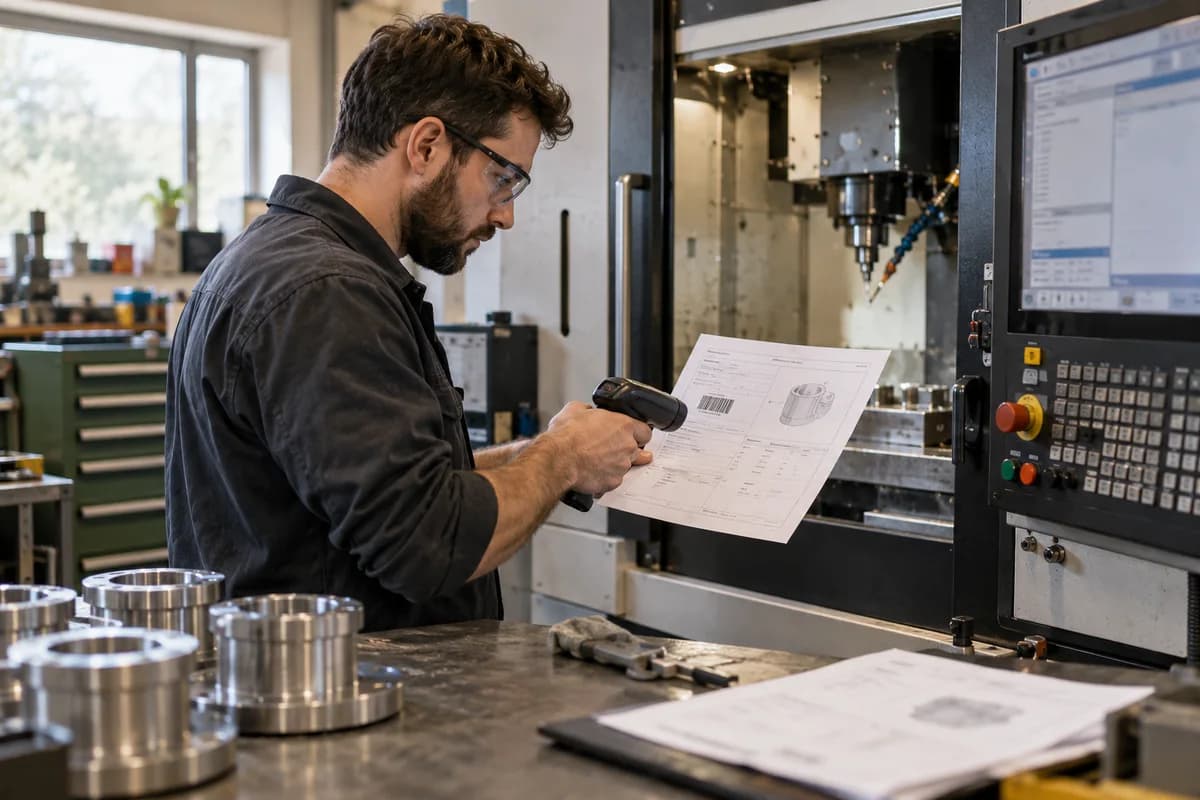
The operator confirms the revision at setup. Scanning the traveller barcode against the drawing barcode takes seconds, and a mismatch stops the job before the first chip is cut.
First article inspection is the second net, and the inspector should check the revision letter on the drawing used for measurement, not only the measured values. A perfect part on the wrong print fails.
Remove paper from the cell. Fewer sheets, fewer old ones. A tablet at the machine showing the live drawing costs less than one scrapped batch of stainless shafts, and it cannot go stale like an operator binder.
What to do after a wrong revision part appears
Quarantine the batch, note every job that used the same programme file, and then read the drawing history to find the date the gap opened. Blame teaches little. The timeline teaches a great deal.
Write the cause in one line: the notice never reached the programmer, the traveller was old, the file name hid the revision. Match the cause to one control above and fix that one first, then repeat the trace on the next part until every active part is covered.
This week, pick one active part and trace its revision through quote, programme, traveller and inspection report, checking the date stamp on each. The mismatch is your gap.
Revision control audit sheet
Each active part gets one row. Five columns hold the live drawing revision, the programme revision, the traveller revision, the revision on the inspection report and a match tick. A second block records who was told about the last change and on what date, with a decision line for any open job caught mid batch.
Open a blank worksheet to printQuestions owners ask
Who owns the drawing revision in a machine shop?
Quality or engineering usually owns it. Ownership must be named. Sales passes customer changes in, and one named person per customer account receives each change and stamps the date against it, so no notice depends on luck. Shared ownership fails. Write the name down.
Is a revision letter on the traveller enough?
Not alone. A revision letter helps when the operator checks it against the drawing in hand, but a barcode scan turns that check into a step. The scan also records who checked the revision and at what time at the machine, which a printed letter on a sheet never can. A habit fades. A step does not.
What do we do with a half finished batch?
Hold it. Compare the change against the work already done, such as the bore size, and record a decision to rework, scrap or seek a customer concession. Keep that decision on the job. Concessions need a name and a date. Do not ship it unrecorded.
Can we do this in a spreadsheet?
Partly. A register of parts and revisions helps a great deal, but a spreadsheet cannot stop an operator loading an old programme from a USB stick. The job screen must enforce the rule. Records report the past. Controls prevent the next batch.