What to ask for when choosing software for temples and religious trusts.
A checklist built from how temples and religious trusts work, to print or save as a PDF and bring to any supplier meeting.
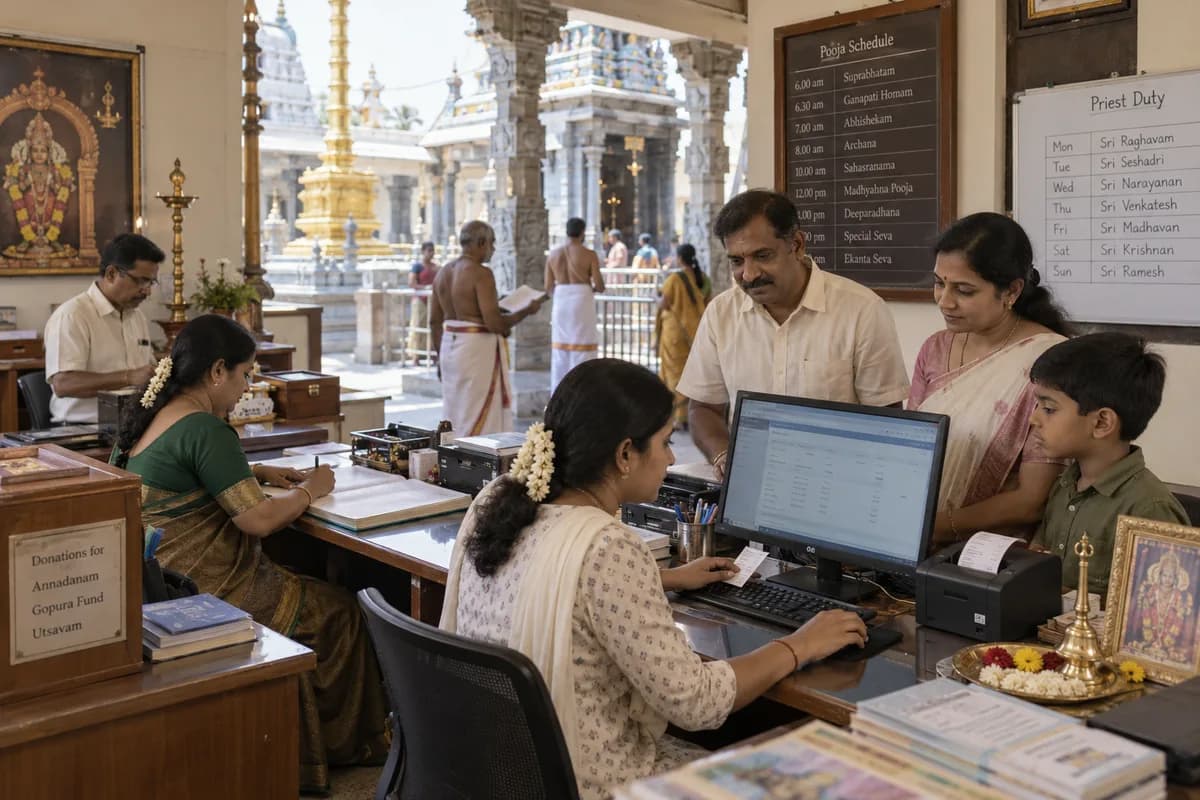
What the software should cover
Tick each one that matters to your business.
- Seva and pooja booking
- Online seva request
- Donations by fund
- Numbered receipts
- Priest schedule
- Festivals and utsavam days
- Devotee register and reports
Roles that need their own access
Who logs in, and what each person may see or change.
- For temple office and counter staff
- For trustees and managing trustees
- For accountants
- For priests
Reports to ask for
Ask to see each one with your own sample data.
- Today’s and this month’s donations
- Donations and seva bookings totals
- Collections by payment mode: cash, cheque, bank transfer and online
- Receipts register, downloadable as CSV
- Seva bookings by date, with online requests still pending
- Devotee list, downloadable as CSV
Systems it may need to connect to
Note which ones you already run.
- Bank transfer references
- WhatsApp chat button on your website
- CSV export for your accountant
Questions for any vendor
Put these to every supplier you are comparing.
- Can devotees book sevas online from our website?
- Can it print tax-exemption receipts?
- How does it handle hundi counting?
- Can the trust’s accountant use it with an accounting package?
- Can old devotee and donation records be moved?
- Can counter staff use it on a tablet or phone?
- Who owns the temple’s data?
- What does the trust have to pay?
- Is it worthwhile for a small temple?
- When could the counter begin issuing numbered receipts?
- What should trustees and the office gather before set-up?
Where the work usually breaks today
Circle the ones you recognise. They set the order of the project.
- Two families are given one homa slot
- The donor wants last year’s receipt
- Festival cash never matches
- Devotees far away cannot book
Check the difficult cases before choosing software.
Use examples from your own records to test the workflows that matter in your business.
Numbered receipts
Can the same receipt be allocated without counting the money twice?
Take an unallocated amount in “Numbered receipts” and apply it to the intended balance. Review the remaining amount and the original receipt reference together.
Background reading: ERPNext: payment allocation
Seva and pooja booking
What becomes available when a booking is moved or cancelled?
Use “Seva and pooja booking” to move a booking, then cancel a second example. Check the released slot, the person or resource still assigned, and any amount left to settle before accepting the revised schedule.
Background reading: ERPNext: appointment records
Prefer to talk it through? See the temples and religious trusts page.