Customer and Vehicle Profiles by Registration Number
Customer and vehicle profile management in Car Detailing Management System holds each car under its registration number. Owner, past jobs, preferences, feedback, coating date and technician are attached to it.
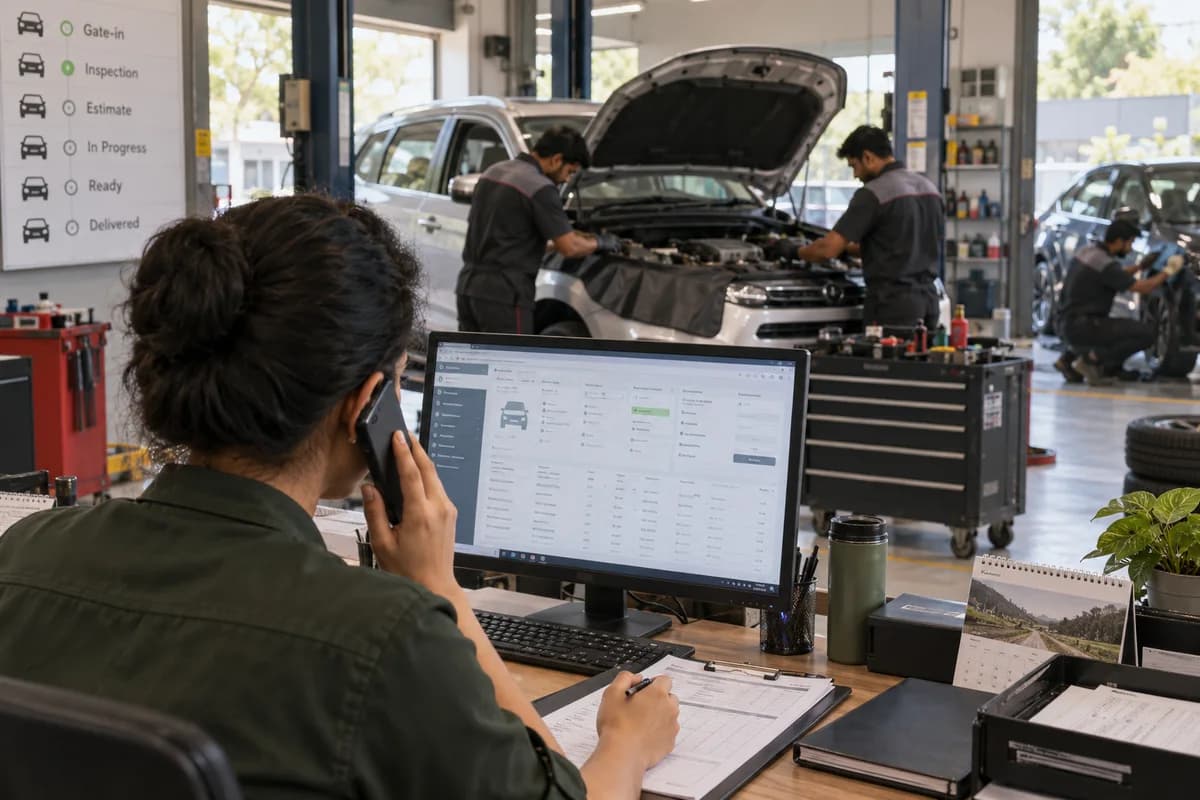
One record per car
The registration number is the key.
History that shapes the job
What a car needs today depends on what was done last time.
At the counter and afterwards
The record keeps working after the visit as well.
Frequently asked questions
What happens when a car is sold to somebody else?
The owner is changed on the vehicle record, and the job history stays with the car. The earlier owner keeps a customer record and any points.
Do we have to type in the history of cars we already serve?
No. Existing customer and vehicle lists are moved across during setup, from the Excel sheet or billing software in use today.
Can a technician open the vehicle profile?
Yes. It opens on a phone at the bay, next to the job assigned to that technician.
Tell us what you need.
Share your requirements and one of our engineers will come back to you within one business day.
What happens after you share your requirements
- A senior engineer reads your answers. Nobody phones first.
- Within one business day you get a written note: what we understood, what we would start with, and the questions we still have.
- If it fits, a proposal follows with the order of work, what we need from you and what you receive at each step.
- No call is booked and nothing is paid until you have read the note. Your details stay with us.
Start with your requirements
Seven short steps that tell us what you need. A senior engineer reads them before anyone gets in touch.
Share your requirements