Real-Time Mobile Access for Technicians and Supervisors
Real-time mobile access takes Car Detailing Management System to the floor. Each technician’s jobs open on a phone with the car’s history beside them, and work is marked started and finished at the bay.
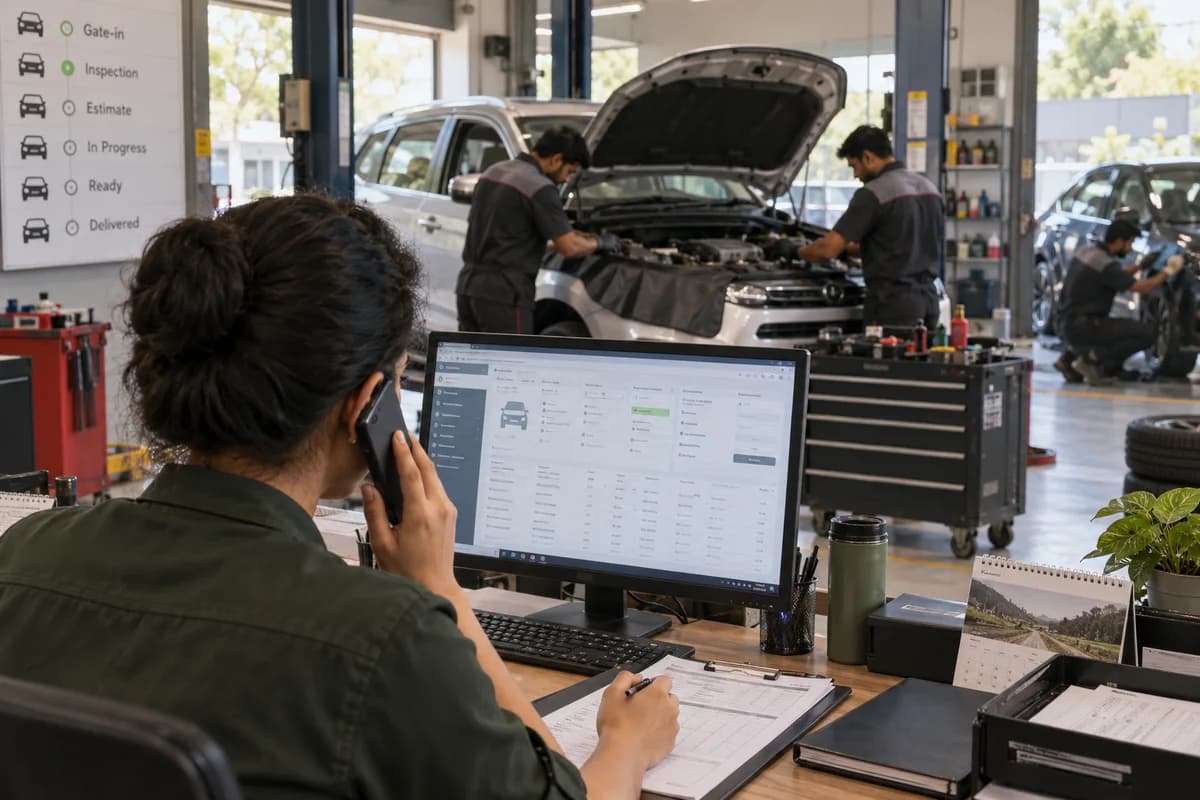
Updated where the work happens
Technicians update jobs at the car.
The floor on a tablet
A supervisor can read the floor from anywhere on the premises.
What the desk gets from the floor
Status entered at the bay reaches the desk as it happens.
Frequently asked questions
Does every technician need a phone?
No. Some studios give one tablet to the floor supervisor, who updates jobs for every bay. Where technicians carry phones, they update their own work.
What happens if the workshop internet drops?
Updates need a connection. Working fully offline is not part of this product, so plan for shop wifi with mobile data behind it.
Can the owner check the floor from home?
Yes. An owner signs in from a phone and sees bookings, bays and the day’s billing. With more than one outlet, all sit under the same login.
Tell us what you need.
Share your requirements and one of our engineers will come back to you within one business day.
- No obligation
- A reply within one business day
- Your details stay private
Start with your requirements
Seven short steps that tell us what you need. An engineer reads them before getting in touch.
Share your requirements