Views by Role in a Clinic Management System
A clinic or small hospital has several groups working on the same patient. Each role in the system opens the screens it acts on, while the underlying records stay shared.
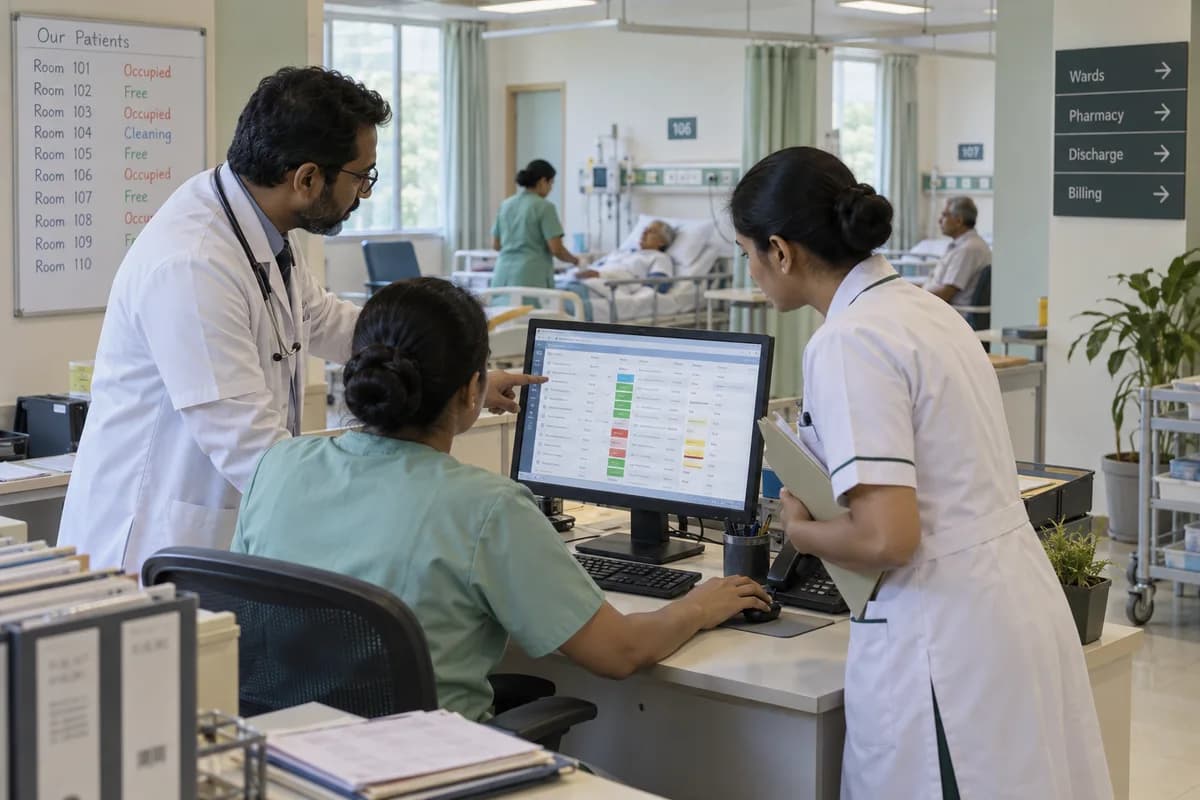
One set of records, several views
Clinics and small hospitals have front desk teams, doctors, pharmacists and nurses all touching the same patient, and each group needs a different slice of the picture. The system keeps a single set of records. Each role is shown the part it needs. A booking made at the desk is visible to the doctor, and an item issued at the pharmacy is visible against the bill.
What each role sees
How one visit moves between roles
What the client decides
Which screens each role opens is agreed with the clinic during implementation, because the roles in a polyclinic and in a nursing home are not the same. Access is limited by role. Changes to patient records are logged with who made them. Training runs as separate short sessions for the front desk, doctors, pharmacy and nursing, and each session covers only the screens that group uses.
Frequently asked questions
Can a doctor use the system on a phone or tablet?
Yes. It runs in a browser, so a doctor can see the day’s list and a patient’s history on a phone or tablet during rounds.
Does the front desk see a doctor’s notes?
That depends on how roles are set up. The screens each role opens are agreed with the clinic during implementation.
Are changes to a patient record tracked?
Yes. Changes to patient records are logged with the person who made them, so a later question has a record to read.
Is there one login for a group of clinics?
The product suits groups of clinics under one owner that want one set of patient records. How logins are arranged across branches is agreed during scoping.
Tell us what you need.
Share your requirements and one of our engineers will come back to you within one business day.
- No obligation
- A reply within one business day
- Your details stay private
Start with your requirements
Seven short steps that tell us what you need. An engineer reads them before getting in touch.
Share your requirements