GullySystem
Healthcare · Hospital/Clinic Management System

One connected system for appointments, records, billing and stock.

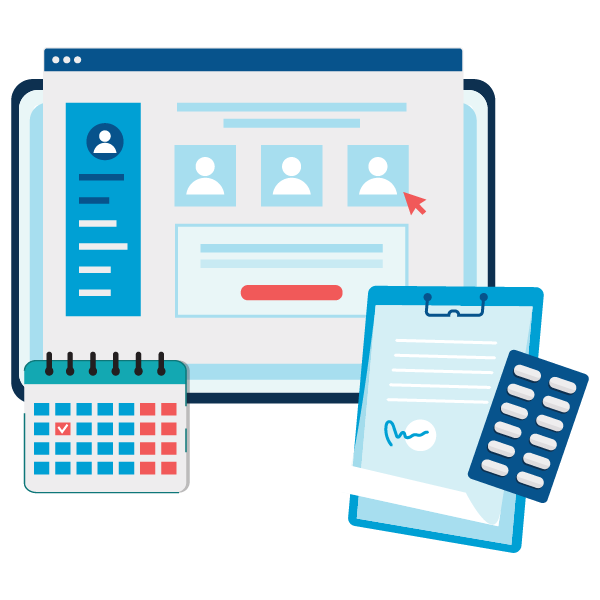
Manage appointments, the OPD queue, patient history, billing, medicine stock and staff rosters on one record. Front desk teams book against each doctor’s actual hours. Doctors see the patient’s earlier visits before the consultation begins. It suits clinics, nursing homes and small hospitals, from a single doctor to several departments.

  • Doctors, departments, timings and fees configured before the desk begins booking
  • Patient list and current medicine stock migrated from your existing records
  • Front desk, doctors, pharmacy and nursing each trained on their own screens

Appointments, the OPD queue, patient records, billing, medicine stock and staff rosters sit on one record. GullySystem sets it up for clinics, nursing homes and small hospitals, around your own doctors, departments and in-house pharmacy. Front desk teams book against each doctor’s actual hours. You decide which departments the Hospital/Clinic Management System, or HMS, opens with.

Where it breaks today

What goes wrong before the software.

The waiting queue is difficult to follow

Walk-in and booked patients share one queue kept on a register. Patients keep asking the desk for updates, the triage nurse is pulled away to answer, and consultations run over into the evening session, so the last patients wait past closing time.

Earlier records are hard to find

A returning patient describes previous treatment from memory when the paper file cannot be located. The consultation starts again from the beginning, with allergies, past dosage and earlier ECG findings guessed from whatever the patient can recall in the waiting room.

Doctor timings are held informally

Availability changes with leave. Ward rounds and evening sessions move too, so appointments can be booked for hours a doctor is not present and the desk phones patients one by one to rearrange them.

Charges are spread across slips

Consultation, procedures, tests, dressing material and medicines are recorded on separate slips. Items can be missed or charged twice. The final bill is argued at the counter while the next patient waits.

Medicine stock is checked occasionally

Stock is counted when time allows. Fast-moving medicines such as antibiotics and infusion fluids run out while slower ones approach expiry on the shelf. Nobody notices until a patient asks.

Duty rosters are arranged informally

Shift swaps and leave are agreed over messages. The ward learns of a short shift only when it starts, and night cover for the nursing station is then arranged in a hurry by phone.

How it runs

How the work flows through it, step by step.

  1. 1

    Appointment booking

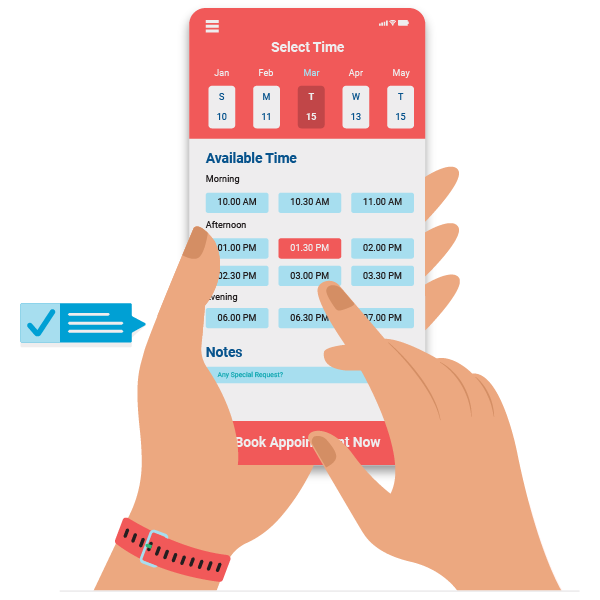
    Patients book against the doctor’s actual slots by phone or online. Walk-ins receive a token. Returning patients are found by phone number, so a family seen last year is never registered a second time.

  2. 2

    Registration and history

    Register new patients once, with vitals and allergies. A returning patient’s visits, prescriptions and reports appear at the desk before the consultation, and nobody has to search the cupboard for a paper file again.

  3. 3

    Consultation

    The doctor calls the next token with the history already on screen. Visit notes, the prescription, tests, referral letters and follow-up dates are recorded on the same visit, in the order the consultation ran, so the next doctor reads one continuous story.

  4. 4

    Billing

    Consultation, procedures, tests and medicines from the visit appear on one bill. Payment is recorded by cash, card or transfer, with insurance details and advance deposits attached wherever they apply to that patient, and the receipt prints with the doctor’s name.

  5. 5

    Admission and discharge

    Allot a bed and build charges against the admission as they occur, from room tariff to dressing and infusion. The final bill at discharge is prepared from the recorded charges, with the discharge summary alongside.

  6. 6

    Follow-up

    Reminders go out before the follow-up date. Feedback is requested after the visit. Patients can read their reports on the portal, and vaccination and review dates are no longer left to memory, a diary or a nurse’s sticky note.

Modules

What is inside.

Every module can be switched on, left out or changed to match how your team already works.

OPD queue and appointment booking

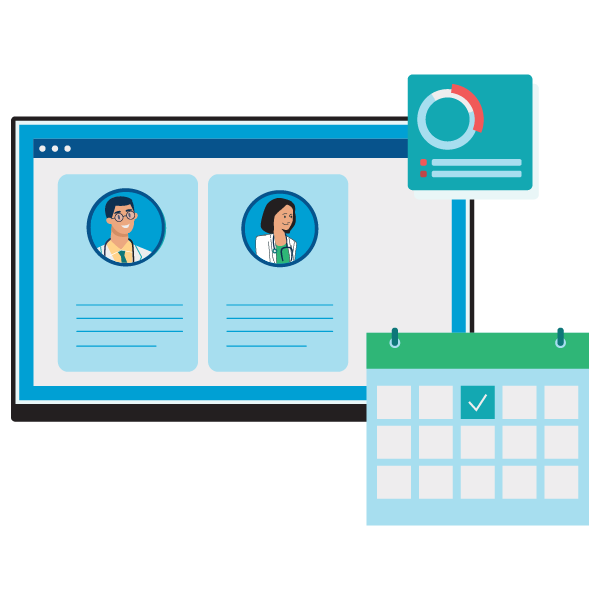
Book patients against each doctor’s timings and add walk-ins with a token. Front staff see who is waiting for which doctor, with triage priority and consulting room beside every token. A doctor’s overrun shows early.

Learn more

Electronic medical records

Keep one record per patient with visits, vitals, notes, reports and the e-prescription written on screen at the visit. Records are searchable by name or phone number, and past allergies stay visible on top.

Learn more

OPD and IPD billing

Bill consultation, procedures, tests and medicines together, with receipts and payment status. Record the insurer or TPA, the policy details, pre-authorisation and the claim status against the bill. Cashless and cash patients are listed apart.

Learn more

Beds, admissions and discharges

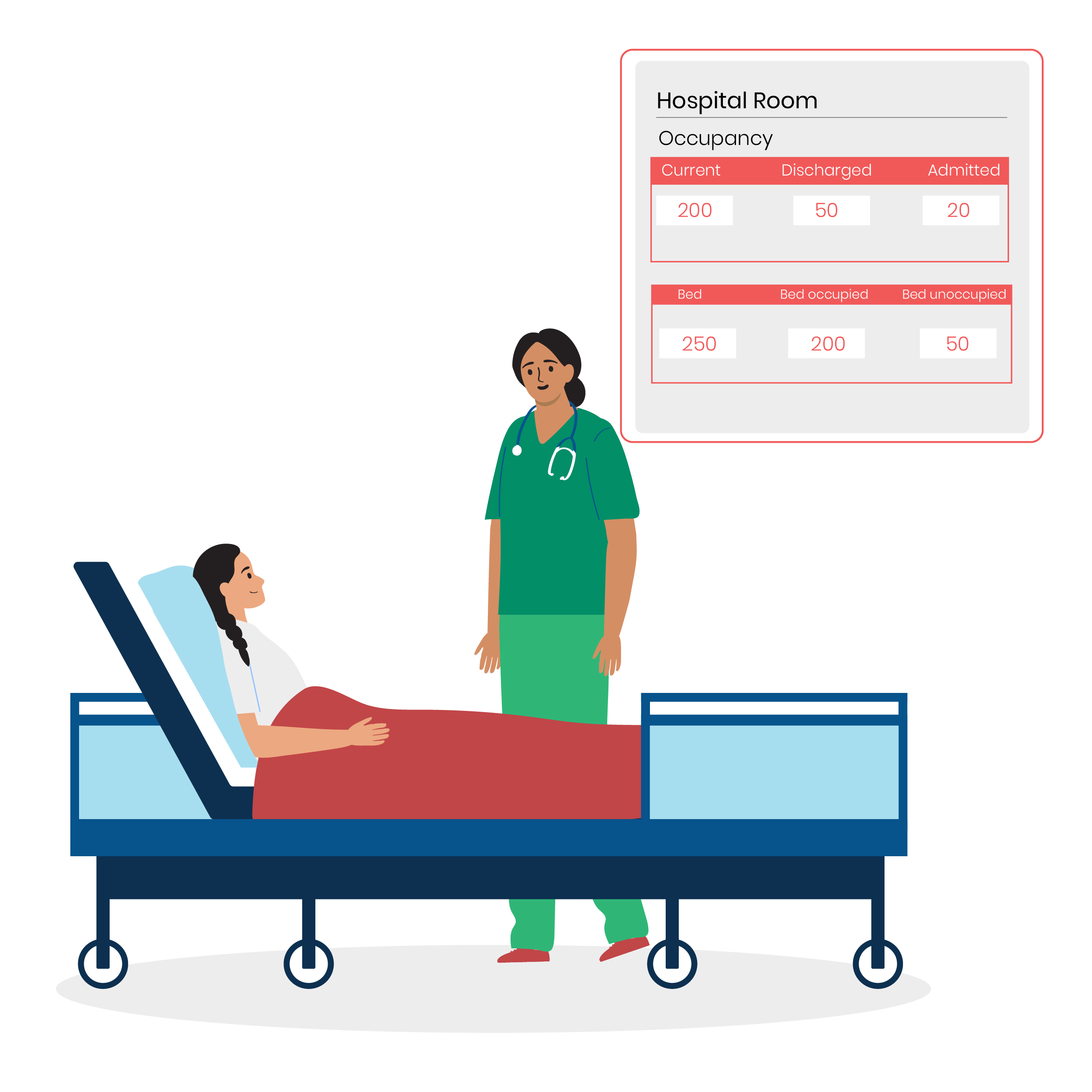
See which beds and rooms are free. Admit a patient to one and follow the stay through to discharge, with room transfers, daily room tariff and nursing charges posted to the admission as they happen.

Learn more

Pharmacy stock and billing

Track pharmacy and consumables stock, from tablets and syrups to cannulas and dressings, with reorder levels, batch numbers and expiry dates, so short-dated strips are sold or returned first. Dispensed items are issued against the bill.

Learn more

Doctor and staff rosters

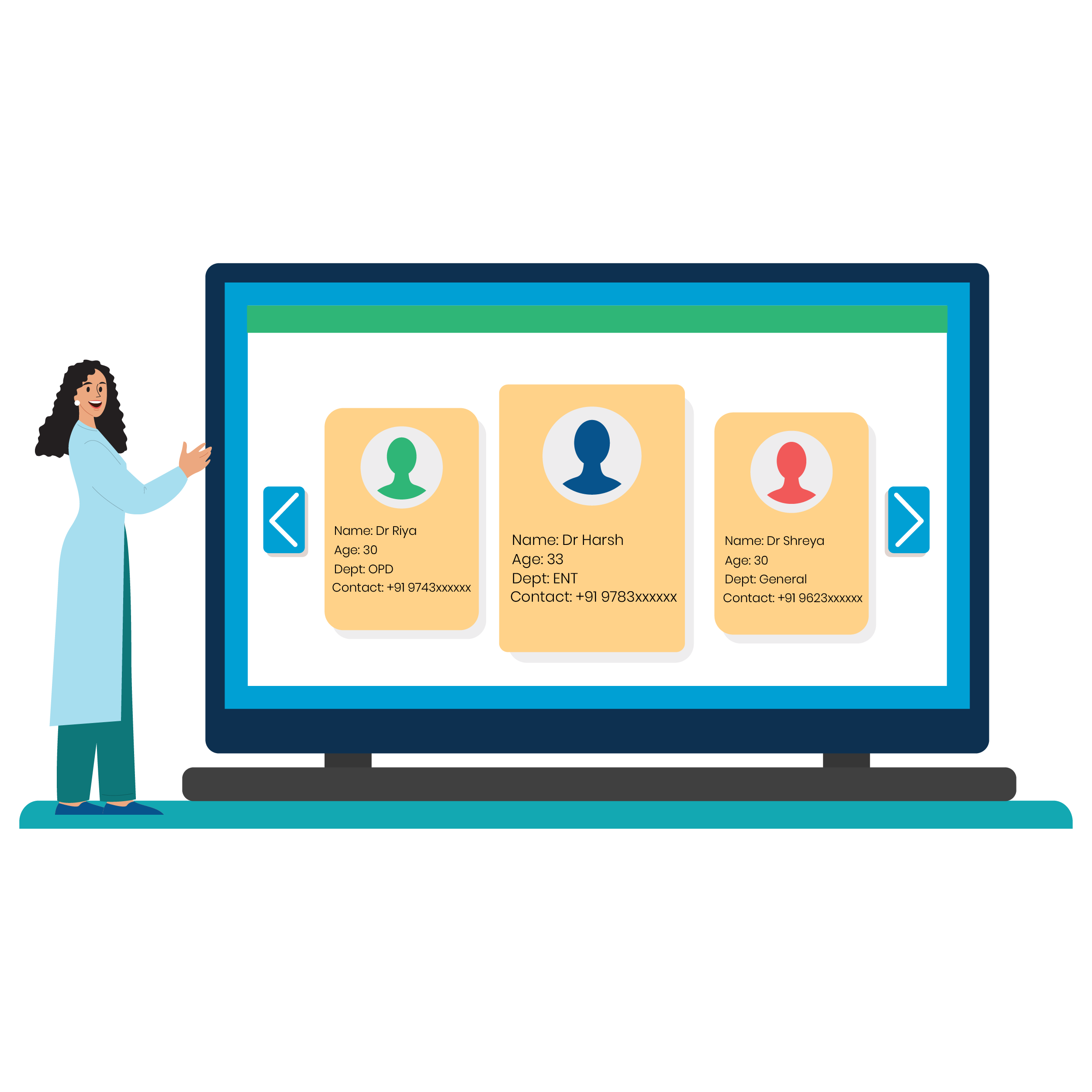
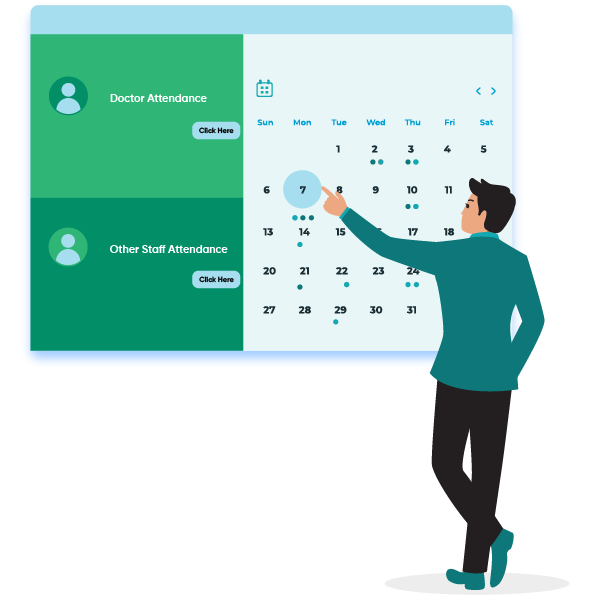
Plan duty rosters for doctors, nurses and support staff. Shift swaps and cover are recorded in the system, so the night nurse and the duty doctor are known before the shift starts. The ward sister approves a swap on screen.

Learn more

Leave against the roster

Approve leave with the roster in view. Gaps are visible while there is time to arrange cover, and a locum or an on-call doctor can be named against the empty shift, with the cover recorded for the payroll run.

Learn more

Patient reminders and messages

Send appointment reminders, follow-up dates and report-ready messages by SMS or WhatsApp. Templates are set in your own wording, and a missed appointment raises a polite call-back task for the front desk, who ring the patient and rebook without opening a register.

Learn more

Patient portal and lab reports

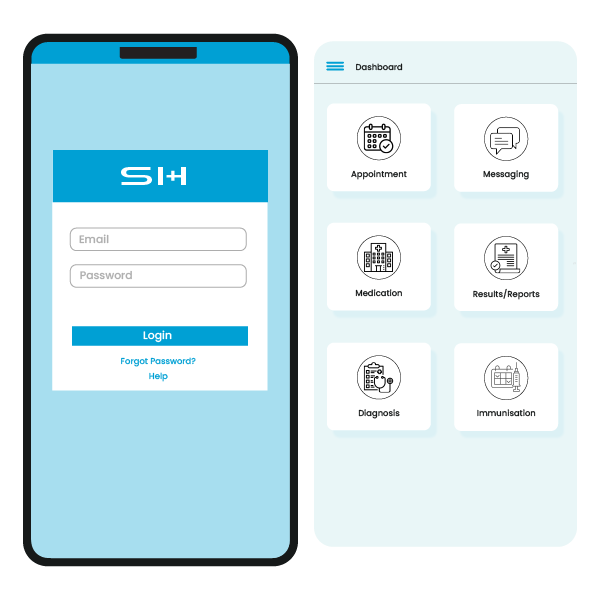
Let patients book appointments, read their reports and see their bills online. A login is created at registration. Each patient sees only their own records, never another family member’s file or a neighbour’s results.

Learn more

Equipment maintenance

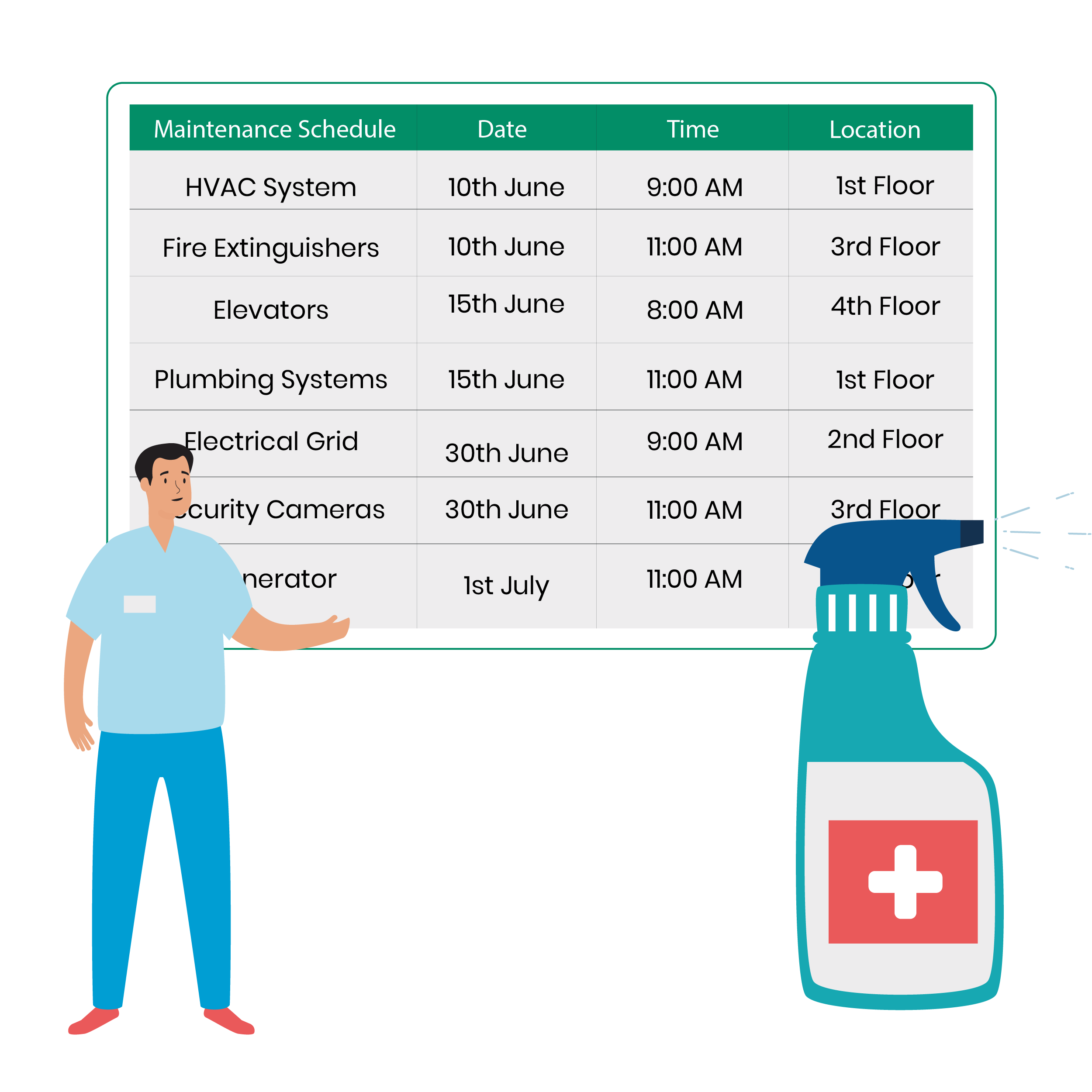
Track service dates and repairs for medical equipment and the building, such as autoclaves, ECG machines, oxygen lines, suction pumps and standby generators, each with its next service date. Work orders are assigned and followed to completion, with the technician and the date recorded.

Learn more

Staff records and payroll

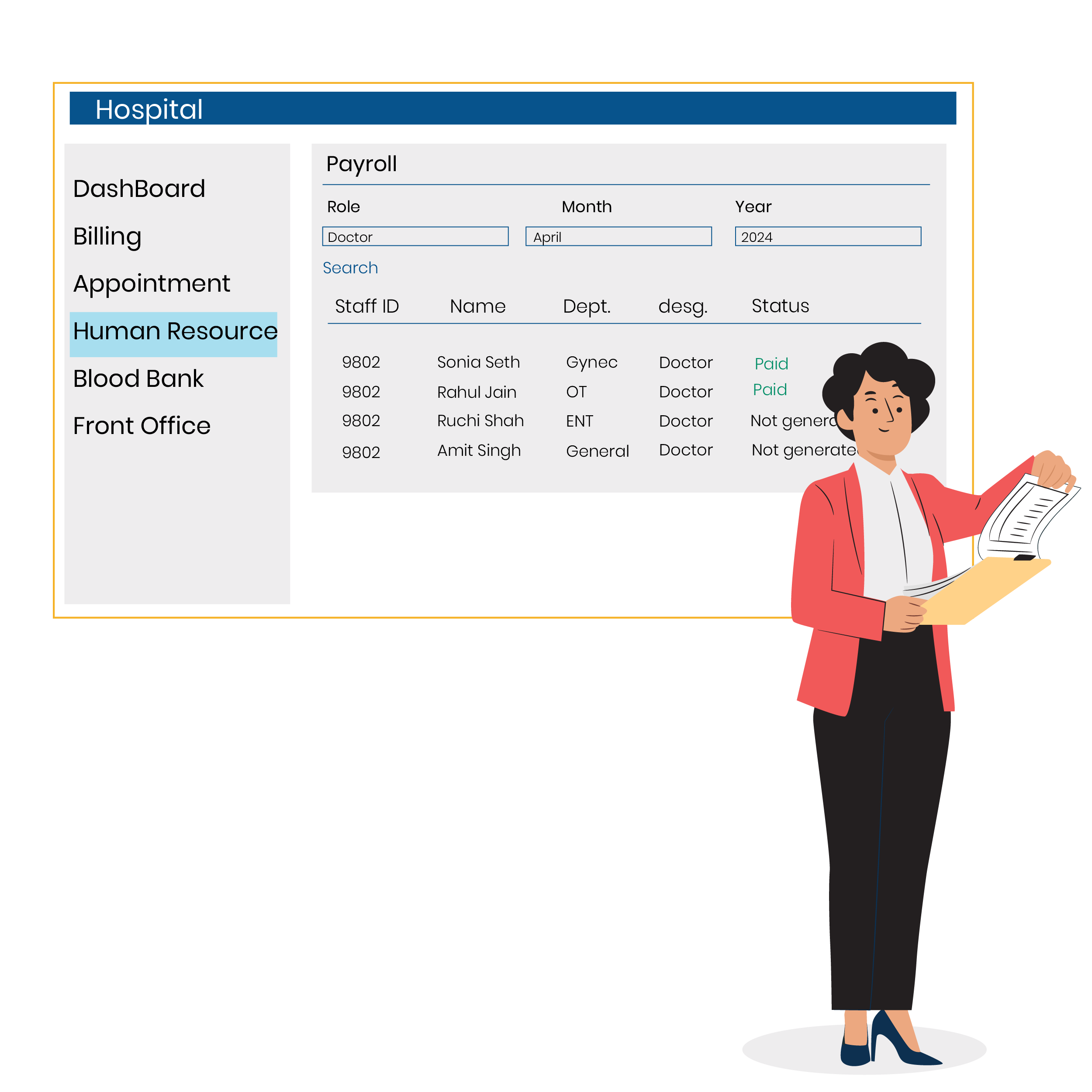
Maintain staff details, registrations and training. Salaries are calculated from attendance, night duty and shift allowances, so the pay run reads straight from the duty roster and no one retypes night shifts.

Learn more

Access and audit trail

Give each staff member the screens their role needs. Changes to patient records are logged with who made them and when, so a corrected dosage or a deleted entry can always be traced to a login and a time.

Learn more
Solutions inside

The business modules it is built from.

Each one is also available on its own, or inside a system built for you.

  • Appointment Scheduling

    OPD patients are booked against each doctor’s timings, walk-ins get a token, and the desk sees who is waiting for which doctor.

  • Invoice Management

    Consultation, procedures, tests and medicines are billed together, with the insurer or TPA, policy details and claim status recorded against the bill.

  • Stock Tracking and Alerts

    The pharmacy and ward consumables are tracked as stock, each item carrying a reorder level and an expiry date for the store team.

  • Leave & Holiday Management

    Managers approve staff leave while viewing the duty roster, so gaps show up in time to arrange cover.

  • WhatsApp, SMS and Email Notifications

    Appointment reminders, follow-up dates and report-ready messages go to patients by SMS or WhatsApp.

  • Payroll Management

    Staff details, registrations and training are maintained, and salaries are calculated from attendance, night duty and shift allowances.

  • Audit Trail

    Changes to patient records are logged with the person who made them, giving administrators a history to check.

  • Roles and Permissions

    Each staff member is given the screens their role needs, from reception to pharmacy to administration.

Services

How we would put it in.

Setup, data migration, integrations and anything built on top.

Connections

Tools it connects to.

Each connection is scoped for your own account, one data flow at a time.

More on this product

Topics beyond the modules.

Each page covers one part of how the system is used, connected or controlled.

Staff Records and Registration Renewals for Hospitals

The module keeps one record per doctor, nurse and support staff member. It holds registration numbers, renewal dates, training and documents, and expiring registrations are listed well ahead of the date, so no licence or registration lapses unnoticed during a busy week.

Learn more

Patient Feedback and Review Management

The module sends patients a short message after a visit. Replies are recorded against that visit, so a complaint about the wait or the billing can be read with the token, the doctor and the time of the visit.

Learn more

Onboarding and Training Records for Hospital Staff

The module checks credentials, records mandatory training and grants role-based access. All of it happens before a new clinician or nurse sees a first patient.

Learn more

Performance Reviews for Hospital Staff

The module sets goals for clinical and support staff, records reviews and feedback, and runs appraisals from the duty and training records already kept, so nothing is rebuilt from memory.

Learn more

Reporting and Analytics for Hospital Management

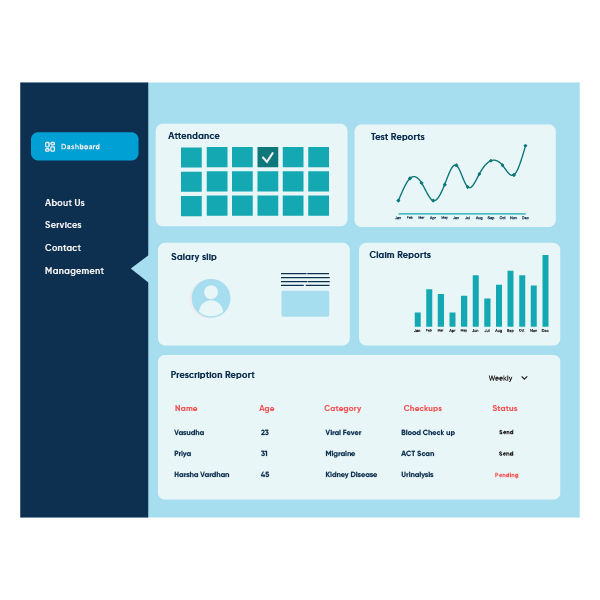
Reports cover OPD counts, collections by department, bed occupancy, insurance claims and pharmacy stock, drawn from what the desk and wards already record at the desk, the ward and the pharmacy counter. Nobody compiles them by hand.

Learn more

Ward and Facility Task Management

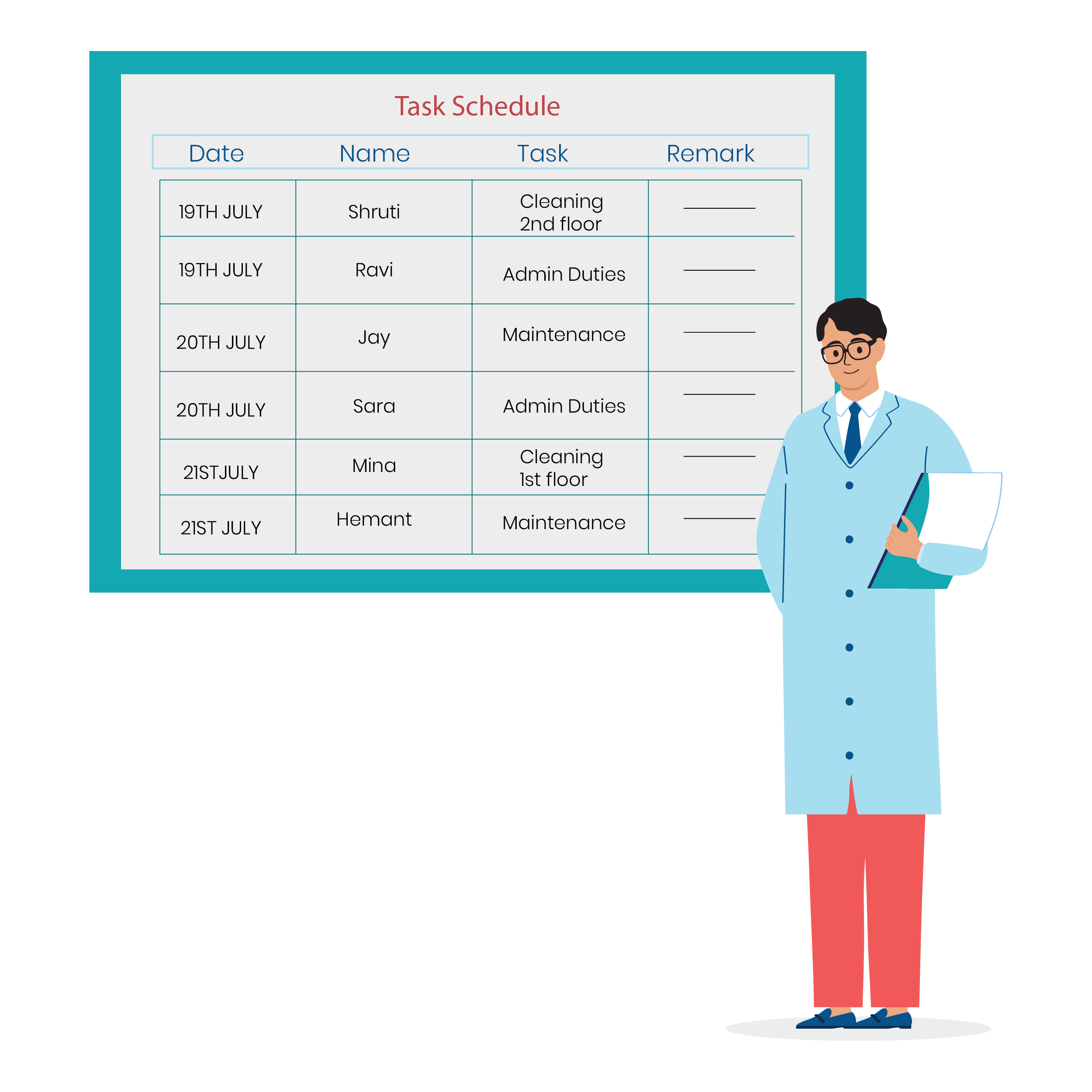
The module assigns cleaning, maintenance and ward tasks to named staff. It shows what is still open on each shift. Each completed task records who did it and when, and the ward sister sees the list at handover.

Learn more

Views by Role in a Clinic Management System

A clinic or small hospital has several groups working on the same patient.

Learn more

Integrations for Hospital and Clinic Management

The system connects to the channels a clinic already uses for messages, payments, calendars and accounts.

Learn more
Who uses it

One system, each person sees their part.

For owners and administrators

See the daily OPD count, admissions, collections by department, pending insurance claims and stock to reorder, and compare doctors’ loads before changing the weekly timetable.

For the front desk

View doctors’ available slots, today’s queue by doctor, patient registration and billing at the counter. Move a booked patient to another doctor without losing the token, and tell the waiting room why.

For doctors

See the day’s patient list and each patient’s history and past reports. Record visit notes and prescriptions, and check allergies and earlier dosage on the same screen before writing anything new for the patient, and the follow-up date is set before the next token.

For pharmacists and stores

Monitor medicine stock, batches near expiry, items below reorder level and what was issued against each bill. Schedule-controlled drugs get their own register entry on every dispense, with the patient and doctor named.

For nursing in-charge

See bed occupancy, admitted patients and the duty roster for the week. Plan night cover, handover notes and ward linen needs from one screen, instead of three registers and a whiteboard at the nursing station, with the day’s discharges and admissions listed together.

Reports

The numbers the owner asks for.

  • OPD count by doctor and by day of the week
  • Collections by department and by payment mode, including advance deposits and insurance receipts still pending
  • Insurance claims raised, pending and settled, with the pre-authorisation status for each admission
  • Medicines expiring in the next month or quarter
  • Items below reorder level
  • Bed occupancy and average length of stay, by ward and room type
  • Patients due for follow-up, vaccination or review this week
Good fit

Who this is built for.

  • Single-doctor and family clinics that have outgrown the appointment register
  • Polyclinics with several doctors sharing one front desk
  • Nursing homes and small hospitals with a few wards and an in-house pharmacy
  • Dental clinics running chair schedules and treatment plans
  • Physiotherapy centres booking sessions across therapists
  • Groups of clinics under one owner that want one set of patient records
Honest answer

When it is not the right choice.

  • A large multi-speciality hospital needing full laboratory, radiology and operation theatre systems will be better served by an established hospital information system with those departments built in.
  • If you see a small number of patients a day and your register works, a simple appointment app may be all you need.
  • It does not make your hospital accredited. It keeps the records you would show, but the audit is between you and the assessor.
Made to fit

Adapted to your business before it goes live.

You are not handed a login and left to it. The product is set up around your records, your people and the tools you already use.

Your doctors and departments

Each doctor’s timings, fees, departments and procedures are entered first. The desk then books against real availability, and dental chairs, physiotherapy bays and consulting rooms are named exactly as your staff use them, so nobody learns a new vocabulary on day one.

Patient list and stock migrated

Your patient list and current medicine stock are brought in from existing software, Excel or registers. Batch numbers and expiry dates are checked against the shelf before go-live, so the first stock count already matches.

Bill formats and payment modes

Bill layout, tax on applicable items and payment modes follow the way your counter works today. Package rates and room tariffs are entered once and reused, whether the patient is cash, insured or a corporate account, and discounts need a named approver.

Messages and payments

SMS or WhatsApp reminders and card or payment link collection are connected where you need them. Reminder wording is agreed with the front desk before launch. Nothing reaches a patient that the clinic has not read.

Training by role

Separate short sessions for the front desk, doctors, pharmacy and nursing, each on the screens they use. Every session works through a few real tokens, bills and stock entries rather than a slide deck.

Hosting and support

GullySystem hosts the system in the cloud so the desk, doctors and pharmacy work on the same records. Changes are handled by the team that configured it. Clinic staff never edit forms or fee lists themselves.

Works alongside

  • Accounts export
  • WhatsApp
  • SMS
  • Card and gateway payments
  • Email
  • Google Calendar
Common questions

Questions owners ask before a demo.

Does it run a token queue for walk-ins?

Yes. Walk-ins receive a token against a doctor and join the same queue as booked patients. The desk and the doctor both see who is waiting, and an emergency can be moved to the front.

Can a consultation be done by video?

No. Visits, notes and bills are recorded for patients seen at the clinic; teleconsultation and an online consultation fee are separate work, not part of this system.

Can patients see their lab reports online?

Yes, through the patient portal. Laboratory and radiology reports added to the patient’s record can be read there, along with appointments and bills. Each patient sees only their own file.

How do accounts reach our accounting software?

Daily collections, bills and receipts are available for your accountant to bring into your accounting software. An export or direct link is added on request, and the format is agreed with your accountant during set-up.

Can patient records be linked to a national health ID or digital health scheme?

No. Patient records sit in your own system and carry no national health ID link today. If a digital health scheme matters to your clinic, say so during scoping, because it is separate work with its own cost.

Can our patient data be moved from existing software?

Usually, yes. If the current system can export patient lists and stock to Excel or a database backup, the data is brought across before go-live. Duplicates, such as one patient entered under two spellings, are listed for the desk to merge.

Does it open on doctors’ phones?

Yes. It runs in a browser, so a doctor can see the day’s list and a patient’s history on a phone or tablet during ward rounds. Prescriptions are written on the same screen, with no paper pad.

Who owns the patient records?

Your clinic or hospital does. GullySystem hosts the records in the cloud, and the proposal describes what a complete handover looks like. Access is limited by role, and changes are logged.

What does it cost?

No price is published. The doctors, the departments and the amount of set-up needed all count towards it; you see a demo first, and the figure follows in writing.

Is it suitable for a large hospital?

Probably not as the main system. It suits clinics, nursing homes and small hospitals. There is no pathology laboratory module, so test orders, sample status and result entry are not kept here. A hospital needing those should look at an established hospital information system.

Wondering what it would cost? Share your requirements and an engineer will come back with a scope.

Book a demo

See Hospital/Clinic Management System with your own data.

Tell us how you run things today. We’ll show you the parts that matter to you and say plainly what would need changing.

  • No obligation
  • A reply within one business day
  • Your details stay private

Start with your requirements

Seven short steps that tell us what you need. An engineer reads them before getting in touch.

Share your requirements