One connected system for pet records, appointments and billing.
Keep one record per animal with the owner, the breed, the visits, the prescriptions and the vaccination dates. Whichever vet is on duty sees the same history. Reminders reach owners before vaccination, deworming and check-ups fall due, bills come out of the visit, and vaccine and medicine stock is tracked with expiry dates.
- Vets, services, fees and vaccination schedules configured first
- Pet and owner records migrated from cards or Excel
- Supported by the GullySystem team after go-live
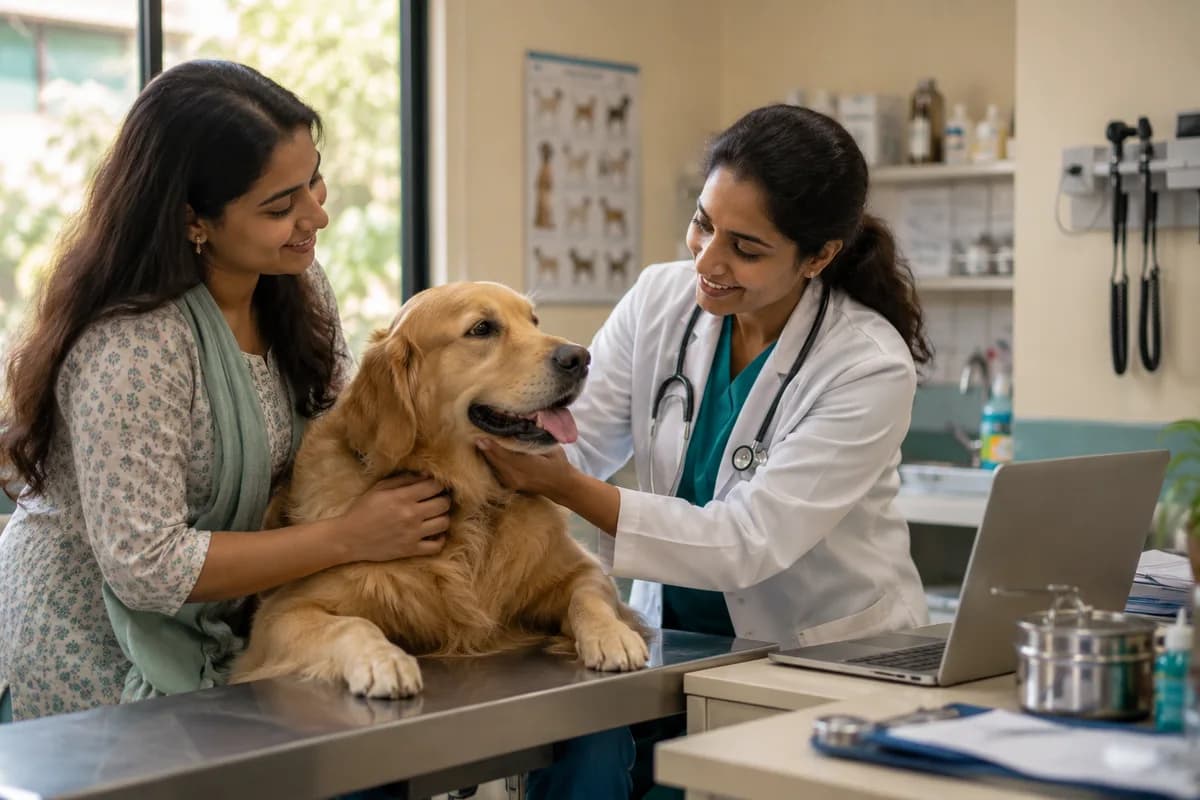
Pet clinics and animal hospitals keep one record per animal, with the owner, the breed, the visits, the prescriptions and the vaccination dates. GullySystem sets up this veterinary system so whichever vet is on duty sees the same history. Bills come out of the visit. It is the clinic’s veterinary billing software as well. Vaccine and medicine stock carries expiry dates.
What goes wrong before the software.
How the work flows through it, step by step.
- 1
Booking
The owner books by phone or online, and the slot appears on the right vet’s calendar. A reminder is sent the day before.
- 2
Check-in
Reception finds the record by the pet’s name, the owner’s name or the breed. Past visits, treatments and vaccinations are on screen before the consultation.
- 3
Consultation
Diagnosis, treatment, prescription and the vaccination given are saved on the pet’s record. Lab results are attached to the same visit.
- 4
Billing
Consultation, procedures and medicines go on the invoice at your rates. Payment is recorded, and any balance stays tracked.
- 5
Stock
Medicines and vaccines are tracked with their expiry dates. Low stock raises an alert, and the order to your supplier is raised from the same screen.
- 6
Reminders
An SMS or email reaches the owner before the next vaccination, deworming, flea treatment or check-up falls due.
What is inside.
Every module can be switched on, left out or changed to match how your team already works.
Appointments
Book appointments for every vet and staff member, with confirmations, reschedules and reminders before each visit.
Learn morePet records
Keep one record per animal with owner, breed, age, visits, diagnoses and lab test results, searchable by pet, owner or breed.
Learn morePrescriptions and treatment notes
Record prescriptions and ongoing treatments on the pet’s record, so the next vet sees what was given and why.
Learn moreVaccination and deworming reminders
Record vaccination and deworming dates for each pet, and remind owners about boosters, flea treatment and yearly check-ups.
Learn moreVeterinary billing and balances
Create invoices from the visit at your set rates, with payments and outstanding balances tracked.
Learn moreVaccine and medicine stock
Track medicines, vaccines and supplies with expiry dates, low-stock alerts and orders to suppliers. Medicines are billed on a pet’s visit rather than across a counter.
Learn moreOwner portal
Let pet parents view their pet’s records, prescriptions, bills and upcoming vaccinations online.
Learn moreSMS and email to owners
Send appointment confirmations, cancellations and health reminders on the channel each owner prefers.
Learn moreClinic reports
Review revenue by service, which treatments take the longest and how the day is spent.
Learn morePayments and balances
Accept card, UPI and payment links, record part payments and insurer splits, and work from an outstanding list.
Learn moreBoarding and daycare
Manage kennel availability, feeding and medication rounds, per-night billing and photo updates to the owner.
Learn moreThe business modules it is built from.
Each one is also available on its own, or inside a system built for you.
- Appointment Scheduling
Reception books appointments for every vet and staff member, sending confirmations and reminders and handling reschedules before each visit.
- Invoice Management
Invoices are created from the visit at the clinic’s set rates, with payments received and outstanding balances tracked per owner.
- Service Reminders
Vaccination and deworming dates are recorded per pet, and owners are reminded about boosters, flea treatment and yearly check-ups.
- Stock Tracking and Alerts
Medicines, vaccines and supplies carry expiry dates and low-stock alerts, and are billed on the pet’s visit rather than across a counter.
- Client Portal
Pet owners log in to see their pet’s records, prescriptions, bills and upcoming vaccinations without calling the clinic.
- WhatsApp, SMS and Email Notifications
Appointment confirmations, cancellations and health reminders reach each owner on the channel they prefer, whether SMS or email.
- Report Builder
Clinic managers review revenue by service, see which treatments take longest and check how the day is spent.
How we would put it in.
Setup, data migration, integrations and anything built on top.
Topics beyond the modules.
Each page covers one part of how the system is used, connected or controlled.
Integrations for Veterinary Clinic Software
The software connects to SMS and email for owner messages and to payment gateways for card and online payment at the desk.
Learn moreViews by Role for Veterinary Clinic Teams
Vets, the front desk, pharmacy staff and clinic owners all work from the same pet records.
Learn moreOne system, each person sees their part.
For vets
See the day’s appointments and each pet’s full history, and record diagnosis, prescription and vaccination.
For the front desk
Manage bookings, check in by pet or owner name, prepare bills and see which owners to remind.
For pharmacy and stock
Monitor medicines and vaccines on hand, items near expiry and orders to suppliers.
For clinic owners
Review revenue by service and vet, outstanding balances and how busy each session was.
The numbers the owner asks for.
- Revenue by service and by vet
- Appointments and no-shows by day
- Vaccinations and deworming due this week and this month
- Stock near expiry and below reorder level
- Outstanding balances by owner
- Which treatments take the longest
Who this is built for.
- Vet clinics with one or two vets and a busy evening OPD
- Pet hospitals with several vets on shifts, where the history must travel with the animal
- Clinics with their own pharmacy for medicines and vaccines
- Animal welfare trusts running a treatment centre
- Vets opening a second branch who want one set of records
When it is not the right choice.
- It is not built for livestock or dairy herd health camps.
- A grooming or boarding business will use the appointment book and leave the medical records untouched.
- A pet hospital that needs inpatient admission, ward and discharge records will find the Hospital Clinic Management System closer.
Adapted to your business before it goes live.
You are not handed a login and left to it. The product is set up around your records, your people and the tools you already use.
Works alongside
- SMS
- Payment gateways
PetSeva: matching owners to the right vet, at any hour
A two-sided veterinary platform where vets are searchable by specialisation and bookable outside clinic hours. It now carries more than 2,000 veterinary doctors.
Questions owners ask before a demo.
What does this vet clinic management system keep for each pet?
One record with the owner, breed, visits, diagnoses, prescriptions, lab test results and vaccination dates. Any vet on duty sees the same history, searchable by pet or owner name.
Can vaccination and deworming reminders reach pet parents?
Yes. Vaccination and deworming dates are recorded on the pet, and owners receive SMS or email reminders before boosters, flea treatment or yearly check-ups are due.
Does a small vet clinic with one vet need this?
Yes, if you see enough pets that cards and reminder calls are slipping. With a small, steady list of regulars, a register may still be enough.
Can we print a rabies or vaccination certificate for an owner?
Not as a certificate format. The vaccine given, its date and the next dose due sit on the pet’s record, and your clinic writes the certificate it needs from that.
Does an e-prescription go out on WhatsApp?
No. Owner messages go by SMS and email only. The prescription stays on the pet’s record, which the pet parent reads in the owner portal along with bills and vaccinations due.
Does it work on a tablet at the consulting table?
Yes. A browser on a tablet or a phone shows the day’s appointments, the pet record, collections and stock alerts. It runs online, so entry waits without signal.
How does billing work with Tally?
Billing and revenue reports are available for your accountant each month. A Tally link is not standard, and can be scoped during set-up.
Can our records be moved from cards and Excel?
Yes. Pets, owners and vaccination dates are carried over from Excel or the software you use now. Paper cards take longer, so we agree which to enter first.
Who owns the pet and owner records?
Your clinic does. The proposal sets out how you take the full record with you, including if you stop using the software.
What does it cost?
No price is published. It depends on your vets, branches and set-up, so a demo comes before any figure, and the figure is provided in writing. Reminders go through your own SMS provider.
Wondering what it costs? Six questions give you a written scope and the buckets any quote should separate.
Written for this trade.
Practical notes on running the business, not product marketing.
How to Automate a Veterinary Clinic Business
Pet records, vaccination reminders, appointments, medicine stock and billing: how veterinary clinics and pet hospitals in India move off case cards.
Learn moreVeterinary Billing Software: Charging the Whole Visit and Keeping Records
Why vet bills miss items, how to build the invoice from the visit record, and what a pet clinic should keep on file for the next vet on duty.
Learn moreBusinesses that use this.
Related products.
See Veterinary Clinic Management System with your own data.
Tell us how you run things today. We’ll show you the parts that matter to you and say plainly what would need changing.
- No obligation
- A reply within one business day
- Your details stay private