Vaccination Reminders and Owner Communication
Reminders for vaccinations, boosters, appointments and follow-ups are built from the pet’s own record and sent by SMS or email. The module keeps a log of what was sent to each owner.
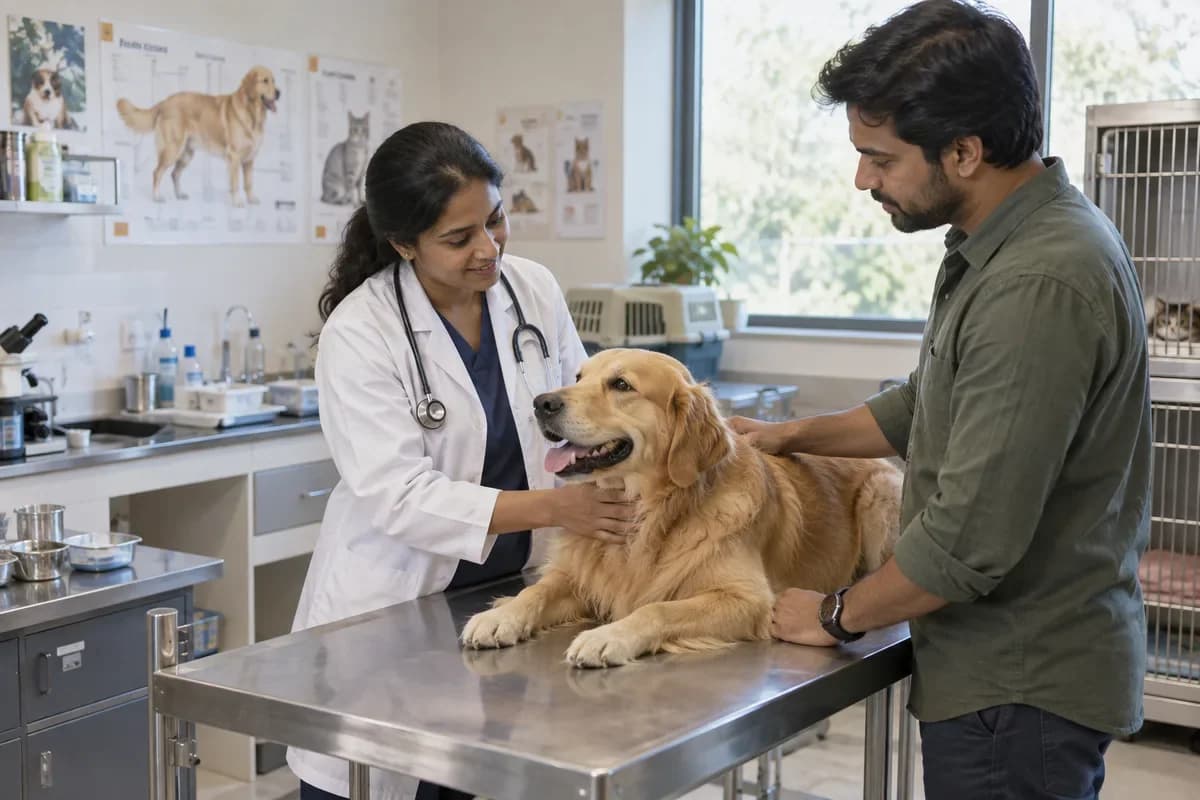
Reminders from the pet record
The vaccination date on the pet’s record is what each reminder is built from, so no parallel diary is kept. A separate diary drifts away from the records, and a booster is then missed. One source is used.
What goes out
The owner portal
Owners can look up their pet’s history, bills and upcoming vaccinations without calling the desk. That takes routine questions off the phone during busy OPD hours.
Messages are not consultations
An owner replying with a photograph of a wound needs a vet, not an automatic answer. Reminders go out on a schedule. Anything a person asks still reaches a person.
Messages owners actually value
Owners say yes to useful messages and ignore the rest. Keep the list short and tied to the pet.
Reminders are only as good as the contact data
A reminder needs a working mobile number. Owners change numbers, give a relative’s number or write one digit wrongly. Every wrong number is a missed booster. Ask for the number to be read back at the desk and check delivery failures weekly. Fix the record when an owner calls from a new number.
Respecting an owner’s wishes
Some owners want only SMS. Some want nothing at night. Some are tired of promotional messages.
- Keep reminders about the pet separate from offers
- Record each owner’s preferred channel at registration
- Stop messages at once when an owner asks
- Keep messages in plain language, with no medical advice in them
Wording that sounds like the clinic
Messages should read like the front desk talking. Use the pet’s name. Name the vet. Give the date and the time. Keep a single line for what to bring, such as the vaccination card. Avoid medical advice and long paragraphs. Review every template with the vet once, then leave it alone.
What to check after the first month of reminders
Look at three things. Reminders that failed to deliver. Owners who booked within a week of a reminder. Owners who asked to stop. Those three tell you whether the numbers on file are good, whether the timing works, and whether the tone is right.
A pet’s reminders over a year
Reminders work best when they arrive at the right point in a pet’s life, from the first jab onward. Here is a year in the record of one puppy. It shows what the clinic sends and when it sends it. It also shows how the owner’s replies come back. Each message has a reason.
Agreeing what the clinic sends and to whom
A message goes out under the clinic’s name, so its content deserves real care. Settle a few points before the first reminder is scheduled. These choices sit with the lead vet and the practice manager. They take one meeting. Write the answers on a single page.
Agree the evidence before signing off this part.
Use a representative scenario to decide what this part of the system must show and where review is still needed.
Appointment confirmation and reminder
What becomes available when a booking is moved or cancelled?
Use “Appointment confirmation and reminder” to move a booking, then cancel a second example. Check the released slot, the person or resource still assigned, and any amount left to settle before accepting the revised schedule.
Background reading: ERPNext: appointment records
Frequently asked questions
Do reminders go by SMS or email?
Yes. Both are supported, and each owner’s preference is stored on the owner record.
Can we set our own vaccination schedule?
Yes. The clinic’s schedules are entered during set-up, and reminders follow them rather than a default, since clinics differ on boosters.
What if an owner does not want messages?
Mark it on the owner record and no messages are sent to that owner.
Can we message every owner at once?
Yes, to a list the clinic chooses. Bulk messages suit announcements better than routine reminders.
How early should a booster reminder go out?
The clinic chooses. A gap of one to two weeks gives owners time to book, though busy seasons may call for earlier notice.
Can reminders go in the owner’s language?
Yes, where the clinic supplies the wording. Templates can be held in the languages your owners use.
Are reminders sent for deworming and flea treatment too?
Yes. The clinic sets the schedule for each product and animal, and reminders follow it.
Can I see which owners have not been reached?
Yes. A message log shows what was sent to each owner, so failures are visible and can be followed by a call.
Can an owner reply to a reminder to book?
A reply reaches the clinic’s number, where the desk reads it and books the slot. Reminders themselves do not run a booking chat.
How this feature fits the system.
Veterinary Clinic Management System: the parts that work with this feature, the trades that use it and the ways to put it in place.
Appointments
Reception books appointments for every vet and staff member, sending confirmations and reminders and handling reschedules before each visit.
Appointment SchedulingVeterinary billing and balances
Invoices are created from the visit at the clinic’s set rates, with payments received and outstanding balances tracked per owner.
Invoice ManagementVaccination and deworming reminders
Vaccination and deworming dates are recorded per pet, and owners are reminded about boosters, flea treatment and yearly check-ups.
Service RemindersTell us what you need.
Tell us what your team does today, where work gets stuck and what you want to change.
What happens after you share your requirements
- We review your brief and the systems you already use.
- We clarify the workflow, missing information and the work to consider first.
- The proposed scope sets out the deliverables, responsibilities and dependencies.
- Review the scope and commercial terms before deciding whether to proceed.
Start with your requirements
Describe your current process, the people involved and the change you need. Start with the details you know; we can clarify the rest together.
Share your requirements