Patient Records for Veterinary Clinics
Each animal has one record holding consultation notes, vaccination history, prescriptions and test reports. Any vet in the clinic can open it, including a locum covering for the regular vet.
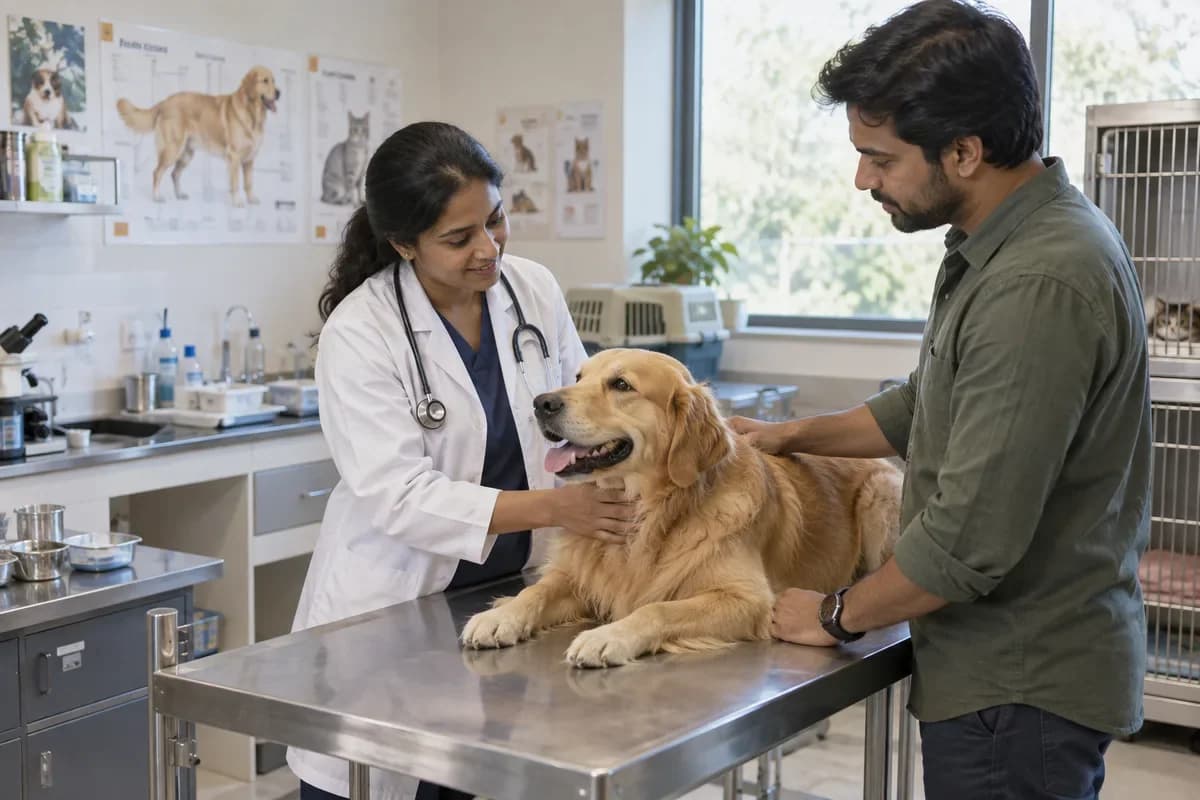
One record per animal
For the covering vet
A locum opens the record and sees what the regular vet would see: earlier treatment, past reactions and what the owner was told to watch for. It is on screen before the animal is on the table.
Finding a record
Records are found by the pet’s name, the owner’s name or the phone number. Owners ring with only the pet’s name, so the desk can search on it.
Bringing in old records
Records in Excel or in older software come across during set-up. Paper cards are typed in by staff. Most clinics enter the animals still visiting and add the rest as owners return. Agree this at the start.
What a good animal record contains
Veterinary records serve three readers: the vet today, the vet next year and the owner who asks what happened. Each reads differently.
Weight and dose
Dosing in animals depends on weight. A puppy gains it fast, so last month’s figure may be wrong. Recording the weight at each visit gives the vet a trend and a safer base for the dose. The vet still calculates the dose. The record only holds the number.
Getting old records in without chaos
Moving from cards or Excel is a project of its own. Plan it.
- Decide which animals to enter first, such as those seen in the last two years
- Clean the owner list before import, removing duplicates
- Agree how scanned cards are attached to a new record
- Check a sample of fifty records with the vet before the first working day
Privacy of owner and animal data
An owner’s name, number and address sit on every record. Keep access to staff who need it. Do not share records by messaging apps from personal phones. When an owner asks for a copy of a history, print or send it from the system, so the file is complete.
When a record has to be corrected
A wrong weight, a wrong breed or a wrong date happens. Correct it with a note of what changed and who changed it. Never overwrite a diagnosis without a trace, because later vets rely on what was written at the time.
Animal records through a clinic day
A record for each animal is opened, read and extended by several people between the first walk-in and closing time. Following one animal through the day shows who adds what. It also shows why the next person can trust it. Trust is the point.
Decisions before records go in
Before any animal record is created, the clinic owner and head vet settle a few rules. These choices decide who may change a note, what stays out, and how old paper or spreadsheet cards come across. Settle them early, before data goes in.
Agree the evidence before signing off this part.
Use a representative scenario to decide what this part of the system must show and where review is still needed.
Weight and dose
Do purchasing, operating and billing quantities use the same unit?
Check the measurement unit and rounding used in “Weight and dose”. Compare the result with a known sample before accepting a converted quantity or calculated charge.
Background reading: ERPNext: units of measure
Attachments
Who can open the file through its direct link?
For “Attachments”, check a sample with an authorised account and an account that should be refused. Include the downloadable file, not only the page showing its name.
Background reading: OWASP: record-level access
Frequently asked questions
Can we attach test reports?
Yes. Each report is attached to the visit it belongs to, so a later vet finds it where they would look.
What if two owners both have a dog called Bruno?
Search by owner or by phone number and pick the right one. Records are kept apart by owner, not by name.
Can the owner see the record?
Yes, through the portal: pet history, bills and upcoming vaccinations.
Does it work for livestock?
No. It is built for pet clinics and animal hospitals. Herd health and dairy work are a different kind of practice.
Can a record hold a photograph of the pet?
Yes. A photo can be attached, which helps the desk confirm the right animal at check-in.
How do I merge two records of the same pet?
Our team merges them on request, so the visit history ends up in one place.
Can I record a pet that has passed away?
Yes. The record is marked and reminders stop, but the history stays available.
Does it store microchip numbers?
A microchip or tag number can be kept on the record and used to search for the animal.
Can I print a vaccination certificate for travel?
A vaccination history can be printed from the record. Whether a certificate carries extra wording or a stamp is for the clinic’s vet to decide.
How this feature fits the system.
Veterinary Clinic Management System: the parts that work with this feature, the trades that use it and the ways to put it in place.
Appointments
Reception books appointments for every vet and staff member, sending confirmations and reminders and handling reschedules before each visit.
Appointment SchedulingVeterinary billing and balances
Invoices are created from the visit at the clinic’s set rates, with payments received and outstanding balances tracked per owner.
Invoice ManagementVaccination and deworming reminders
Vaccination and deworming dates are recorded per pet, and owners are reminded about boosters, flea treatment and yearly check-ups.
Service RemindersTell us what you need.
Tell us what your team does today, where work gets stuck and what you want to change.
What happens after you share your requirements
- We review your brief and the systems you already use.
- We clarify the workflow, missing information and the work to consider first.
- The proposed scope sets out the deliverables, responsibilities and dependencies.
- Review the scope and commercial terms before deciding whether to proceed.
Start with your requirements
Describe your current process, the people involved and the change you need. Start with the details you know; we can clarify the rest together.
Share your requirements