Follow every movement of an item, and warn somebody before it runs out.
Stock tracking follows every movement of an item as it happens: received, issued, sold, returned, transferred. Each item and each location carries a reorder level, and when stock falls under it somebody is told before a customer finds out. The physical count then becomes a check on the figures and not a rescue operation.
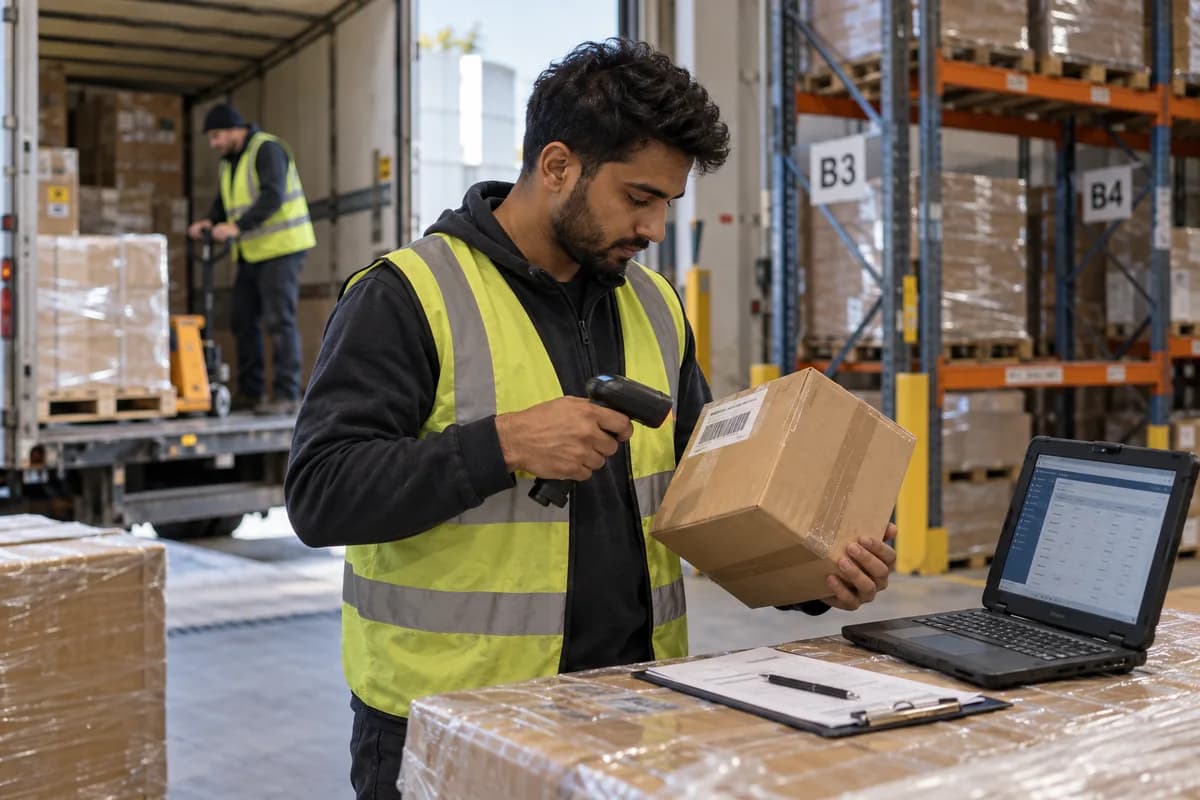
Stock is usually two things at once. There is the figure in the software, which was last true in August, and there is what is behind the shutter. A customer asks for eight pieces, the counter says yes, and the boy comes back from the warehouse with five. The shelf tells another story.
Every movement is entered against the document that caused it: a receipt, a bill, a transfer note or a return. The balance is the sum of those movements and not a number somebody typed. When it drops below the level you set, an alert goes to the person who can order. Nobody has to guess.
What your team uses today.
The module takes over these, one at a time, so nothing has to stop while it is set up.
- The stock register at the godown
- A weekly count sheet
- Reorder decided by looking at the shelf
The problems this is meant to ease.
What stock tracking and alerts does.
What this looks like in a working week.
Illustrative scenarios, written to show the shape of the work. They are not accounts of client systems.
The people who open this every day.
From first conversation to daily use.
Walk the storage
Show us the godown and the counters. A note lists the locations and the item groups.
Set reorder levels
Supply levels per item and place, or ask for suggestions from history. Balances and alerts then appear for trial.
Opening stock
A count is taken and loaded as the opening balance. The team checks a sample against the shelf.
Train storekeeper and counter
Each group practises receipts, issues and transfers. Short cards for the shelves follow.
Alerts go live
Alerts reach named people. A review once the opening season ends lists slow stock.
How you would know it is working.
Record where you stand before it goes live, so the change is measured against your own figures.
- Items below reorder level, by location
- Alerts sent and the stock action that followed
- Count differences, with reasons
- Items not moved this season
- Balance on a past date compared with the count
It is one part of a system, not an island.
A module earns its place by what it passes to the next one. These are the connections we set up most often.
- Purchase order management
- Goods receipt
- Point of sale billing
- Multi-outlet stock
- Your accounting software
Products that include it.
How we would put it in.
Questions owners ask about stock tracking and alerts.
Why will the system still not match the warehouse?
Because software counts documents and a warehouse holds goods. If material leaves without an entry, no system on earth will know. What this does is make the gap small enough to investigate, and give you a date it started. That gap is the useful part.
Do we need barcodes for this?
Not to begin with. Barcodes help at a busy counter and for serial-numbered goods. A hardware shop selling by the piece and the metre can run this well without a single label. Start simple.
Can the alert come on WhatsApp?
Yes, to the person who actually places orders, with the item and the quantity left. Our grocery system sends low-stock alerts that way. An alert going to an email nobody opens is the same as no alert.
Why here, when my accounting software keeps stock already?
If billing happens in your accounting software and stock rarely moves outside it, keep stock there. This matters when goods move at a counter, a site or a second warehouse, and only the bills reach your accountant later.
Why does stock tracking cost more for a shop with a godown?
Items, locations, the people recording movements and the links to purchase, billing and accounts. A shop with counters and a godown needs more setup than a lone store. That is expected. Links to purchase and billing are priced separately. They can be added later.
What decides when tracking can start?
The state of the item list and the opening count. Movements, balances by location and reorder alerts come first. Counts with reasons and slow-stock lists follow. The proposal sets the dates.
Businesses that ask for this.
Modules that work with it.
Tell us how you handle stock tracking and alerts today.
A spreadsheet, a register or another system: say which, and we will tell you plainly what is worth changing.
What happens after you share your requirements
- A senior engineer reads your answers. Nobody phones first.
- Within one business day you get a written note: what we understood, what we would start with, and the questions we still have.
- If it fits, a proposal follows with the order of work, what we need from you and what you receive at each step.
- No call is booked and nothing is paid until you have read the note. Your details stay with us.
Start with your requirements
Seven short steps that tell us what you need. A senior engineer reads them before anyone gets in touch.
Share your requirements