Hold stock by location, and see what is in transit between them.
Warehouse management keeps stock by location and not as one number: the main shop, the warehouse on the highway, the material lying at a site. Transfers move with a note, so goods in transit are visible and not missing. If a customer wants delivery tomorrow, the person on the phone can say which warehouse it will come from.
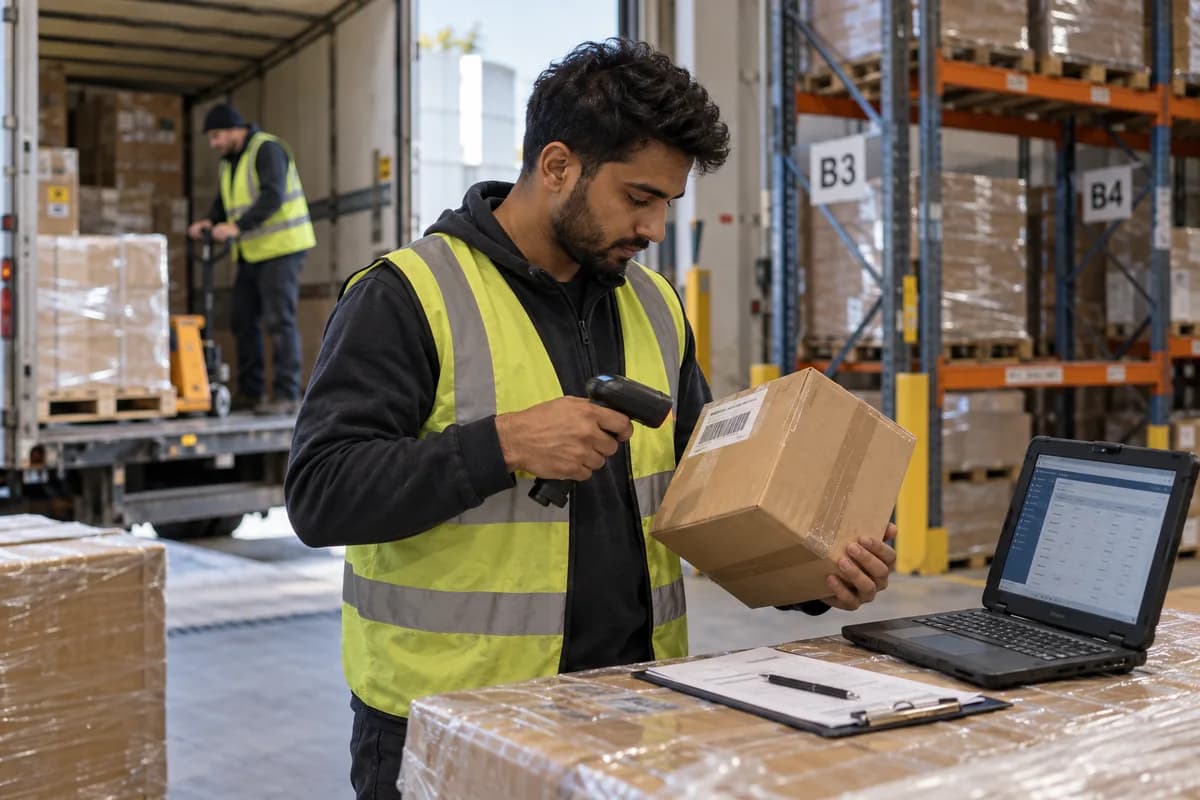
Two warehouses and a shop, and the stock figure is the total of all three. Somebody promises delivery from the nearer one, the van goes, and the material turns out to be at the other end of town. The customer waits a day and remembers it for a year.
Hold stock at the place it is kept. Each warehouse, shop or site store has its own balance, its own count and its own person answering for it. Material that has left one and not yet reached the other sits in transit, which is exactly where it is.
What your team uses today.
The module takes over these, one at a time, so nothing has to stop while it is set up.
- Stock registers kept per godown
- Transfer slips on loose paper
- Counting sheets for a full shutdown
The problems this is meant to ease.
What warehouse management does.
What this looks like in a working week.
Illustrative scenarios, written to show the shape of the work. They are not accounts of client systems.
The people who open this every day.
From first conversation to daily use.
Visiting the sites
We walk through each location and its layout. You supply stock lists, and a location plan returns.
Locations and racks
Sites, racks and sections are named. Staff check the names against signage.
Opening stock
Balances are loaded per location. Counts confirm the load before use.
Transfers and picking
Transfer notes and pick lists are tested across nearby sites. Loaders say what to change.
Permissions and live use
Each storekeeper is given his own location. Live movement begins on an agreed day.
How you would know it is working.
Record where you stand before it goes live, so the change is measured against your own figures.
- Stock in transit by age
- Transfers received short or in excess
- Picking errors found at despatch
- Count differences by location
- Issues attempted from a location outside permission
It is one part of a system, not an island.
A module earns its place by what it passes to the next one. These are the connections we set up most often.
- Stock tracking and alerts
- Goods receipt
- Multi-outlet stock
- Transport documents
- Your accounting software
Products that include it.
How we would put it in.
Questions owners ask about warehouse management.
Do we need rack and bin numbers?
Most small warehouses do not. Start at warehouse level and add sections only where searching wastes real time, such as tiles by shade or fabric rolls. Bin numbers nobody maintains are worse than none.
Is our accounting software enough, since it can handle warehouses?
If your billing and your stock both live in one accounting package that tracks locations, yes, and you should stay there. This matters when goods move at a counter or a site and the accountant sees only the bills afterwards.
What about a warehouse with no network?
Entries can be made on a phone when the signal returns, or written and keyed at the office that evening. We would rather set that expectation now than promise coverage inside a tin shed.
Does a transfer between our warehouses need a transport document?
It can, depending on the distance and the value, and the rules are for your accountant to confirm. The module keeps the transfer details ready so the document can be produced where one is needed. Our furniture showroom software already counts floor, display and warehouse stock separately.
What changes the price of warehouse management?
Site count and item volume change it. Rack tracking and transport links add more. A site visit comes first. Separate prices follow for each part, and any part may go.
What governs the time before locations go live?
The state of stock data and the naming of racks. Early use gives location balances, transfers and picking. The proposal states dates after the visit.
Businesses that ask for this.
Modules that work with it.
Tell us how you handle warehouse management today.
A spreadsheet, a register or another system: say which, and we will tell you plainly what is worth changing.
What happens after you share your requirements
- A senior engineer reads your answers. Nobody phones first.
- Within one business day you get a written note: what we understood, what we would start with, and the questions we still have.
- If it fits, a proposal follows with the order of work, what we need from you and what you receive at each step.
- No call is booked and nothing is paid until you have read the note. Your details stay with us.
Start with your requirements
Seven short steps that tell us what you need. A senior engineer reads them before anyone gets in touch.
Share your requirements