Field App for Garden Crews and Supervisors
Gardeners and supervisors open their tasks, complete checklists and upload site photos from a phone. The office reads the same record, so progress can be checked from the desk instead of by phoning the site.
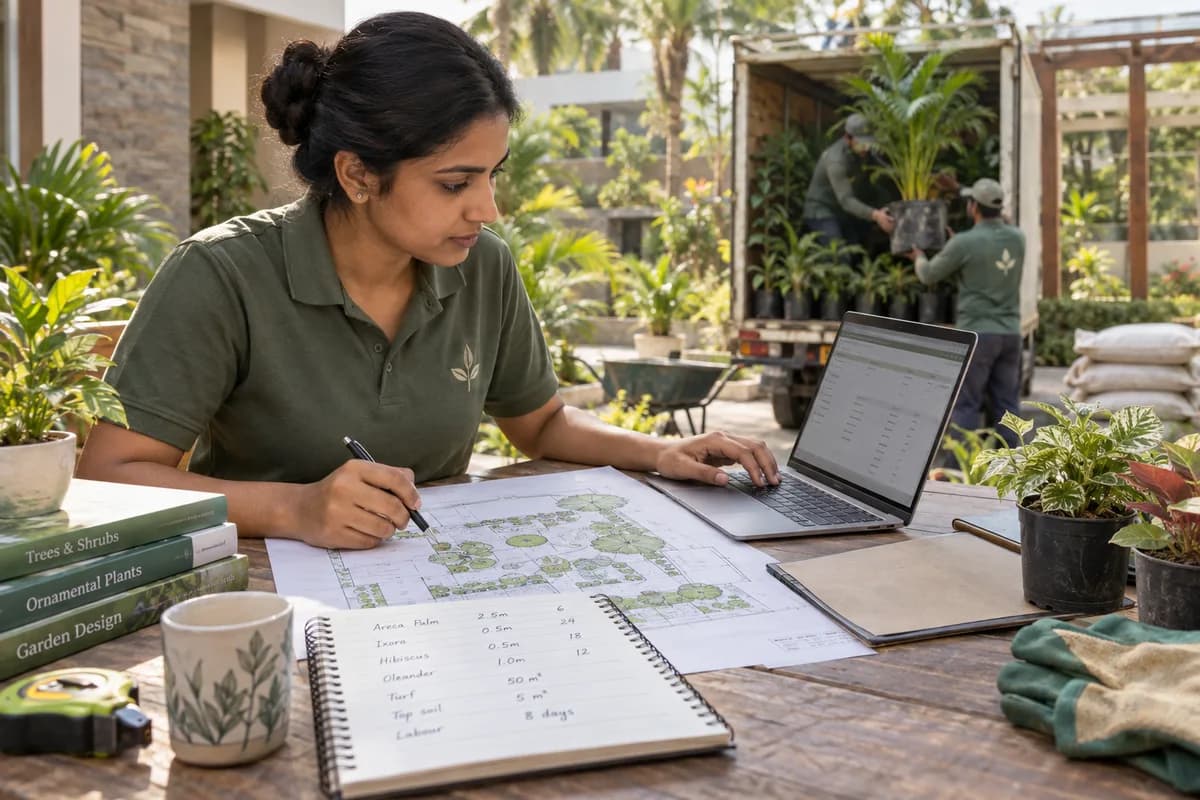
Work recorded where it is done
A landscaping crew works in gardens, on terraces and in building compounds, away from the office. The field app gives each crew lead the day’s site and tasks on a phone. What is done there goes straight onto the project record. Nobody copies it from a notebook later.
What a crew lead does on the phone
What the office sees
The project manager reads the checklists, photos and notes as they arrive. Milestone progress follows from the tasks closed on site. When a milestone is reached, the client receives an update by email or SMS. Purchase and accounts staff read the same project, so deliveries and invoices can be planned against actual progress.
What the app does not decide
The app records work. It does not set the checklist for a stage or the milestones of a garden. Those come from the contractor’s own way of working. They are set up with GullySystem during implementation.
- Checklists are written for your stages of work
- Crew leads are given a login for their own sites
- Training for crew leads is held as a short session
- Which phones are used is agreed with the client
Frequently asked questions
Can gardeners use it on an ordinary smartphone?
Yes. Crews see their tasks, complete checklists and upload photos from an ordinary smartphone.
Does the client see the photos?
The client receives milestone updates by email or SMS. Whether photos are included is agreed with the contractor during implementation.
Who writes the checklists?
They are set up with you at the start from your own stages of work, and our support team makes later changes.
Do crew leads need to be trained for long?
No. Short sessions cover the phone screens for crew leads, and a separate session covers estimates and purchases for the office.
Tell us what you need.
Share your requirements and one of our engineers will come back to you within one business day.
- No obligation
- A reply within one business day
- Your details stay private
Start with your requirements
Seven short steps that tell us what you need. An engineer reads them before getting in touch.
Share your requirements