Temple Software Connections to UPI, WhatsApp and CSV
The temple system connects to UPI and bank transfer references, a WhatsApp chat button on the website and CSV exports for the accountant. Anything further is agreed during scoping.
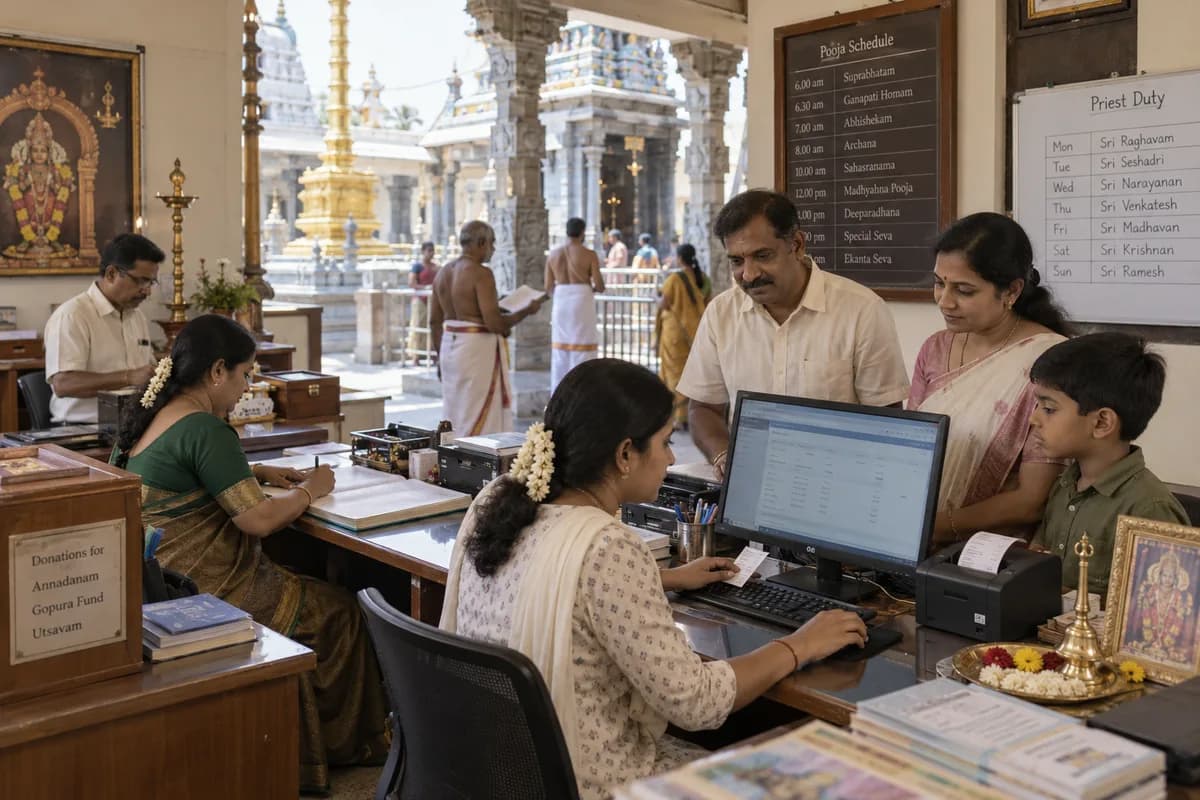
What it connects to
What depends on the other system
The payment itself happens in the donor’s own UPI app or bank, and the money lands in the trust’s account. The system holds the reference and the receipt, and an office person matches it against the bank statement. For WhatsApp, the chat depends on the number the trust provides for the button.
Tally and accounting
There is no direct link to Tally. The accountant downloads the CSV files and brings them into the books. A direct link is separate work, planned and priced on its own if the trust wants one.
Confirmed during scoping
- The UPI and bank details shown on the donation page
- The WhatsApp number used for the website button
- Which spreadsheets the accountant needs and how often
- How Excel lists and registers are brought in
- Whether a direct accounting link is needed
Frequently asked questions
Does the system check payments against the bank?
No. The donor enters the reference and the office matches it to the bank statement by hand.
Can the accountant use it with Tally?
Not directly. The accountant downloads CSV files and brings them into Tally. Linking to Tally directly is a separate job.
Can old devotee and donation records be brought in?
Yes. Devotee lists and past donations are loaded from Excel sheets or paper registers before go-live, and receipt numbering continues from the current series.
Does the website run on our own domain?
Yes. The temple website is set up on the trust’s domain, hosted by GullySystem, with backups and support when the office calls.
Tell us what you need.
Share your requirements and one of our engineers will come back to you within one business day.
What happens after you share your requirements
- A senior engineer reads your answers. Nobody phones first.
- Within one business day you get a written note: what we understood, what we would start with, and the questions we still have.
- If it fits, a proposal follows with the order of work, what we need from you and what you receive at each step.
- No call is booked and nothing is paid until you have read the note. Your details stay with us.
Start with your requirements
Seven short steps that tell us what you need. A senior engineer reads them before anyone gets in touch.
Share your requirements