Online Temple Donations by UPI and Bank Transfer
A devotee uses UPI or a bank transfer from the temple website and enters the transaction reference. A numbered receipt is raised with that reference, so the office can match it against the bank statement.
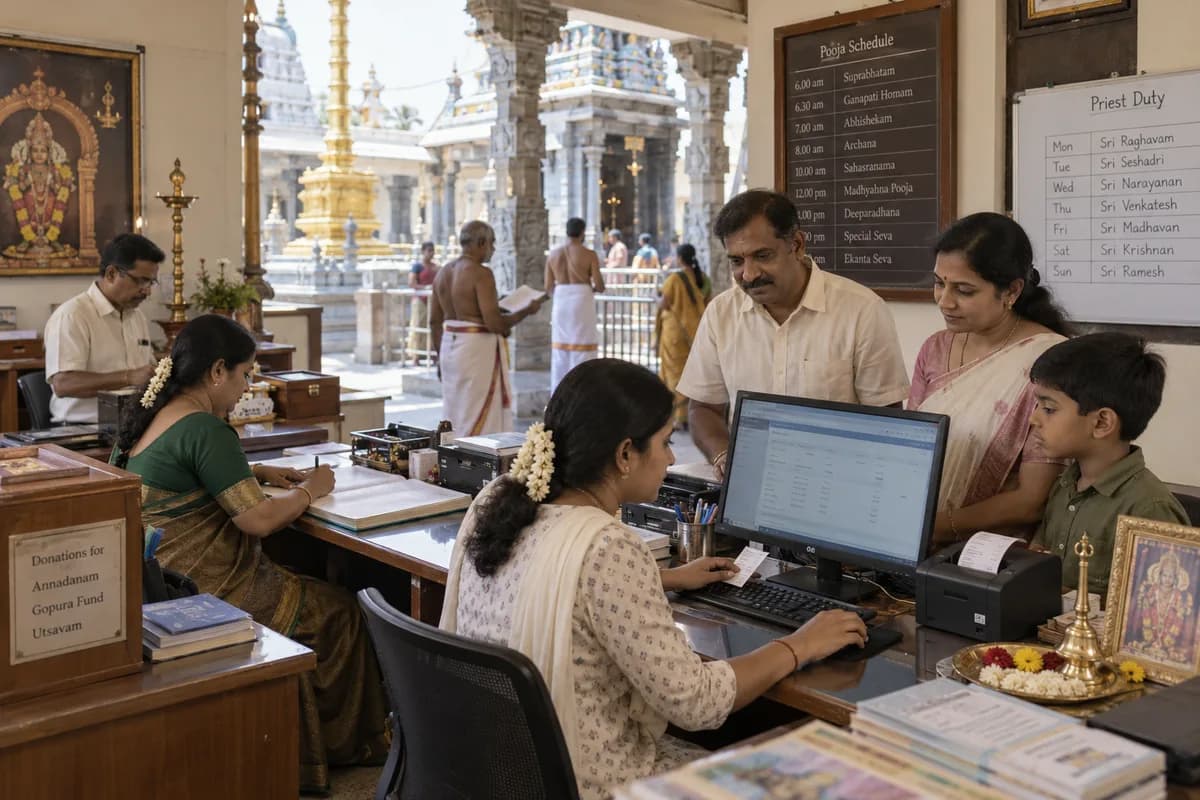
How a gift reaches the office
The donation page on the website shows the temple’s UPI details and bank account. After paying from their own app or bank, a devotee types the transaction reference on the page. The entry then arrives in the donation list with that reference on it, ready for the office to check.
Matching is done by a person
The match is manual by design. The system does not read the bank statement or confirm the payment on its own. A person in the office checks each reference and confirms that the money has arrived, which keeps the receipt register in step with the bank. This is the step the trust’s accountant will ask about.
Where online gifts show
- In the donation list with its transaction reference
- In collections by payment mode, beside cash, UPI, cheque and bank transfer
- In today’s and this month’s totals on the dashboard
- In the receipts register, which downloads as CSV for the accountant
What the trust decides
The trust decides which heads appear on the donation page and which UPI and bank details it shows. Who matches the references, and how often, is agreed with the trustees during set-up. Whether the trust’s 80G details print on a receipt follows what the trust enters.
Frequently asked questions
Does the system confirm that the payment arrived?
No. The devotee enters the reference and the office matches it against the bank statement. A person confirms the money before it is treated as received.
Can a devotee pay for a seva online in the same way?
No. A seva is requested online and the office confirms it, with payment taken at the counter. The online payment route is for donations.
Which payment methods are shown on the donation page?
UPI and bank transfer. The trust’s own details are displayed, and the donor pays from their own app or bank.
Do online donations get the same receipt number series?
Yes. They take the next number in the one series used for sevas and donations, and the PDF carries the reference.
Tell us what you need.
Share your requirements and one of our engineers will come back to you within one business day.
What happens after you share your requirements
- A senior engineer reads your answers. Nobody phones first.
- Within one business day you get a written note: what we understood, what we would start with, and the questions we still have.
- If it fits, a proposal follows with the order of work, what we need from you and what you receive at each step.
- No call is booked and nothing is paid until you have read the note. Your details stay with us.
Start with your requirements
Seven short steps that tell us what you need. A senior engineer reads them before anyone gets in touch.
Share your requirements