Reports for Temple Trustees and Accountants
The dashboard and reports read from the donations, sevas and receipts the office already records. Trustees see totals, and the accountant downloads the detail as spreadsheets.
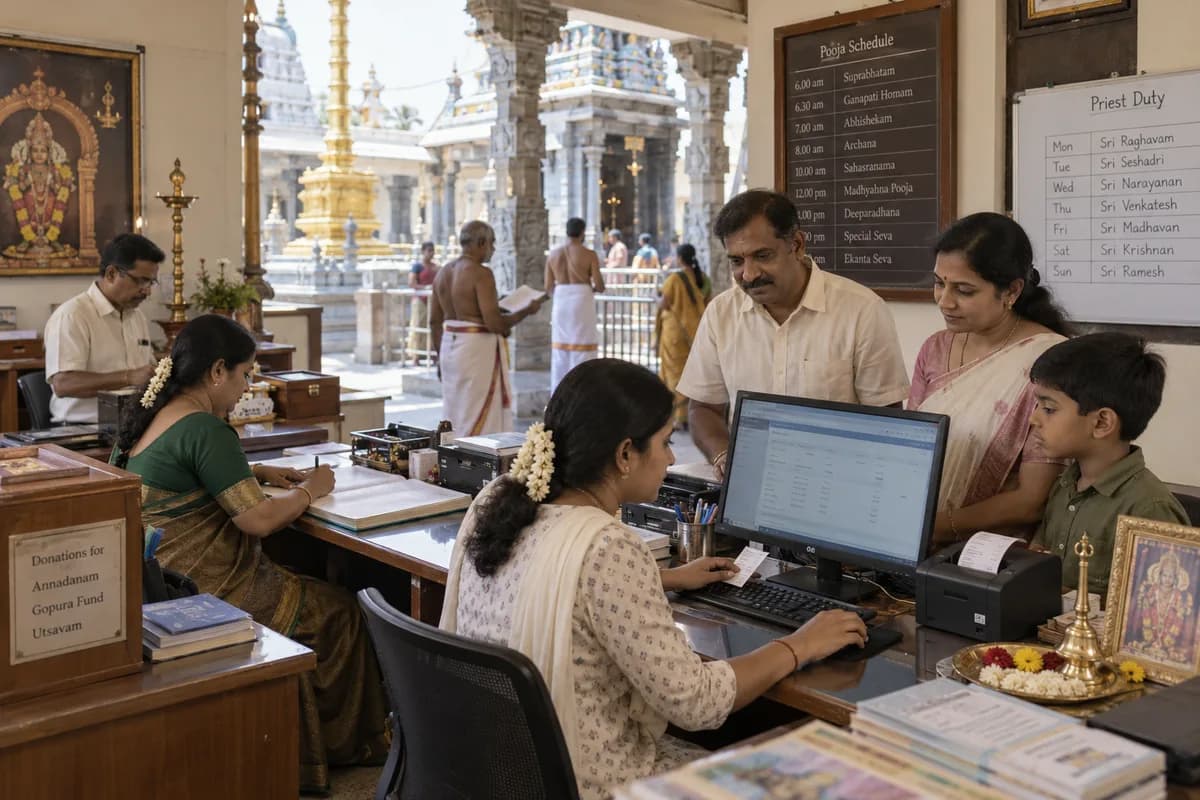
The reports
Who reads them
Managing trustees read the dashboard for the day and the month. Counter staff close the day against collections by payment mode. The accountant works from the CSV downloads for the books and the audit. Priests work from their own list of assigned sevas instead.
What the figures reflect
Only what the office has entered shows up in the totals. A hundi count appears only after someone enters it under its own head, and an online gift counts only once the office has matched its reference to the bank statement. A total that looks short usually means an entry is still waiting, so check the pending items first.
What the system does not do
- It does not connect to Tally. The accountant brings in the CSV downloads.
- It does not prepare the trust’s audit or tax filings.
- Reports beyond this list are agreed with the trust during scoping.
- The trust decides who may open each report.
Frequently asked questions
Can the accountant get the receipts as a spreadsheet?
Yes. The receipts register downloads as CSV, along with donations, bookings and the devotee list.
Does the dashboard show hundi collections?
Yes, once the count is entered under its own head. It then appears beside counter and online donations, split by payment mode.
Are the figures live?
Yes. Totals on the dashboard change as bookings and donations are entered.
Can the trustees see a comparison across years?
The dashboard shows today’s and this month’s figures. Anything beyond that comes from the CSV downloads or is scoped with the trust.
Tell us what you need.
Share your requirements and one of our engineers will come back to you within one business day.
What happens after you share your requirements
- A senior engineer reads your answers. Nobody phones first.
- Within one business day you get a written note: what we understood, what we would start with, and the questions we still have.
- If it fits, a proposal follows with the order of work, what we need from you and what you receive at each step.
- No call is booked and nothing is paid until you have read the note. Your details stay with us.
Start with your requirements
Seven short steps that tell us what you need. A senior engineer reads them before anyone gets in touch.
Share your requirements